Two to four minute tutorials recorded in the real app, one task per video. New episodes are added as they are produced.
34 videos
2 videos
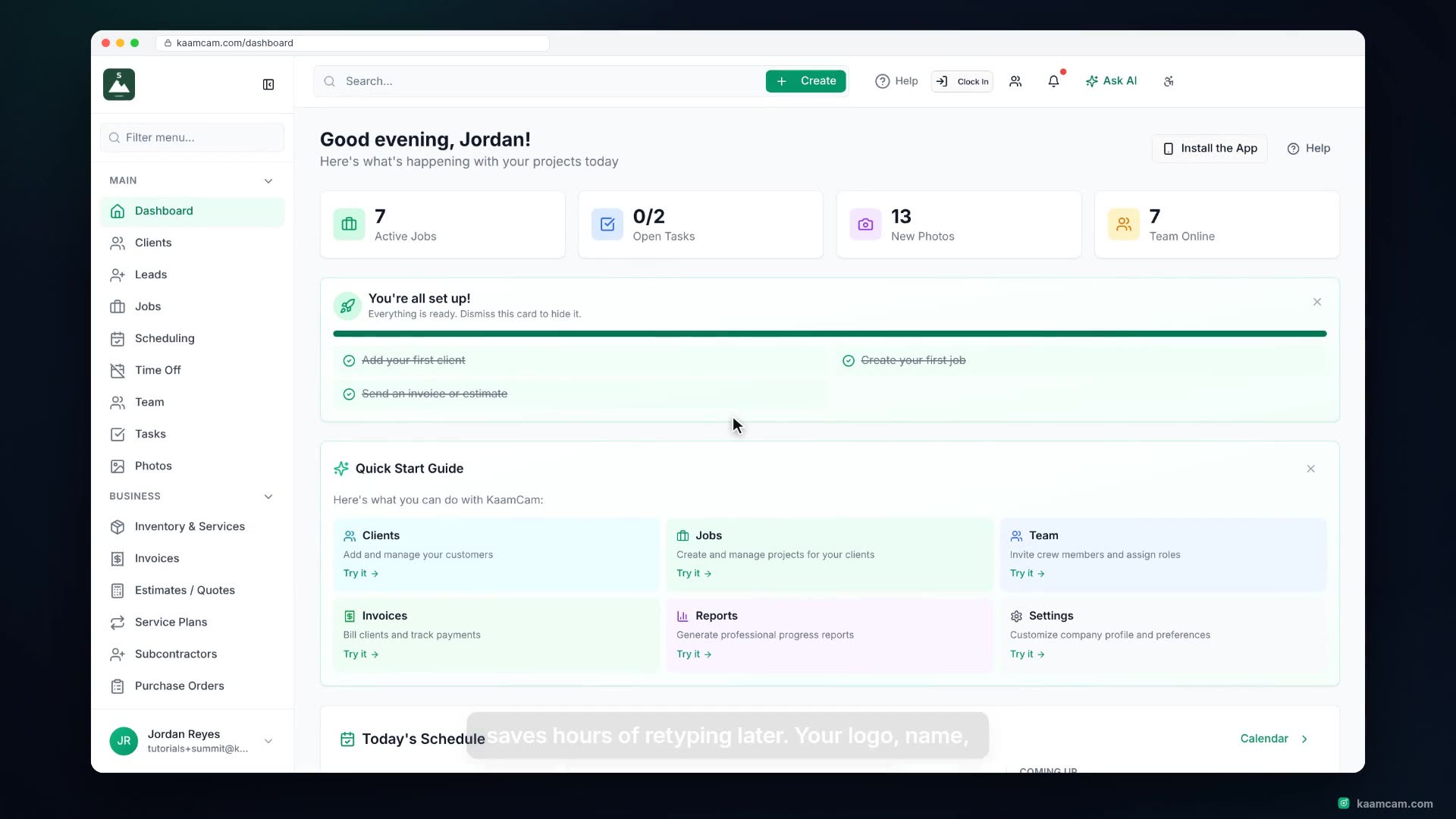
Set up a new KaamCam account the right way: upload and crop your logo, fill in the company details that print on every estimate and invoice,
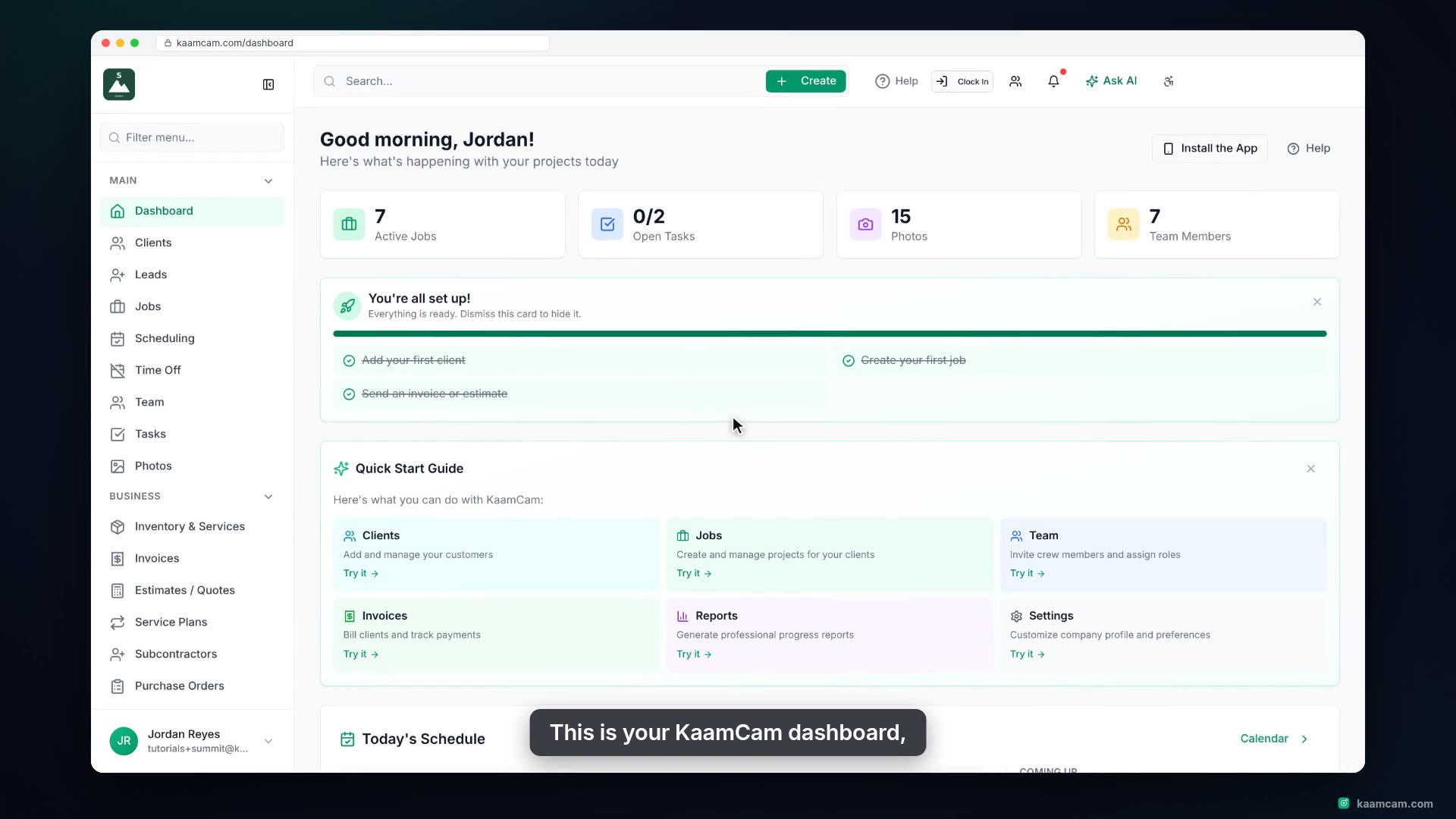
A guided tour of the KaamCam dashboard for new users: the global search and Create menu, Help, Clock In, notifications and Ask AI in the hea
3 videos
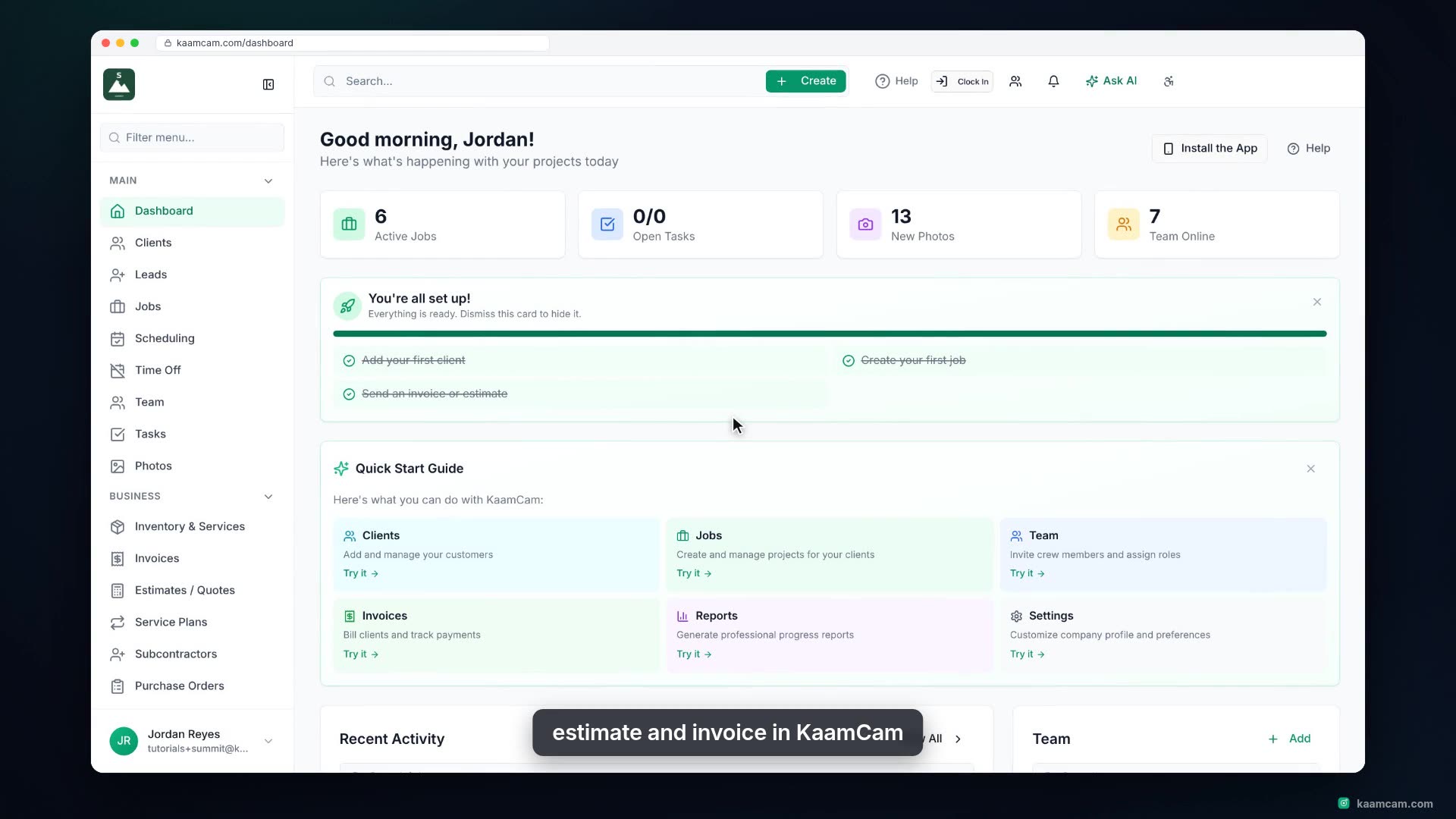
Add a client in KaamCam the right way: company name and contact person, primary and secondary email and phone, an address that autocompletes
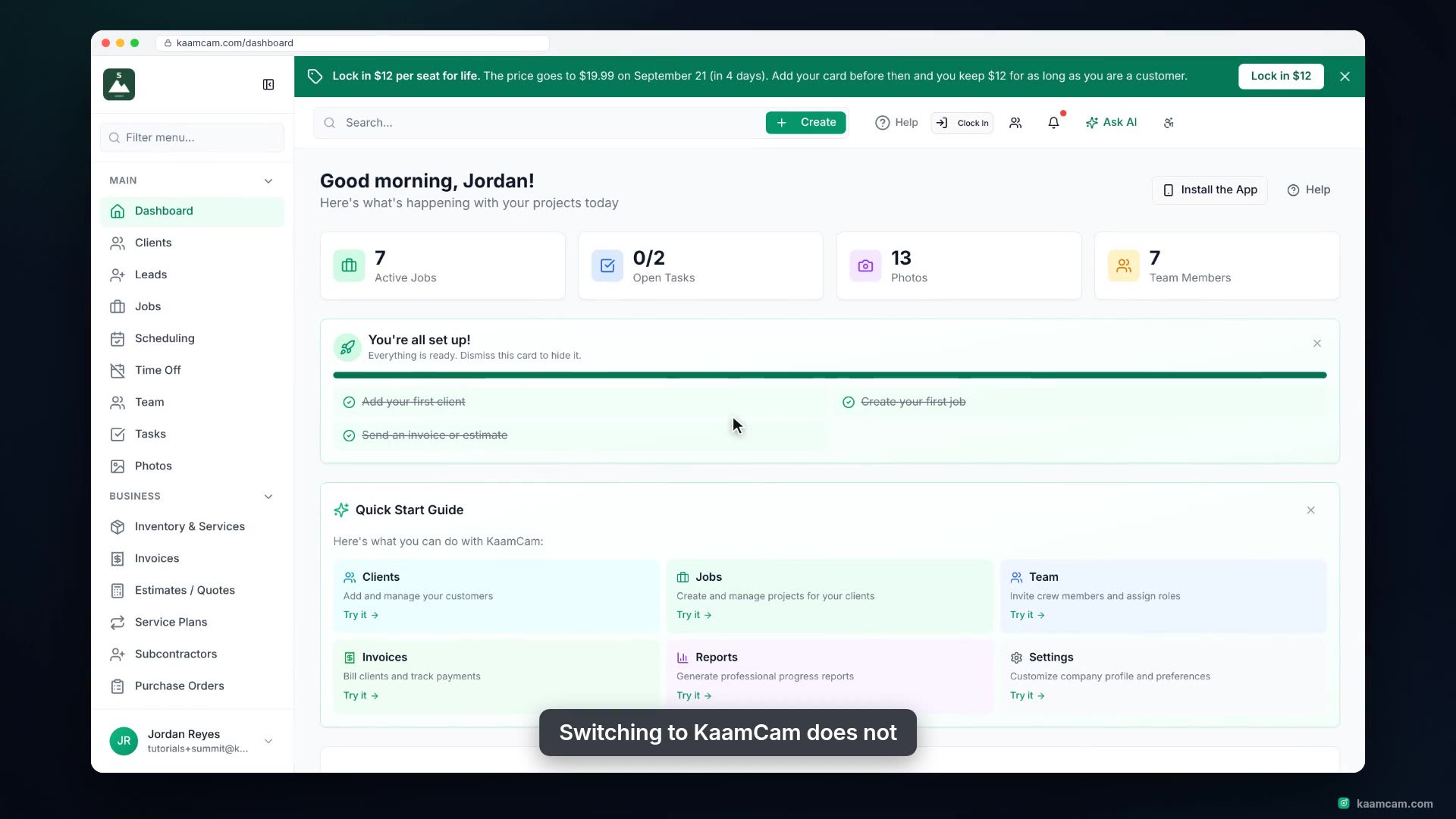
Move your customer list into KaamCam without retyping it. Download the Clients CSV template, fill in the columns that matter, upload the fil
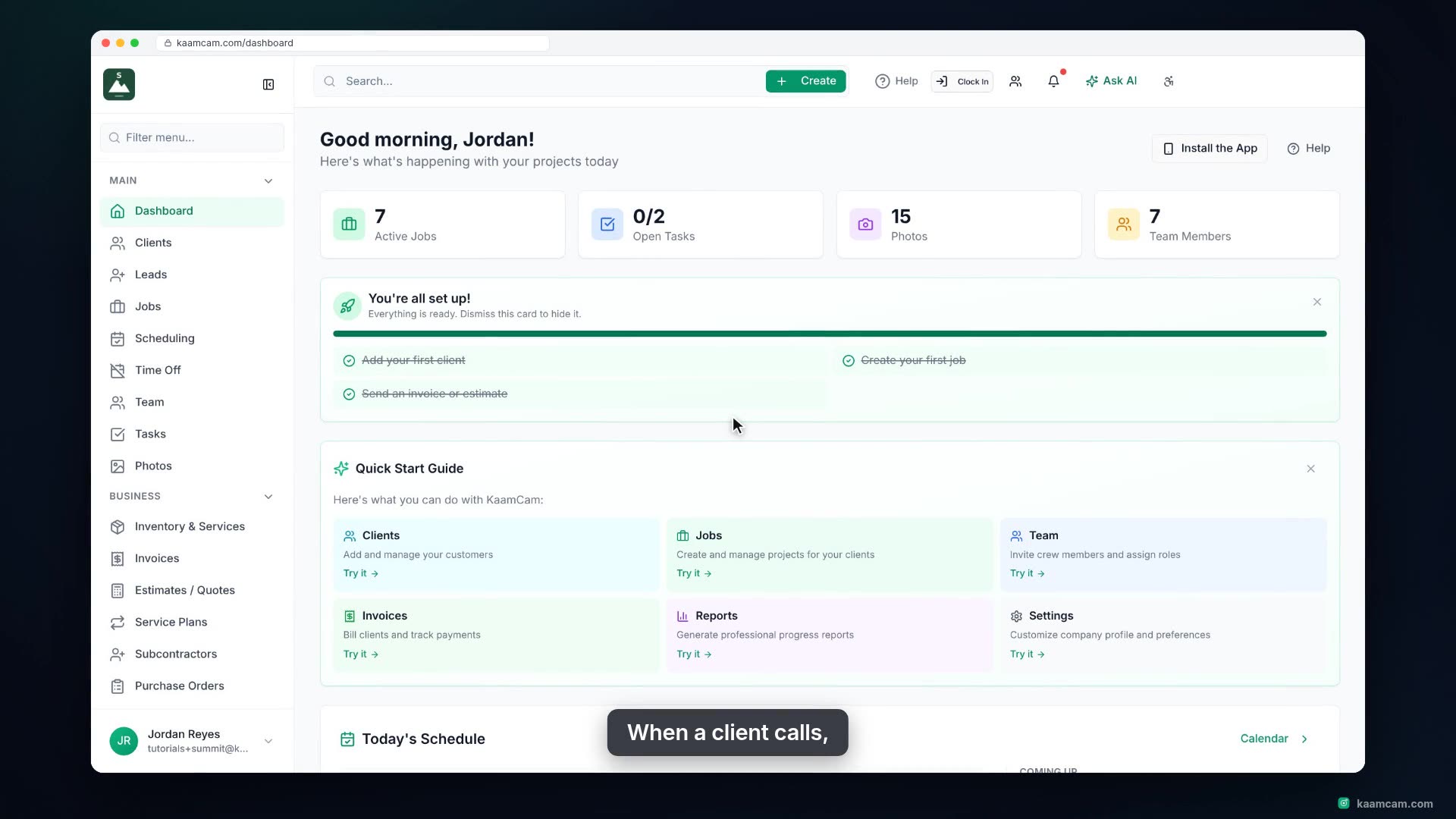
Open a client profile in KaamCam and see everything about that client in one place: contact details, linked contacts, the client portal, per
2 videos
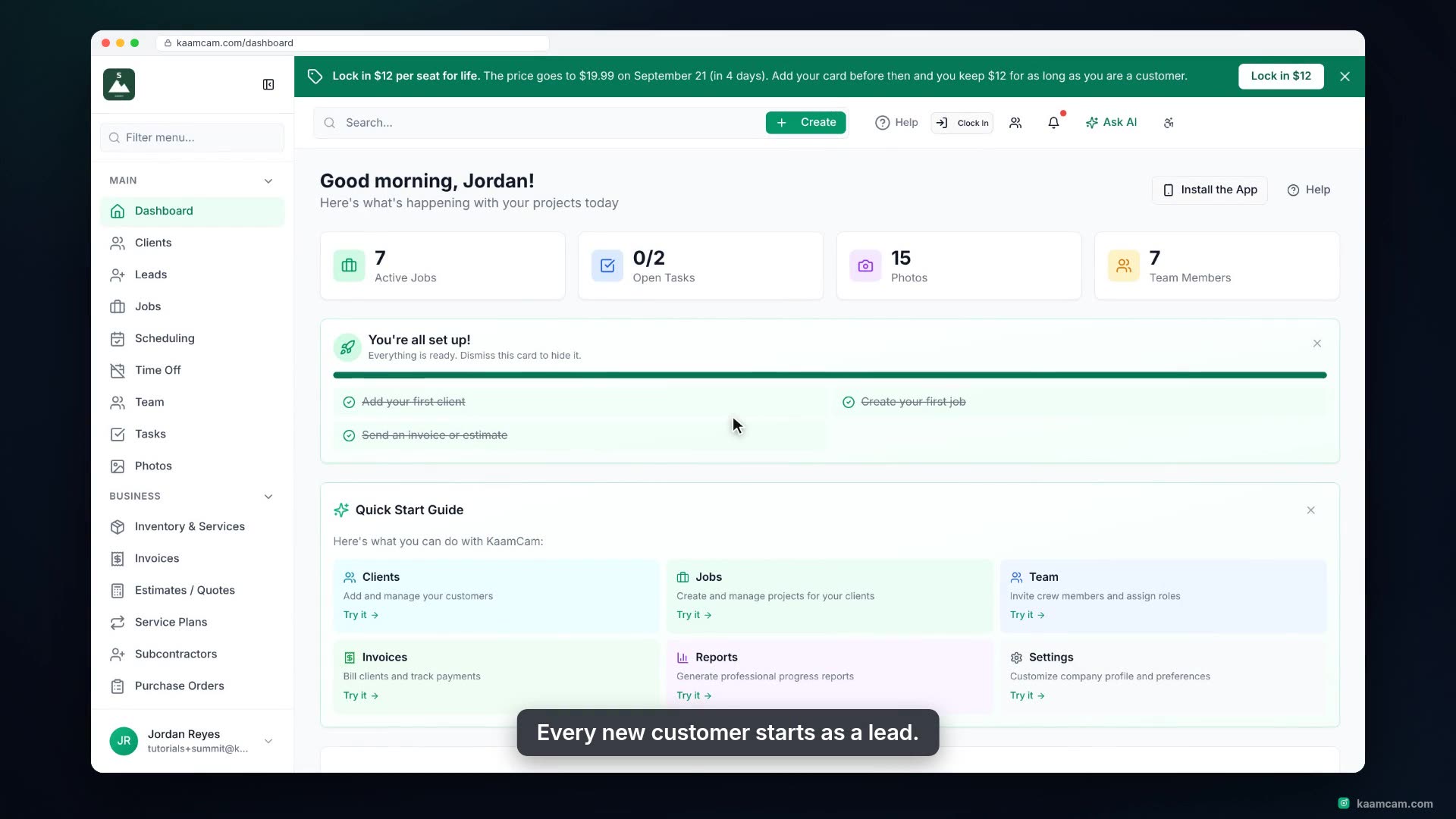
See where new customer requests land in KaamCam and how to work them: filter and search the lead list, open a lead to see contact, location
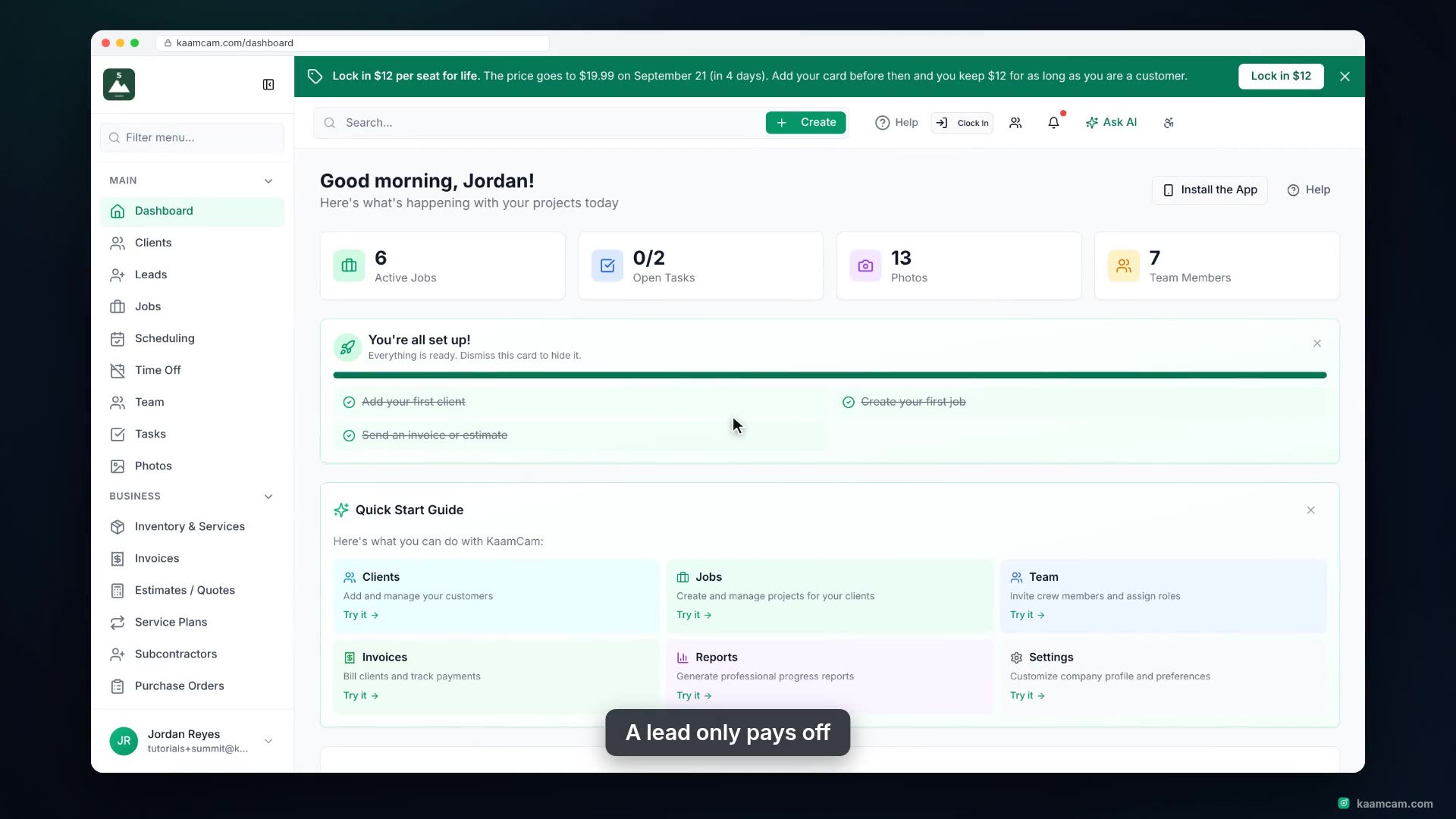
Turn a contacted lead into real work in KaamCam: open the lead, jump to the client record that was created for it, create their first job wi
5 videos
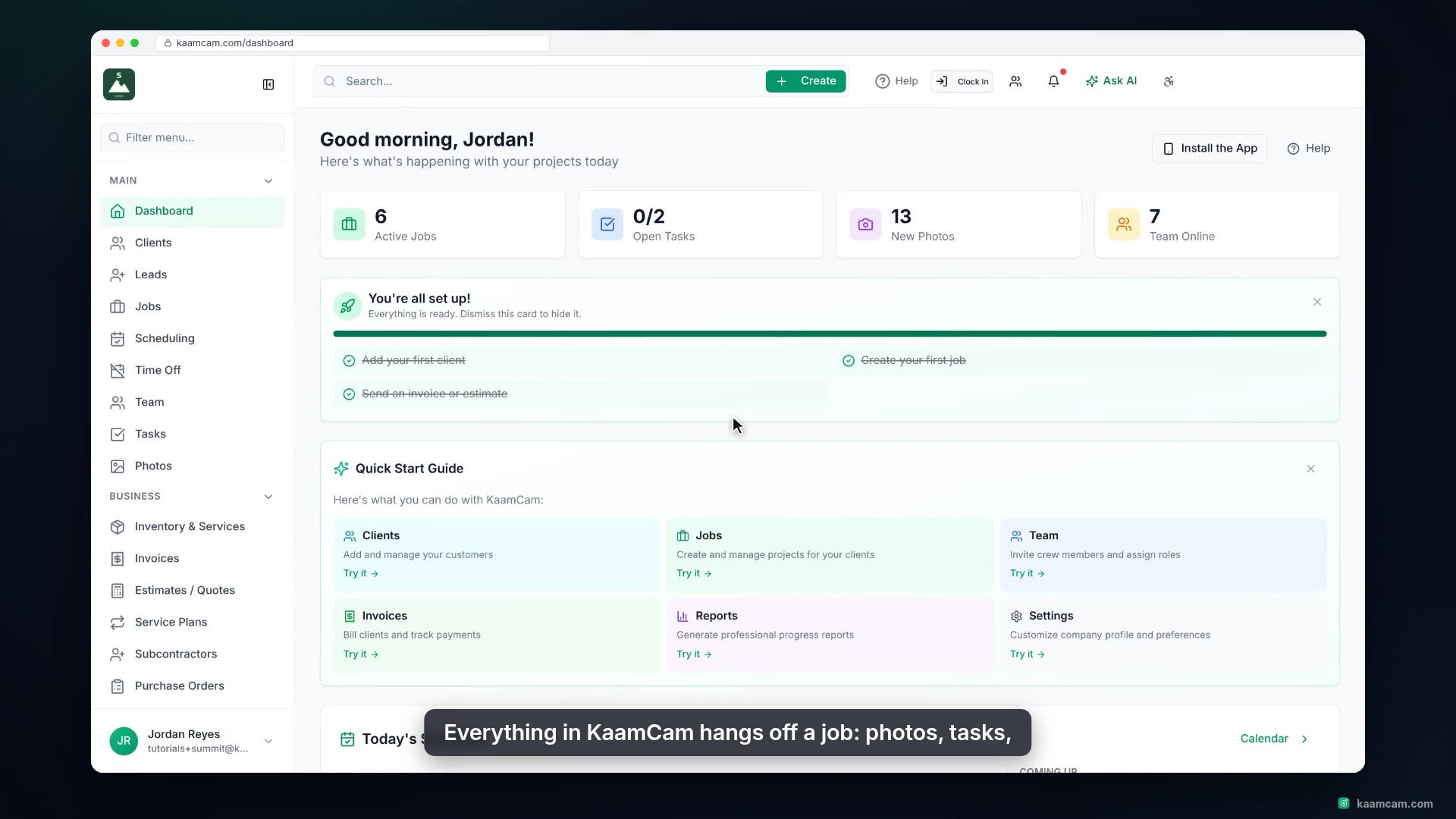
Create a new job in KaamCam: start it from a job template, pick the client, let the site address fill in from their record, set the job type
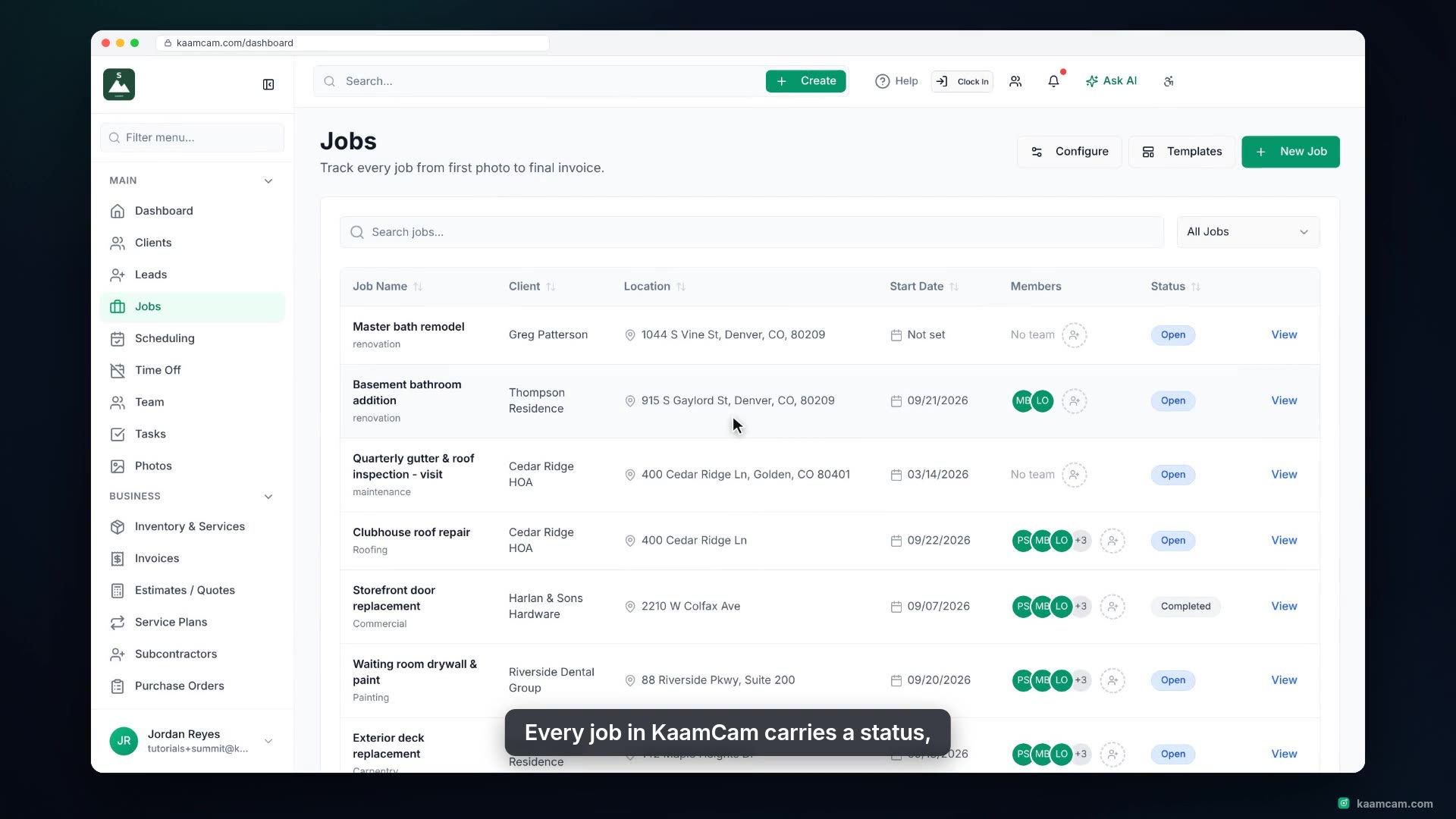
Get around the Jobs page in KaamCam: sort by any column, search by name, client or address, filter by status, and edit location, start date,
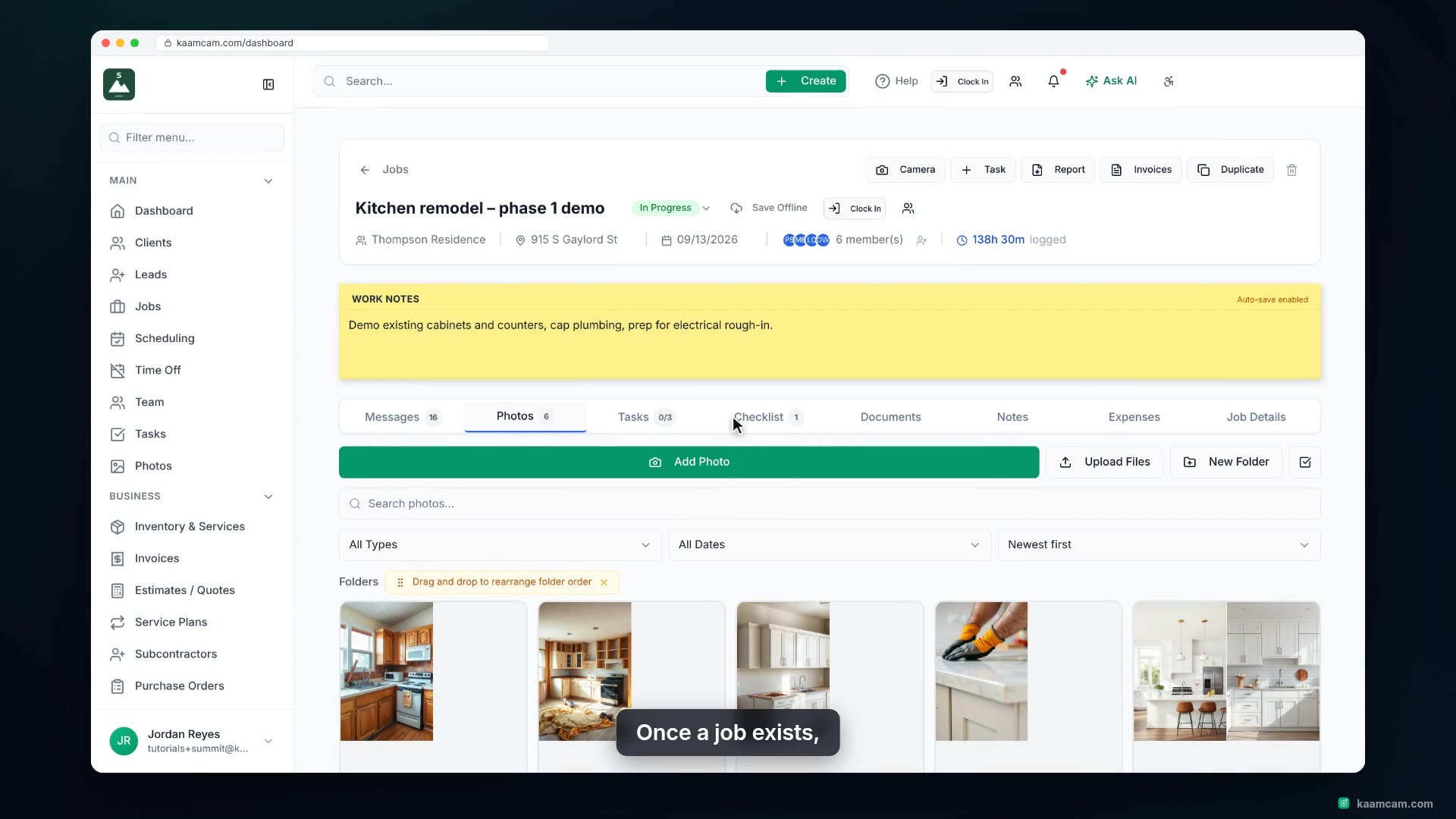
A tour of a job in KaamCam: the header with status, client, address, dates, crew and time clocked, the Work Notes pad, the tab strip, the Me
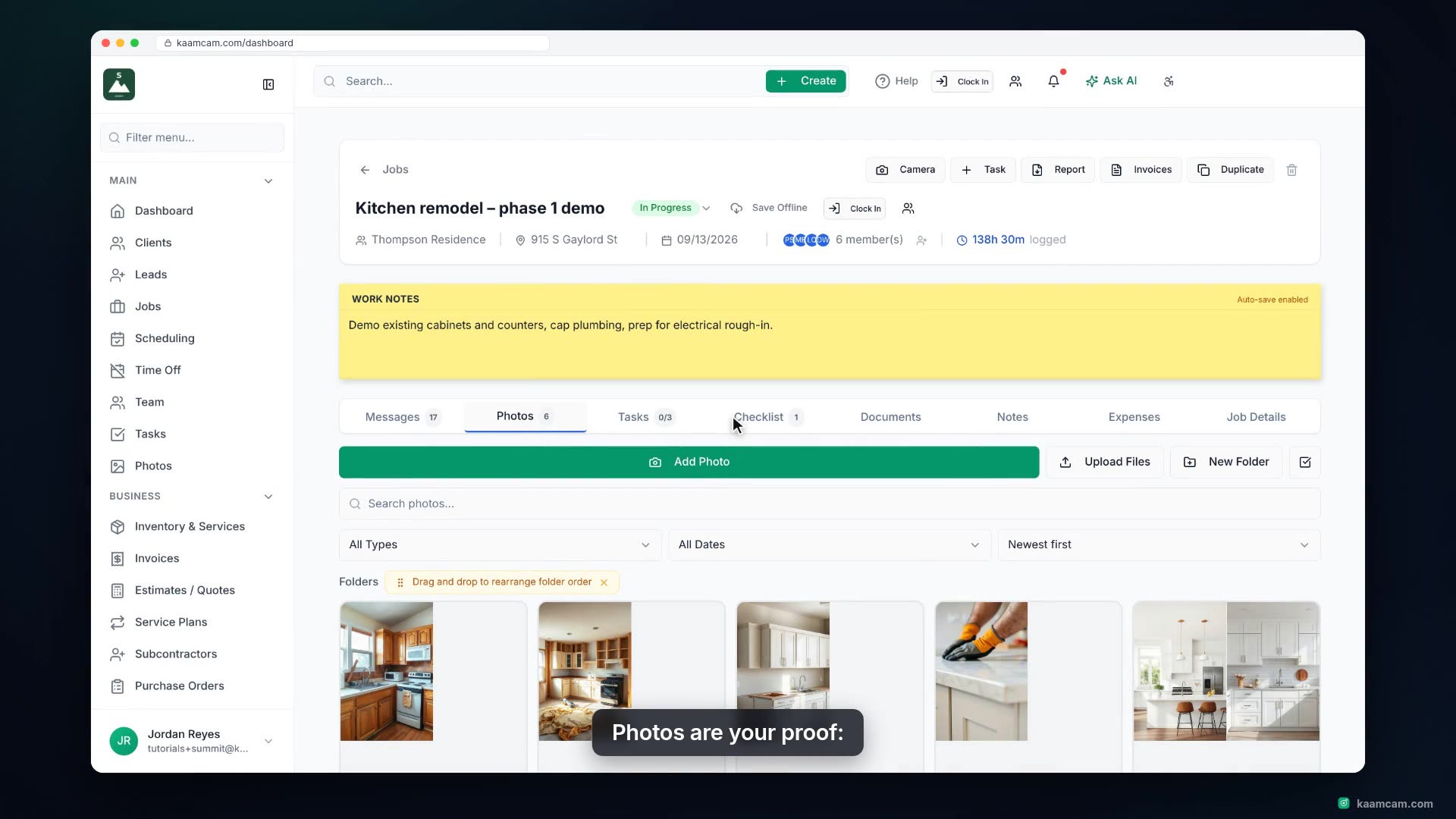
Everything on the Photos tab of a job in KaamCam: upload photos and videos from your computer, organize them in folders, add captions, tags
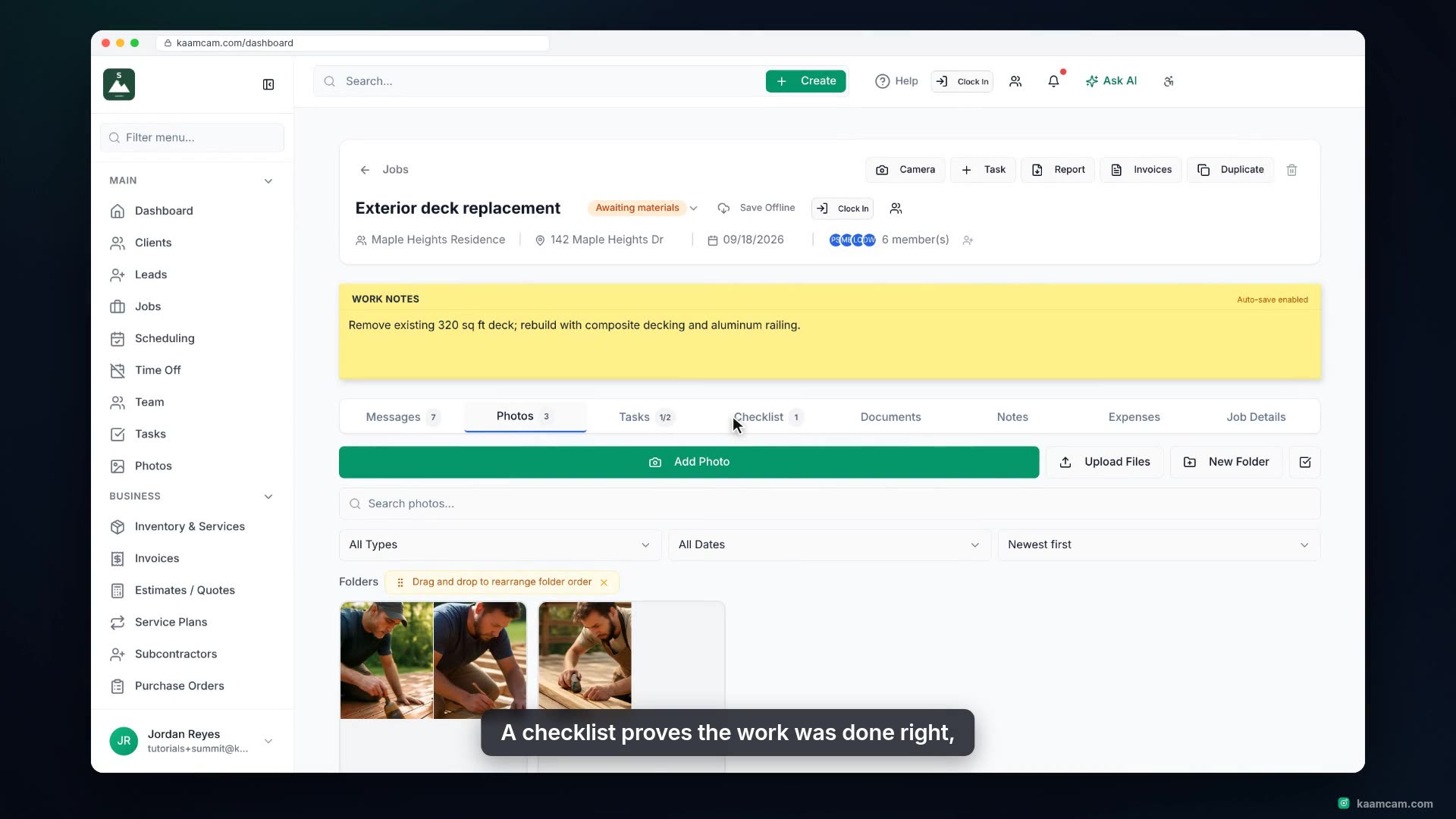
Run a quality or safety checklist on a job in KaamCam: open the Checklist tab, import a saved or starter template, check items off as the cr
3 videos
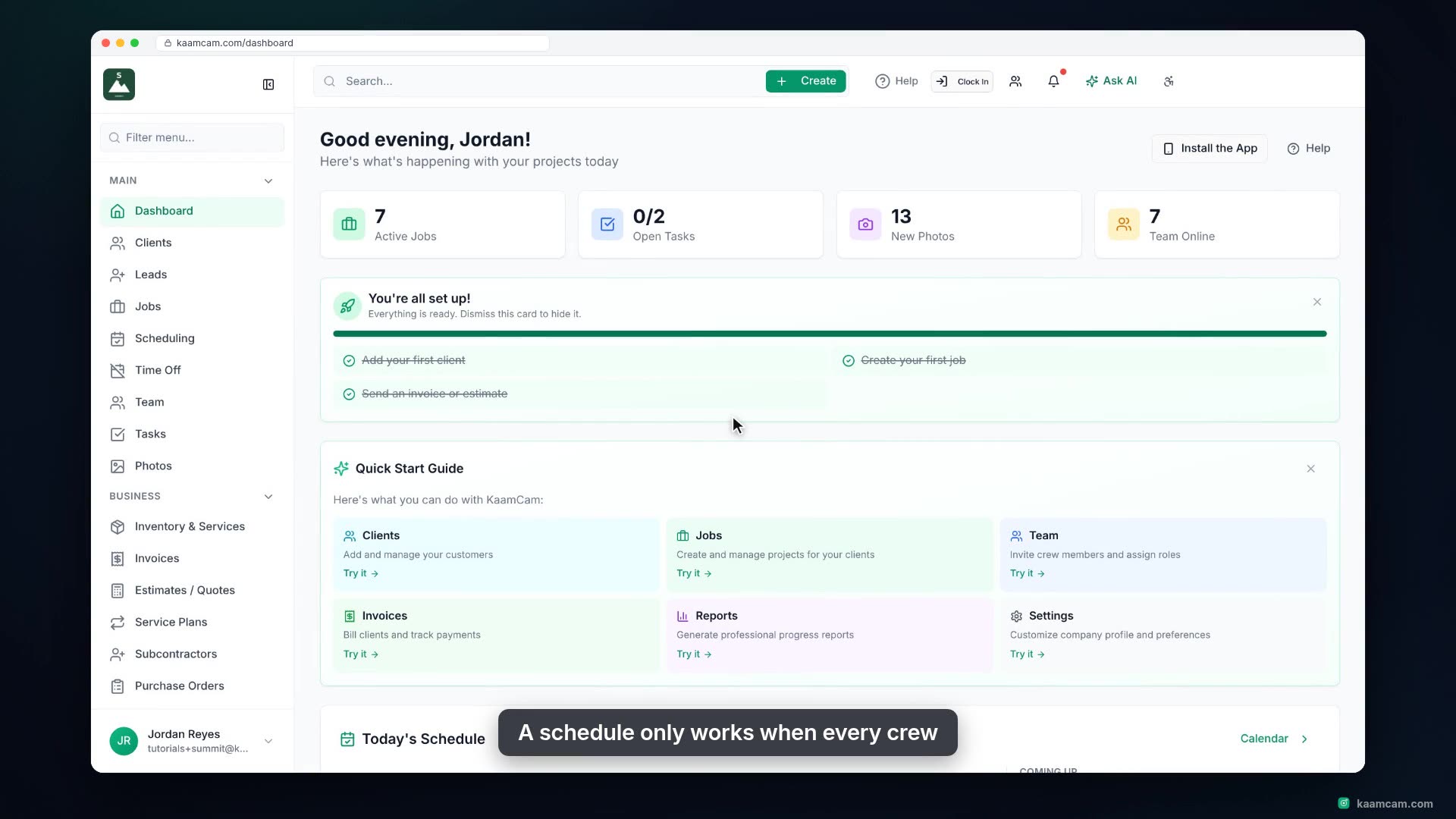
Schedule a visit in KaamCam straight from the daily timeline: click an empty slot on a crew member's row and the Create Visit dialog opens w
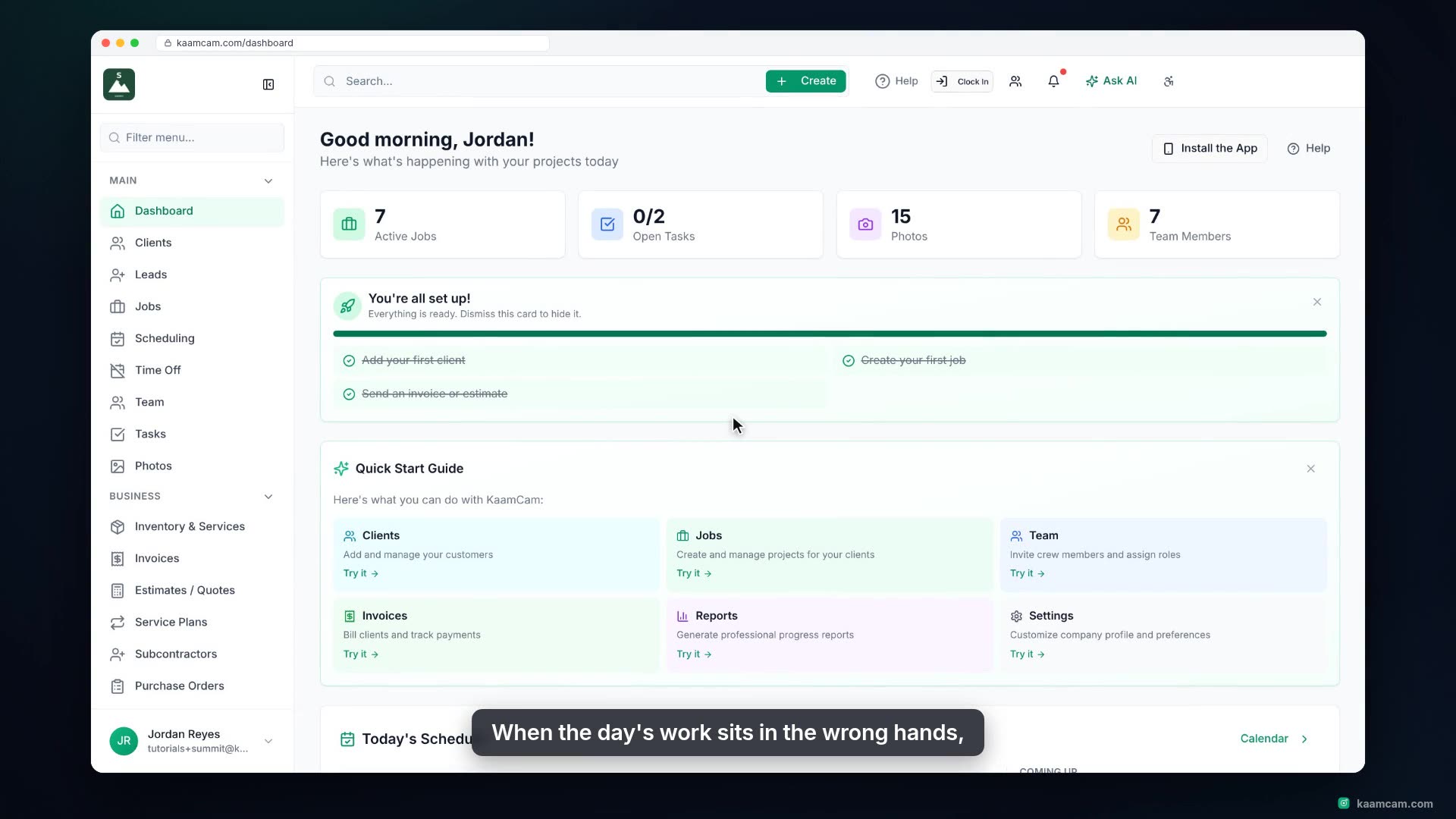
Use KaamCam's dispatch board to hand out the day's unassigned visits: see who has room on the capacity bars, open a visit and pick the crew,
Plan a crew member's day in KaamCam's daily schedule: dashed connectors show the real road driving time and distance between every pair of s
2 videos
Add your crew to KaamCam: open the Team page, add a new field tech, pick the role that fits, and share their sign-in details by email, text,
Understand who can do what in KaamCam: the five roles (Admin, Office, Foreman, Field Tech, Contractor), the Role Permissions sheet with its
2 videos
Build a professional estimate in KaamCam: pick the client, link the job, pull priced line items straight from your price book, add terms, re
Turn an accepted estimate into a job in KaamCam with one click: the client, contact details, site address and quoted revenue carry over. Ren
3 videos
Build a professional invoice in KaamCam: pick the client, link the job, pull priced line items straight from your price book, set tax and te
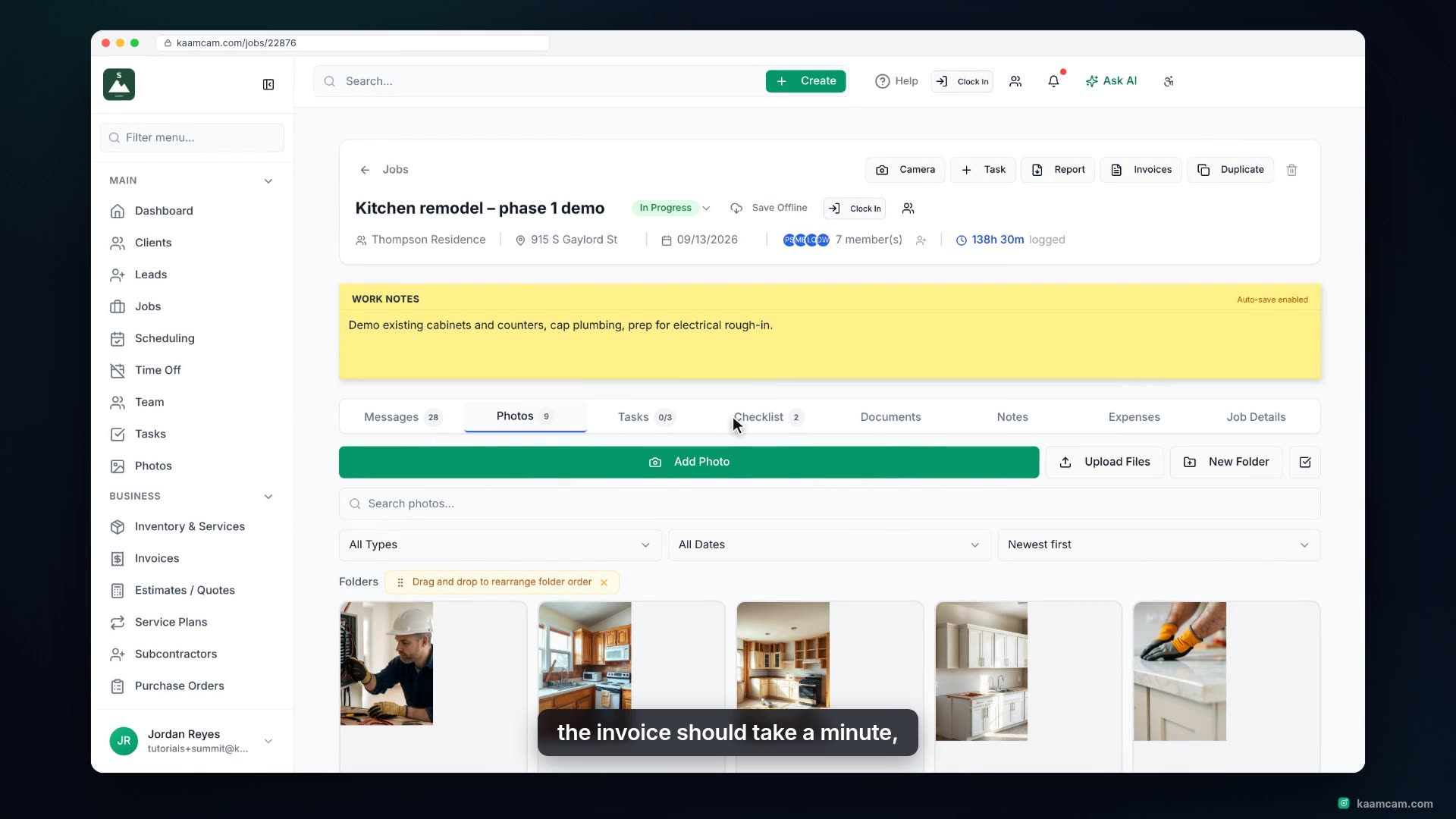
Turn a finished job into a sent invoice in KaamCam: mark the job Completed, open Invoices from the job header, and start an invoice with the
See how KaamCam tracks every invoice from Sent to Paid. Record a payment with Mark as Paid, pick how it was paid, and watch the hub cards, t
3 videos
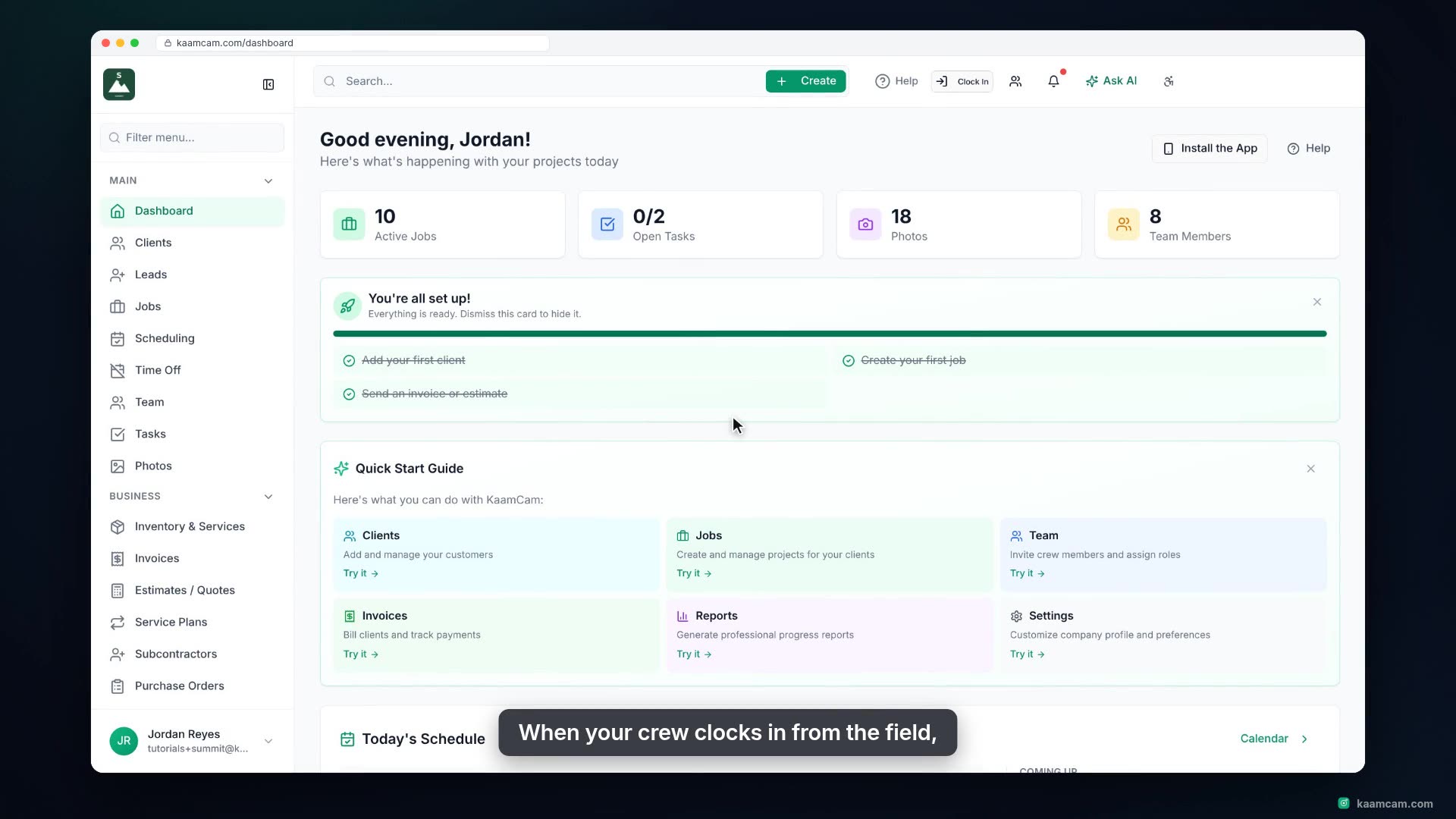
Keep your crew's hours accurate in KaamCam: read the Time Logs page, review the punches that were flagged for manager approval, approve or r
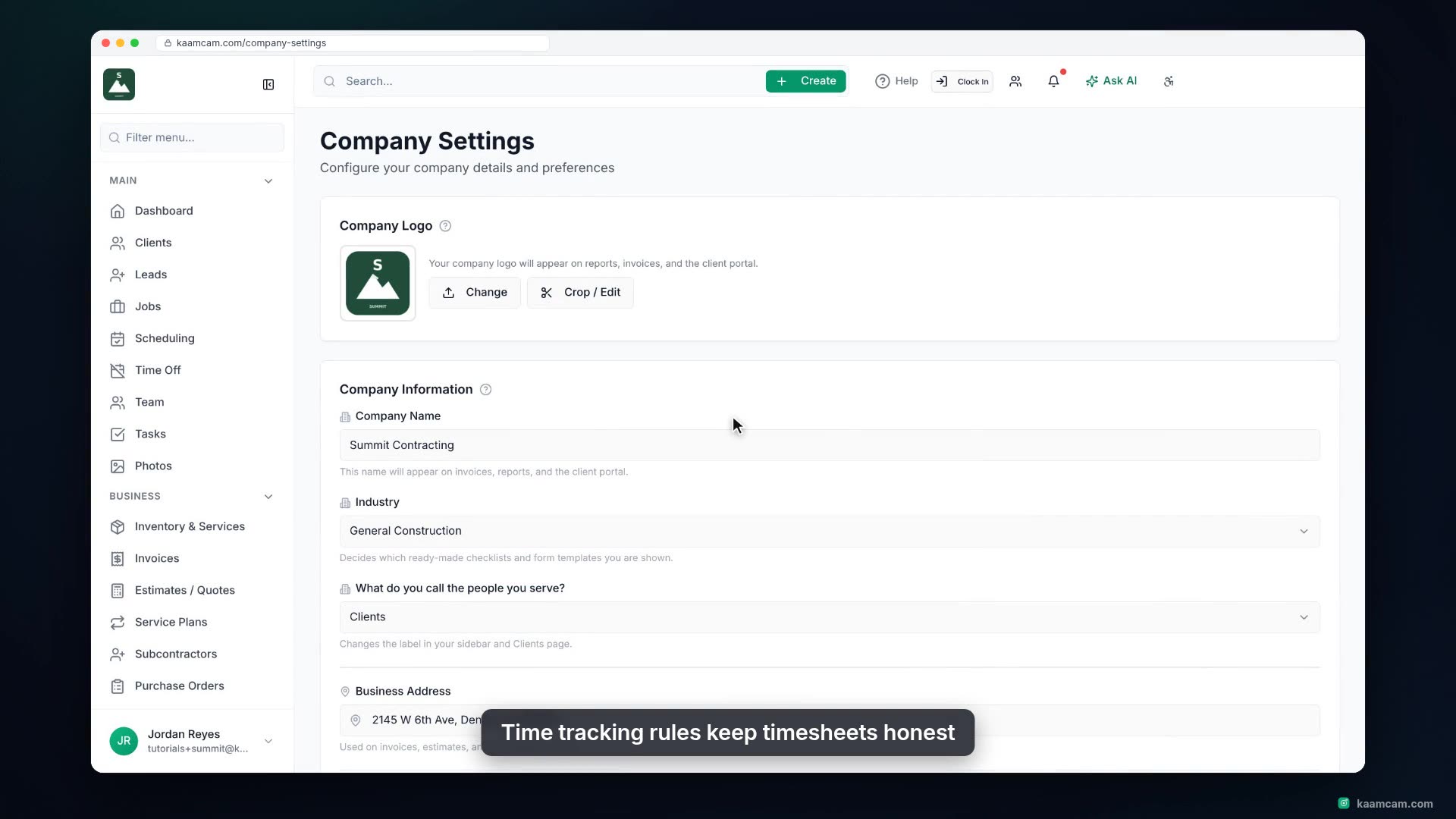
Set the time tracking rules for your whole company in KaamCam: require identity verification and a job at clock-in, track location on the cl
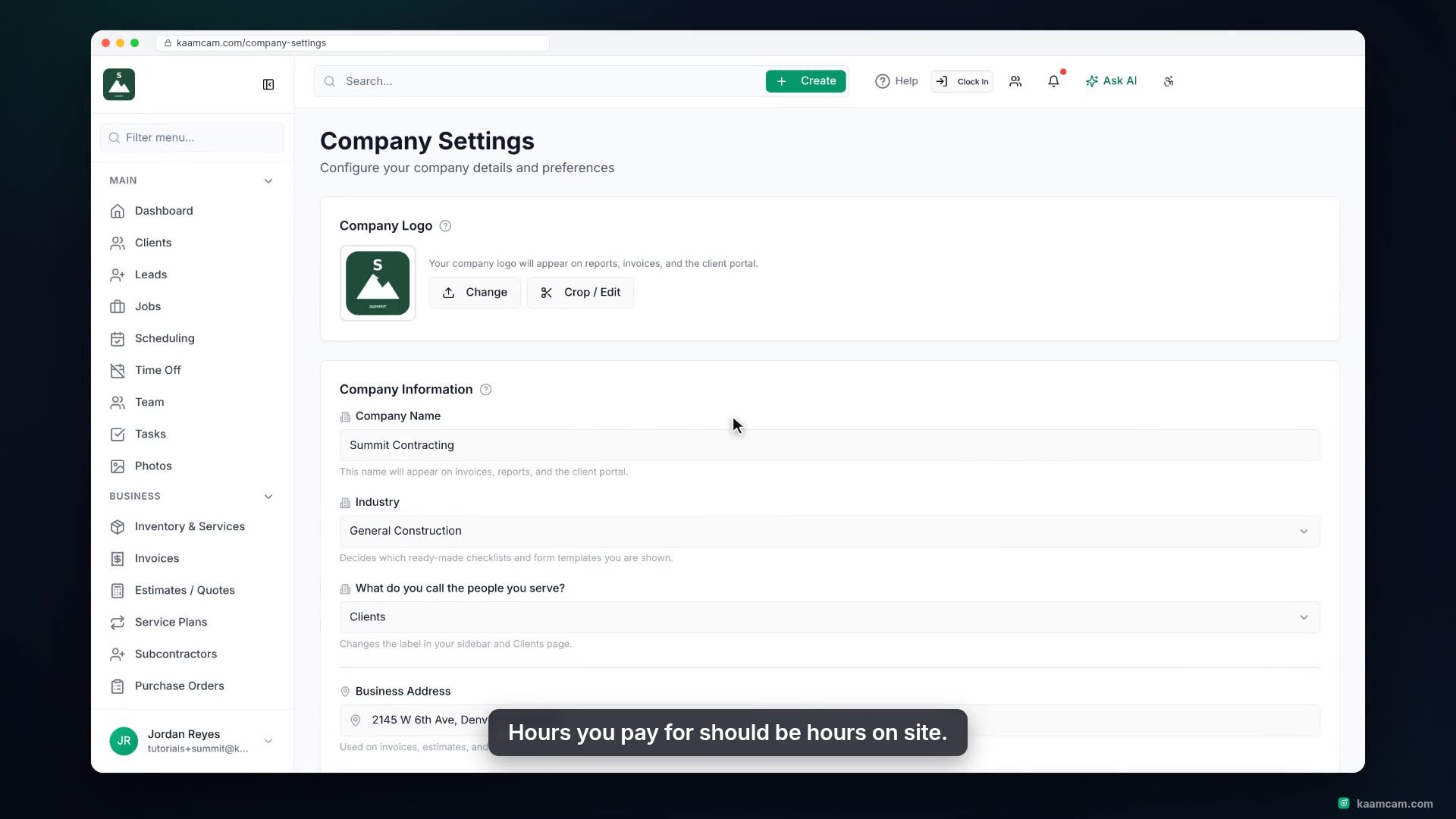
Turn on geofenced clock-in in KaamCam so your crew can only clock in when their phone is at the job site. Set the default radius, choose blo
3 videos
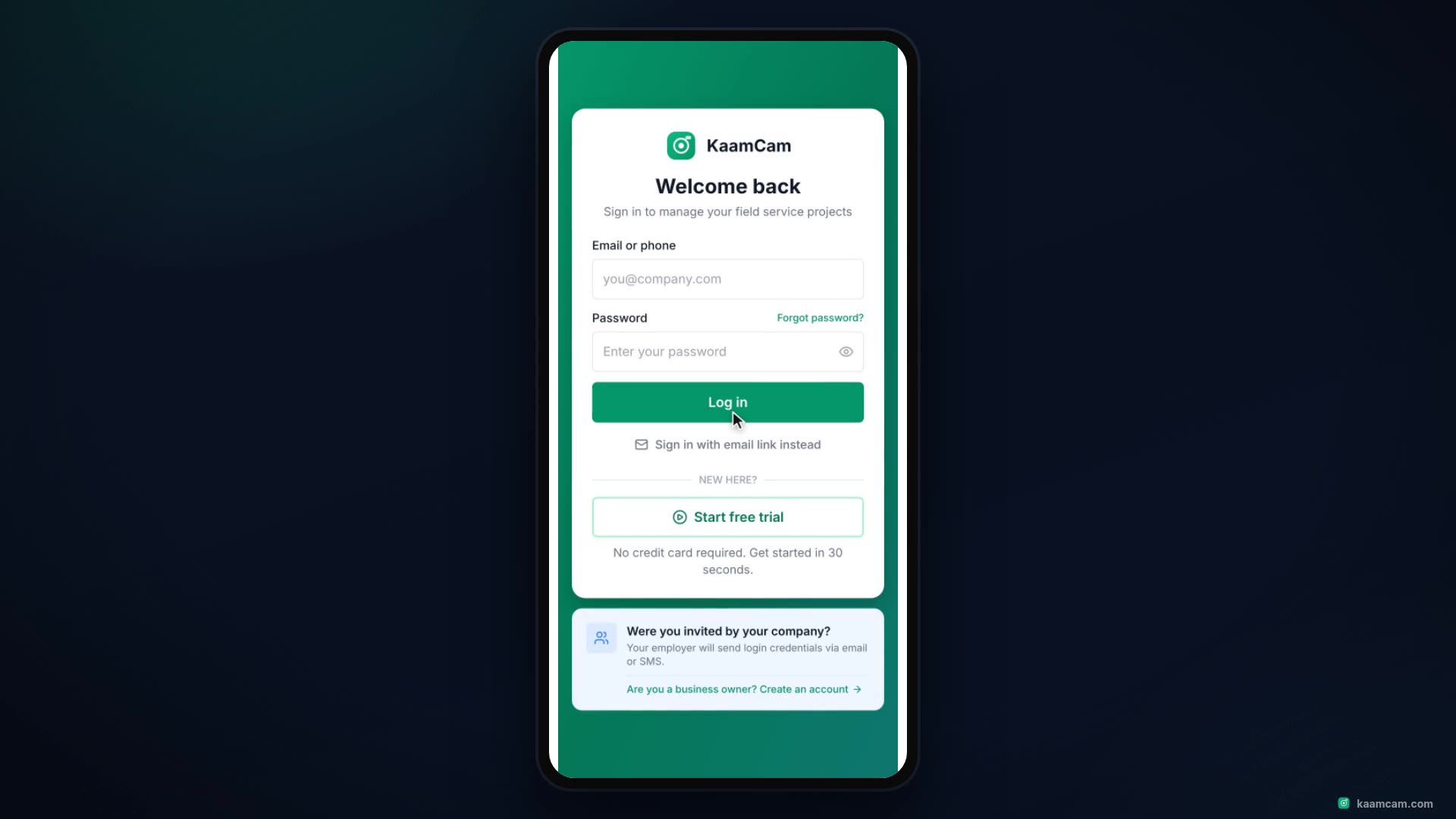
What a field tech sees when they open the KaamCam app: sign in, the My Day list with Overdue, Today, Tomorrow and Upcoming, the location pil
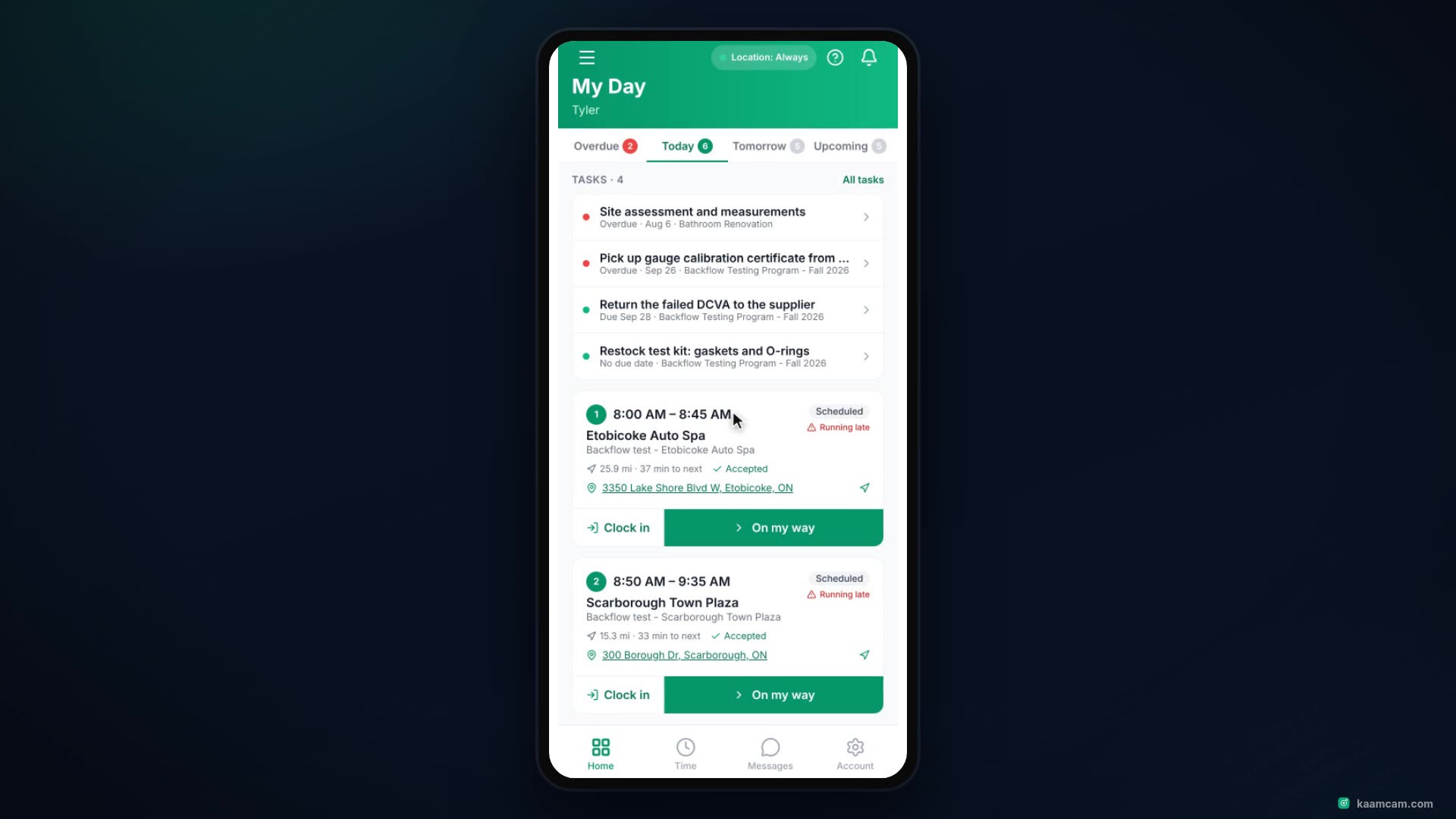
One stop on the phone, start to finish: the status steps and how they sync to My Day and the office board, undo a step, the client tab, why
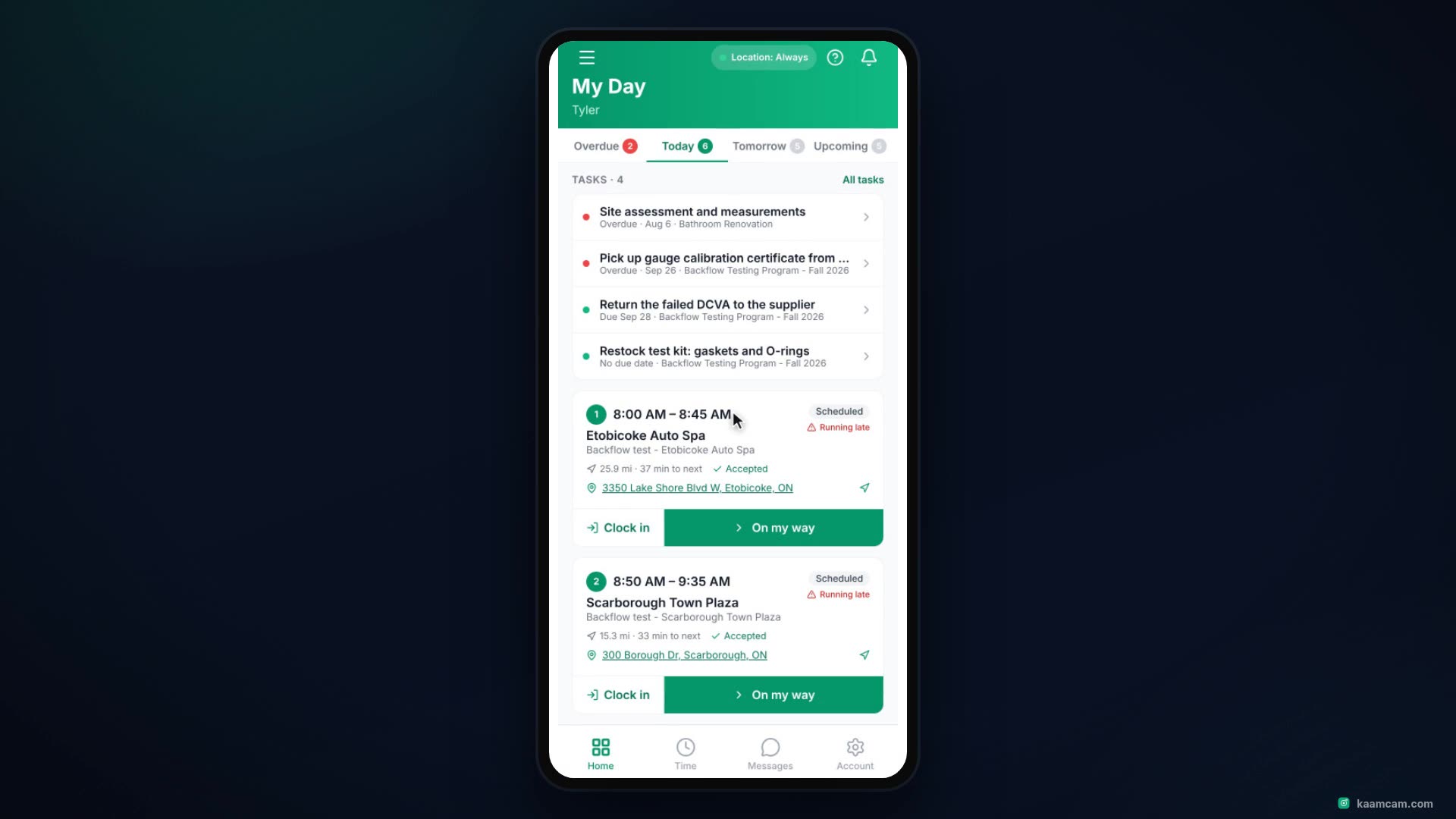
Beyond your stops: the Time tab with jobs, activities, breaks and Manual versus Automatic entries, auto clock-in and clock-out by job site w
 KAAM
KAAM