KAAMCAMStart free
Time Tracking · Episode 85

Geofencing: Clock In Only On Site

Length 3:27Recorded in the real appDownload

About this video

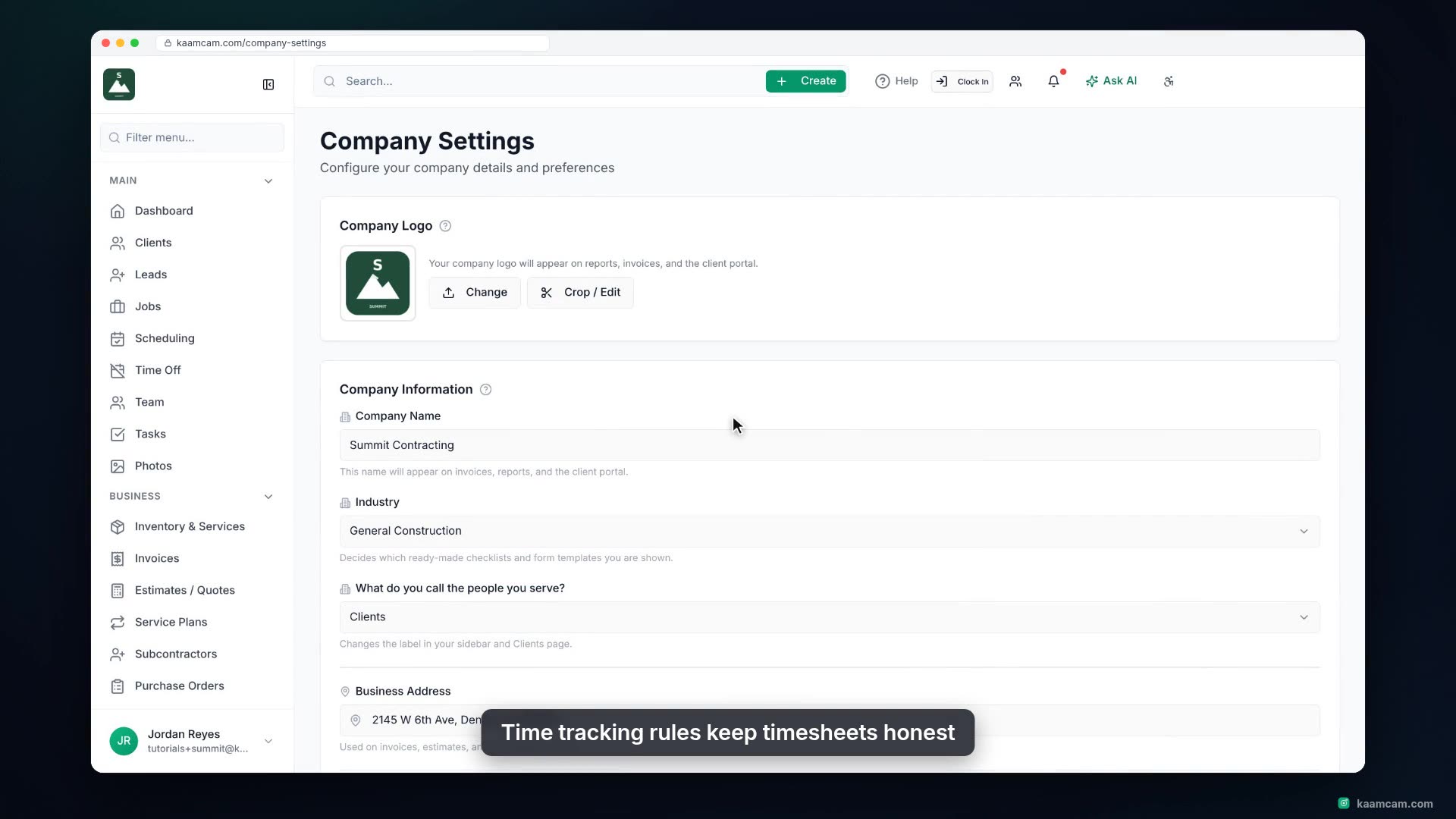
Turn on geofenced clock-in in KaamCam so your crew can only clock in when their phone is at the job site. Set the default radius, choose block or flag-for-approval, add auto clock-out with a grace period, and switch on live auto-pause when a worker leaves the site. See how a job gets its map location, what the tech sees on the phone, and where the evidence lands: Time Logs, notifications and the Map view.

Chapters

  1. Intro
  2. Turn on Geofence Clock-In
  3. Put your jobs on the map
  4. Radius, block and grace period
  5. Auto-pause when a worker leaves
  6. How a job gets its location
  7. What the tech sees on the phone
  8. What you see in the office

Run your next job in KaamCam.

Start free