KAAMCAMStart free
Leads · Episode 13

Convert a Lead Into a Client and Job

Length 3:09Recorded in the real appDownload

About this video

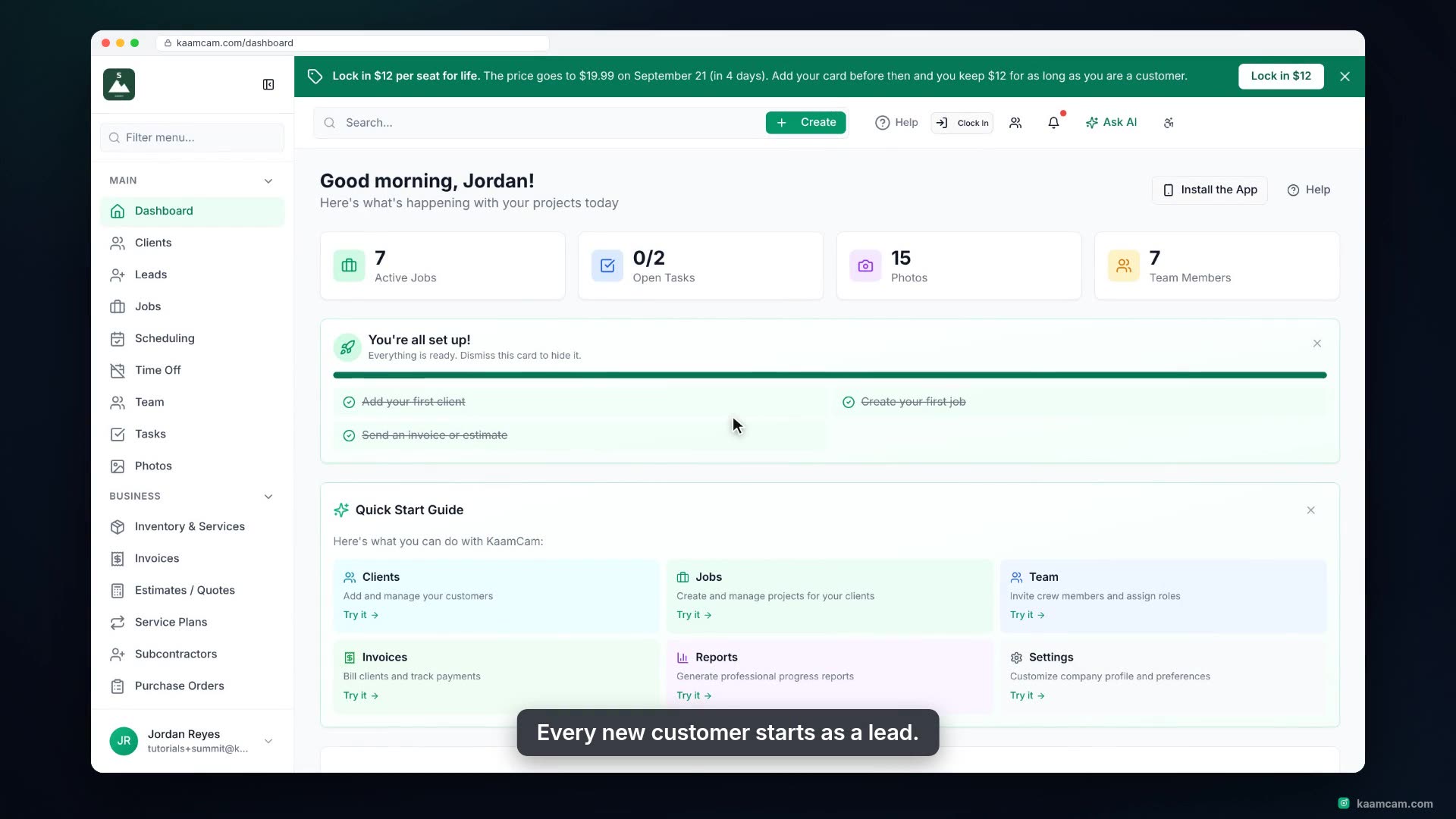
Turn a contacted lead into real work in KaamCam: open the lead, jump to the client record that was created for it, create their first job with the site address already filled in, see the job on their profile, then mark the lead Converted and keep dead leads out of the way with Archived.

Chapters

  1. Intro
  2. Open the lead
  3. View the client
  4. Create the job
  5. Estimate, crew and portal
  6. Back on the client
  7. Mark the lead Converted
  8. Archive dead leads

Run your next job in KaamCam.

Start free