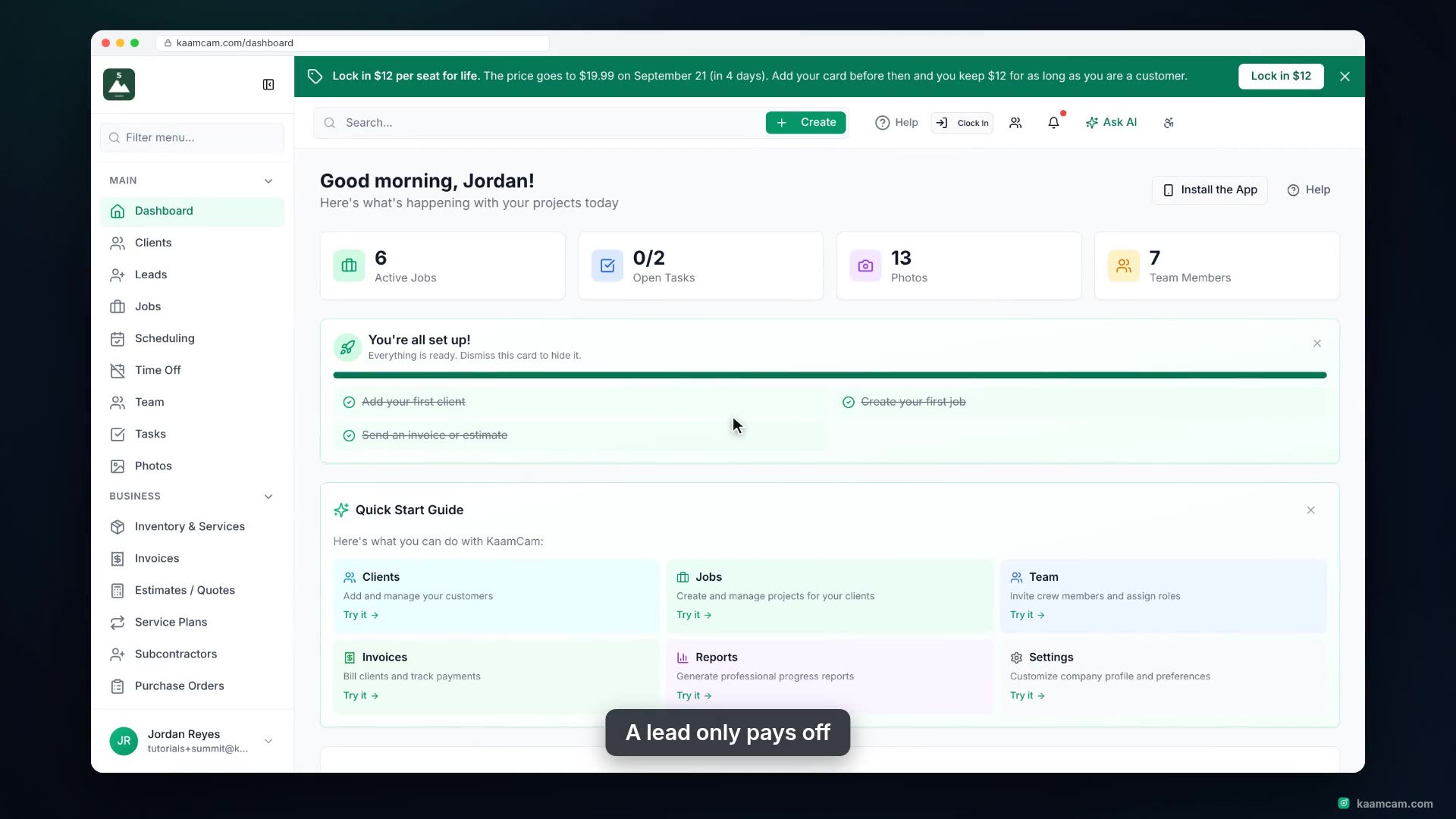
See where new customer requests land in KaamCam and how to work them: filter and search the lead list, open a lead to see contact, location and service details, update its status, add internal notes, and share or configure the public intake form that feeds it. Then see what your customer fills in, and how website widgets create leads too.
 KAAM
KAAM