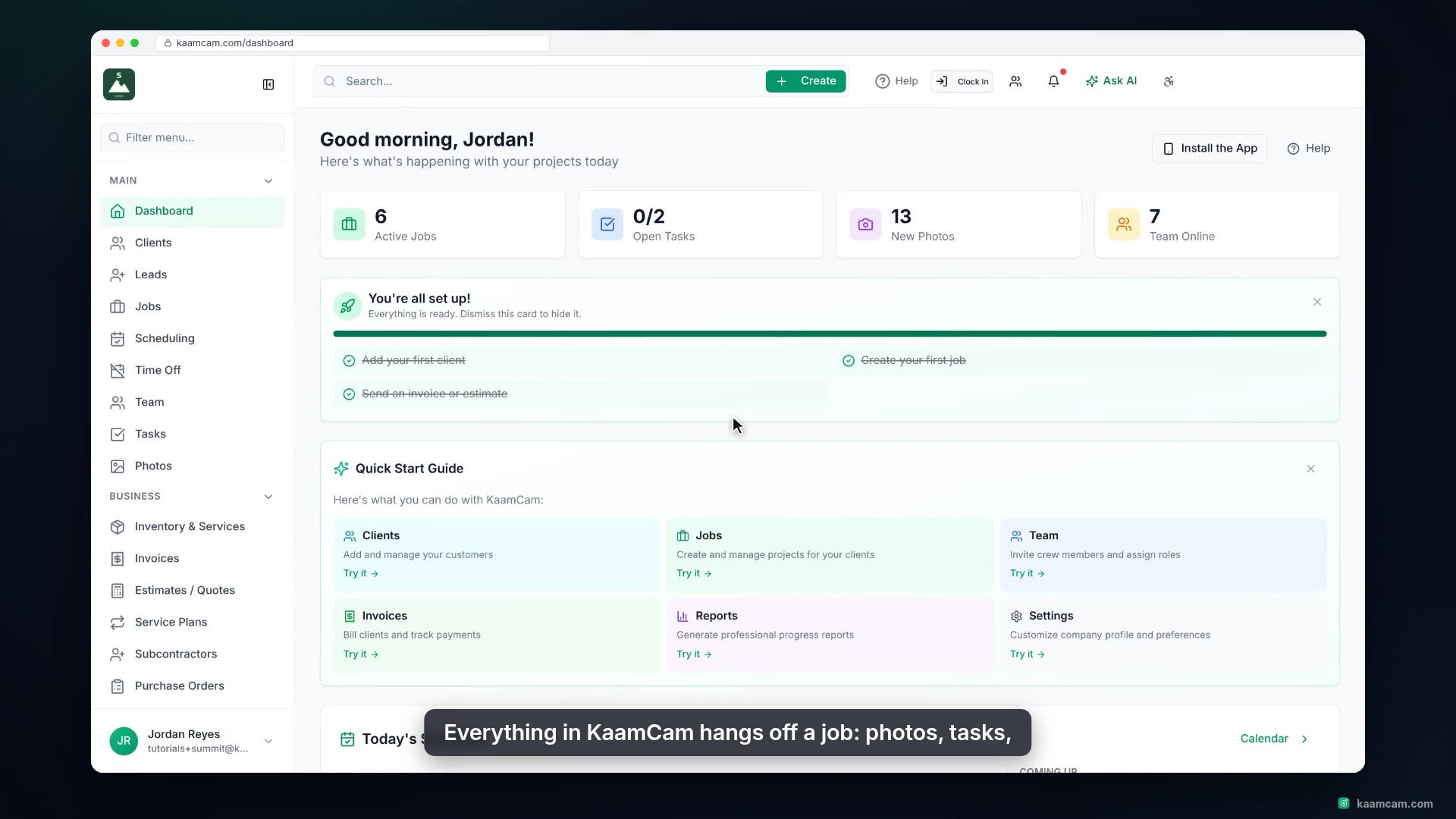
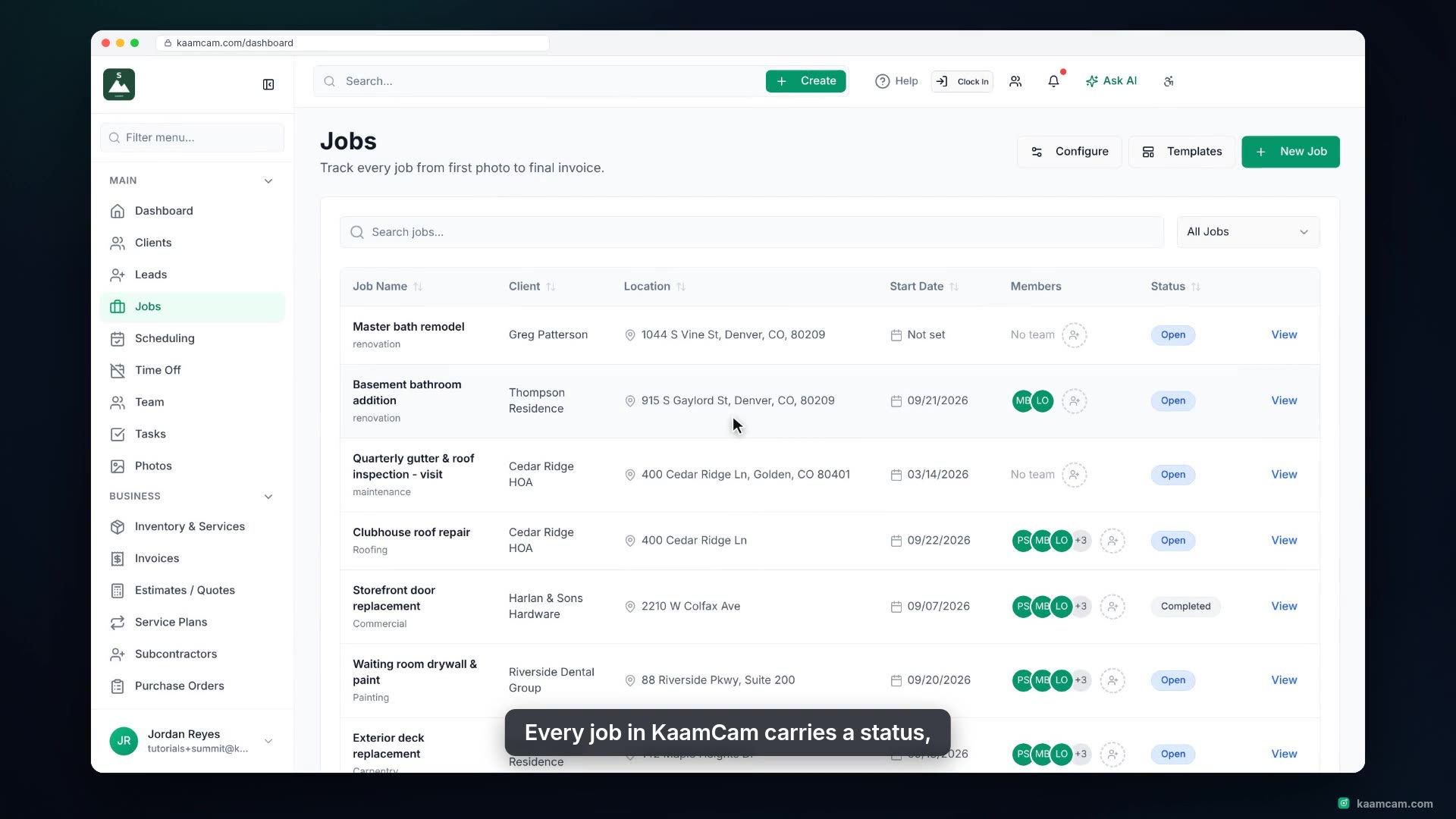
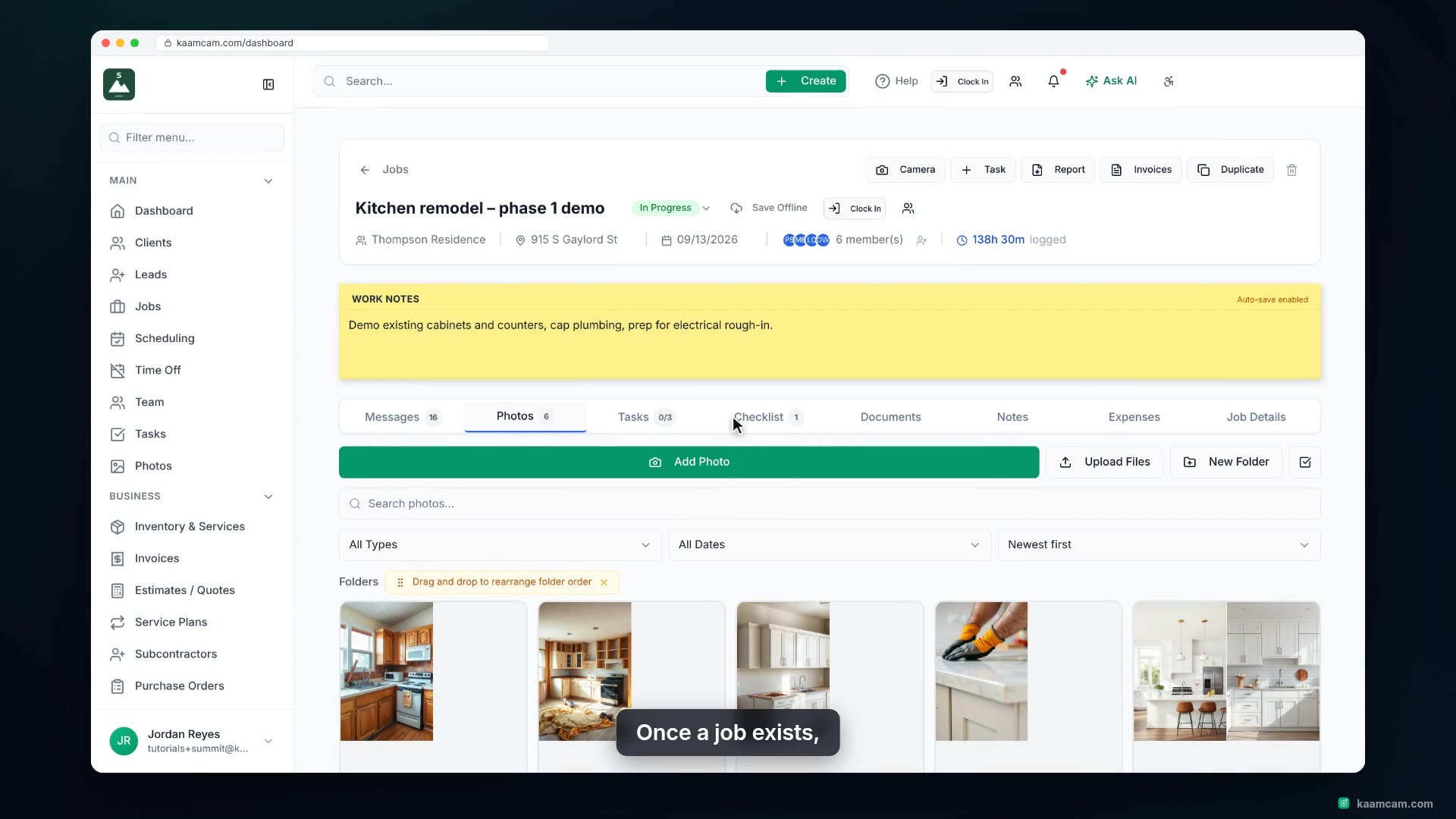
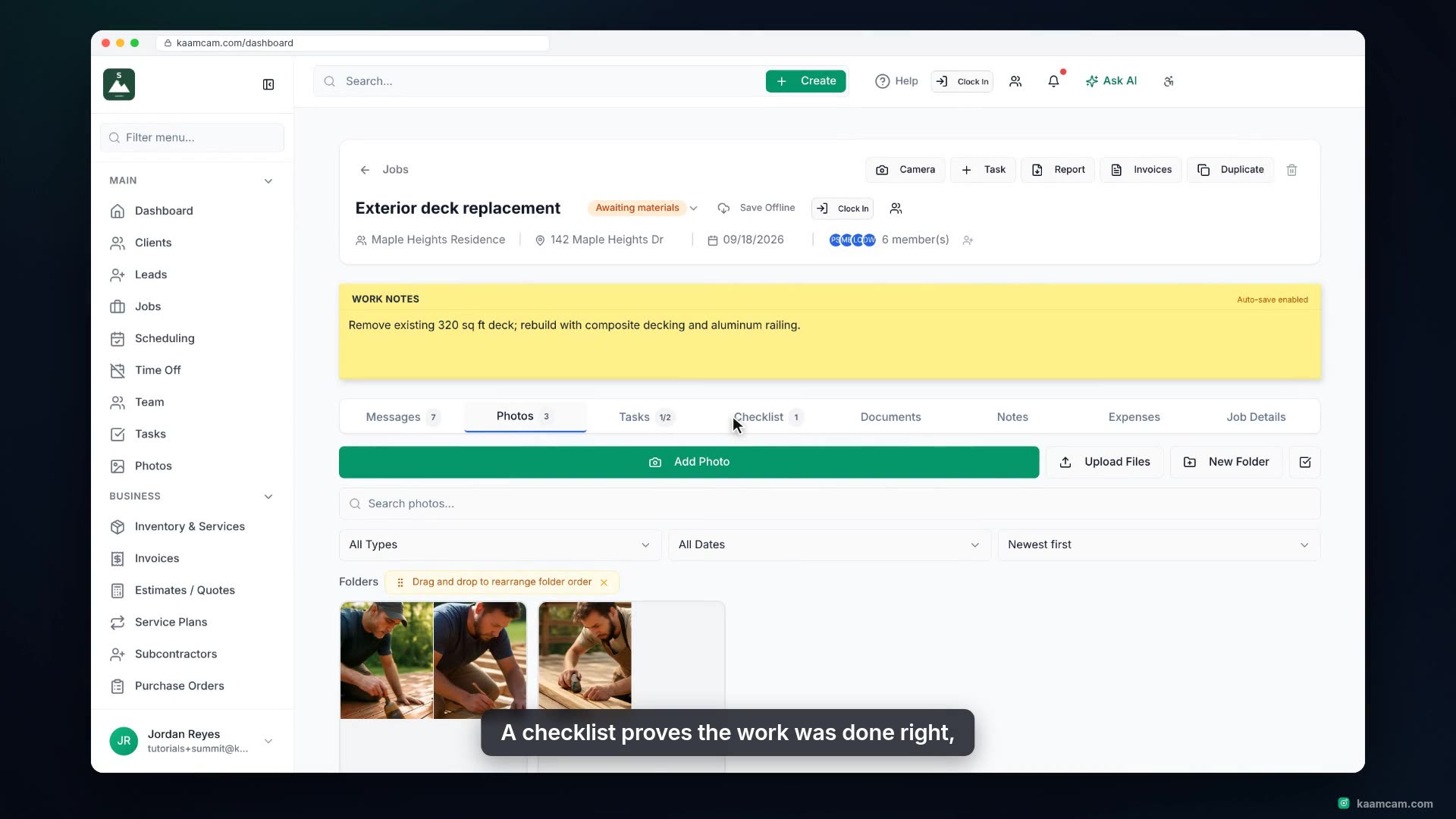
Everything on the Photos tab of a job in KaamCam: upload photos and videos from your computer, organize them in folders, add captions, tags and a photo type, control what the client can see, use the viewer to zoom, rotate, download and delete, select photos for a zip download or share, and turn a before and after pair into a branded comparison image. Ends with the company wide Photos gallery and how your crew adds photos from the phone camera.
 KAAM
KAAM