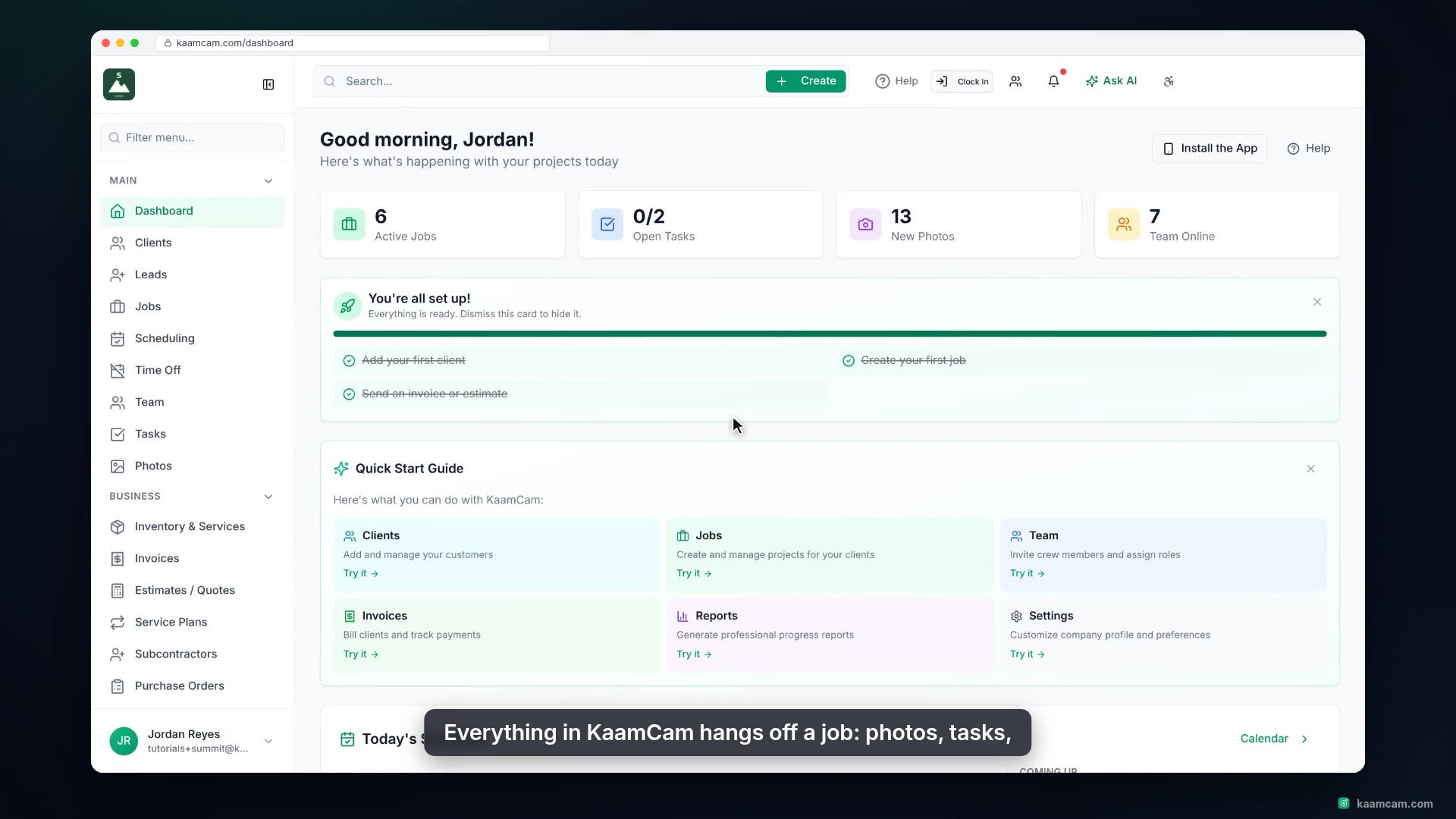
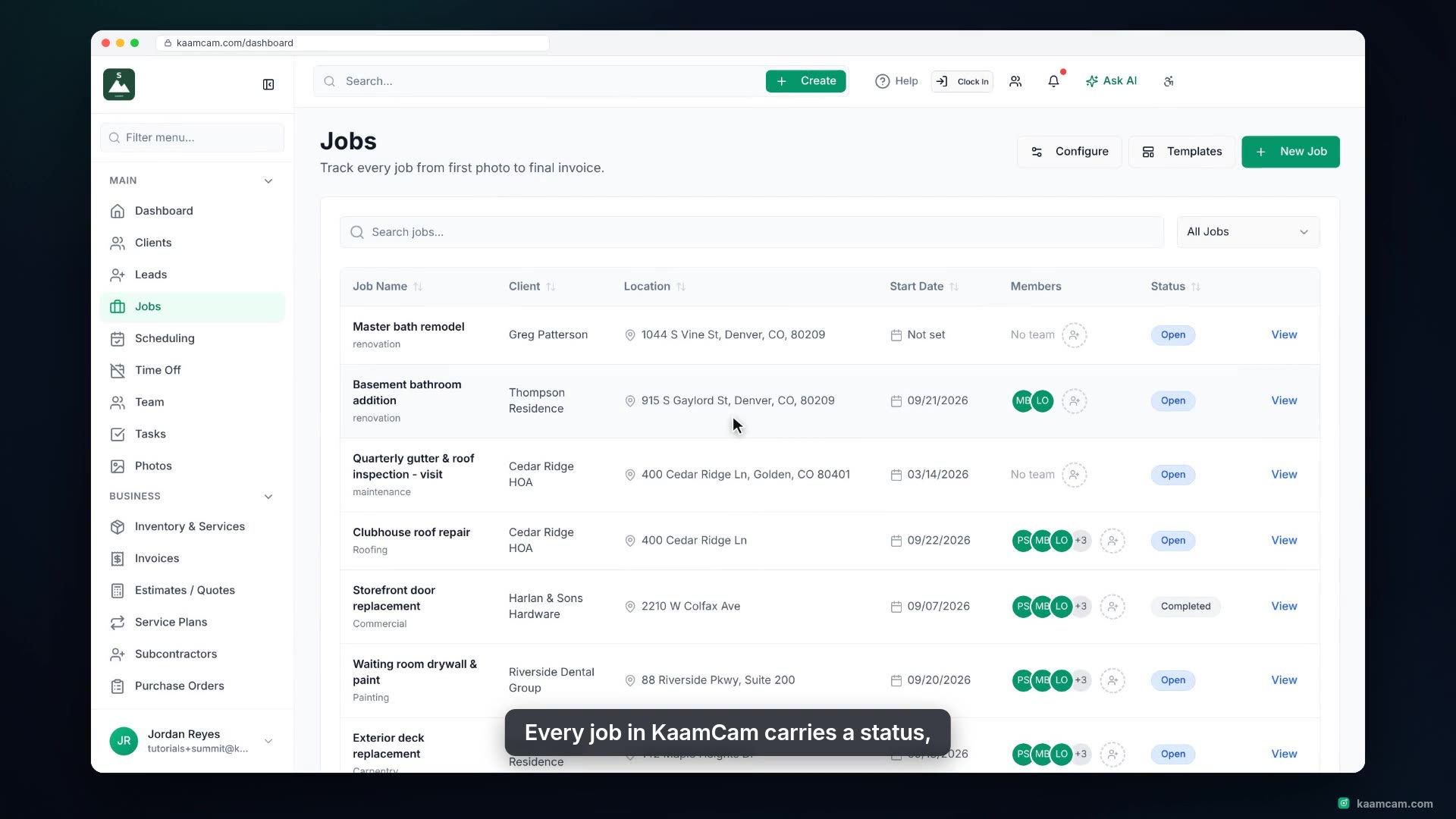
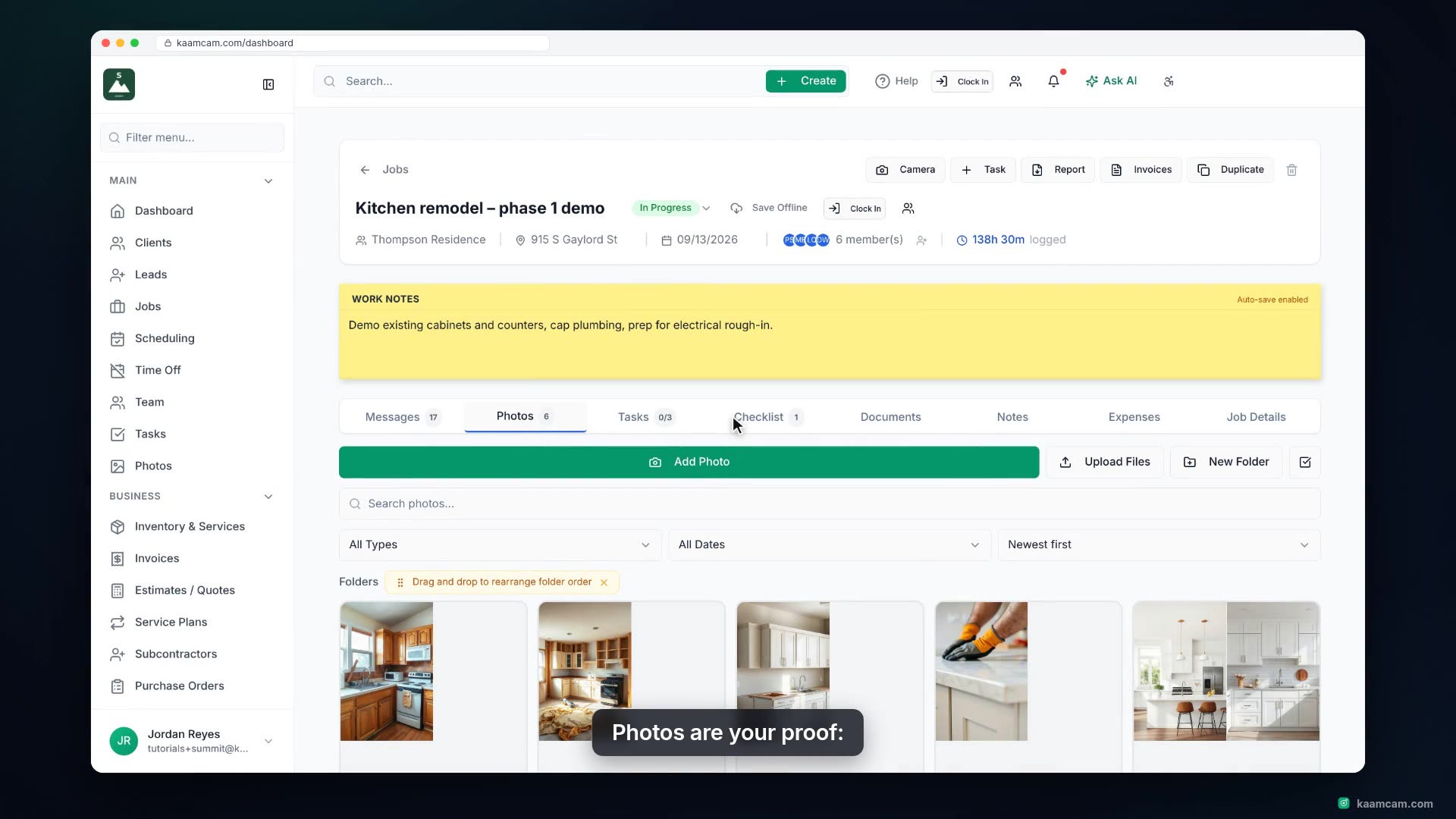
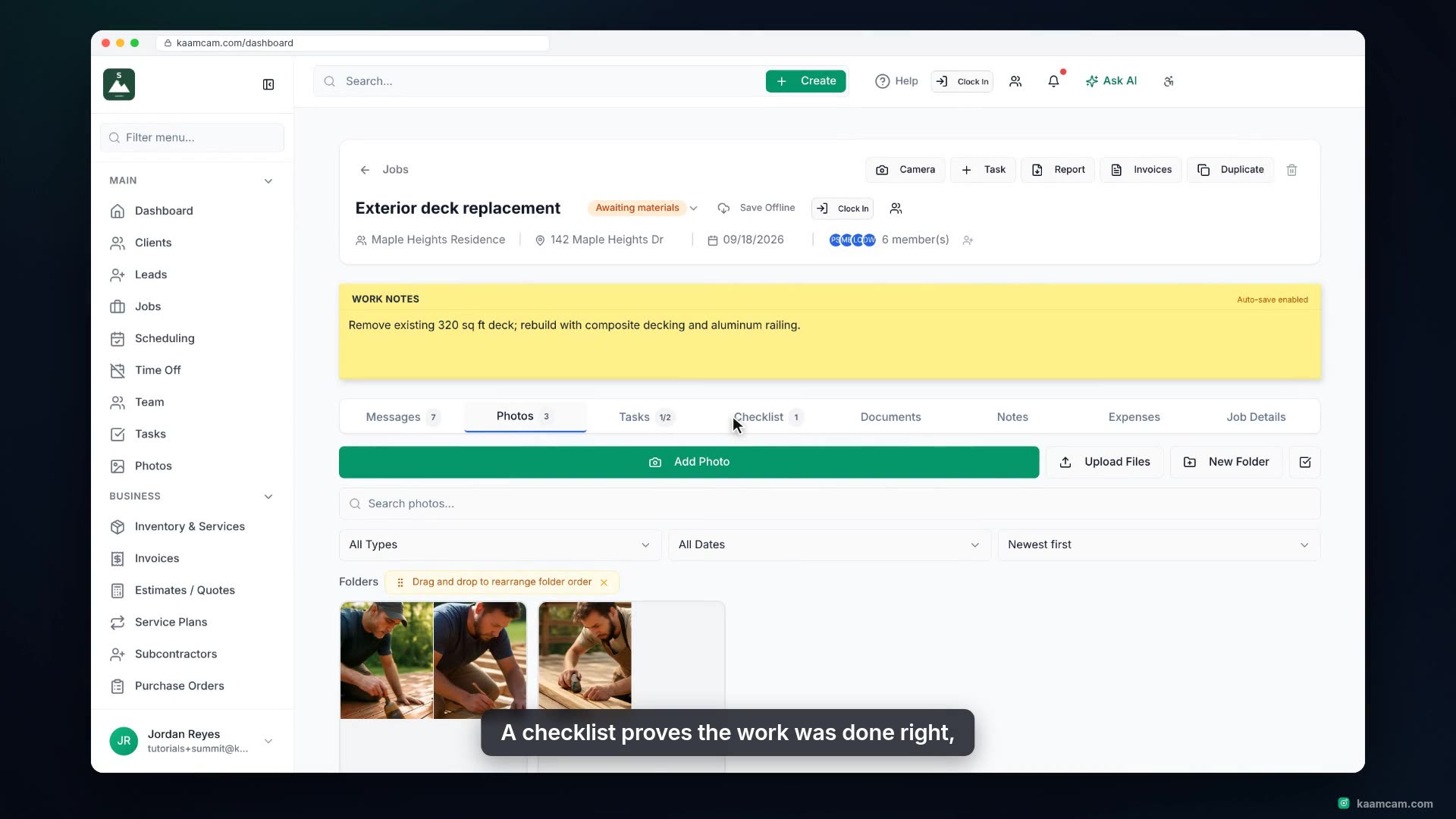
A tour of a job in KaamCam: the header with status, client, address, dates, crew and time clocked, the Work Notes pad, the tab strip, the Messages feed where photo uploads, new tasks and crew updates land in one running record, and the Job Details tab with job information, the site map with directions, crew members with hours, and client portal access. Ends with Invoices & Estimates and the Report PDF from the job.
 KAAM
KAAM