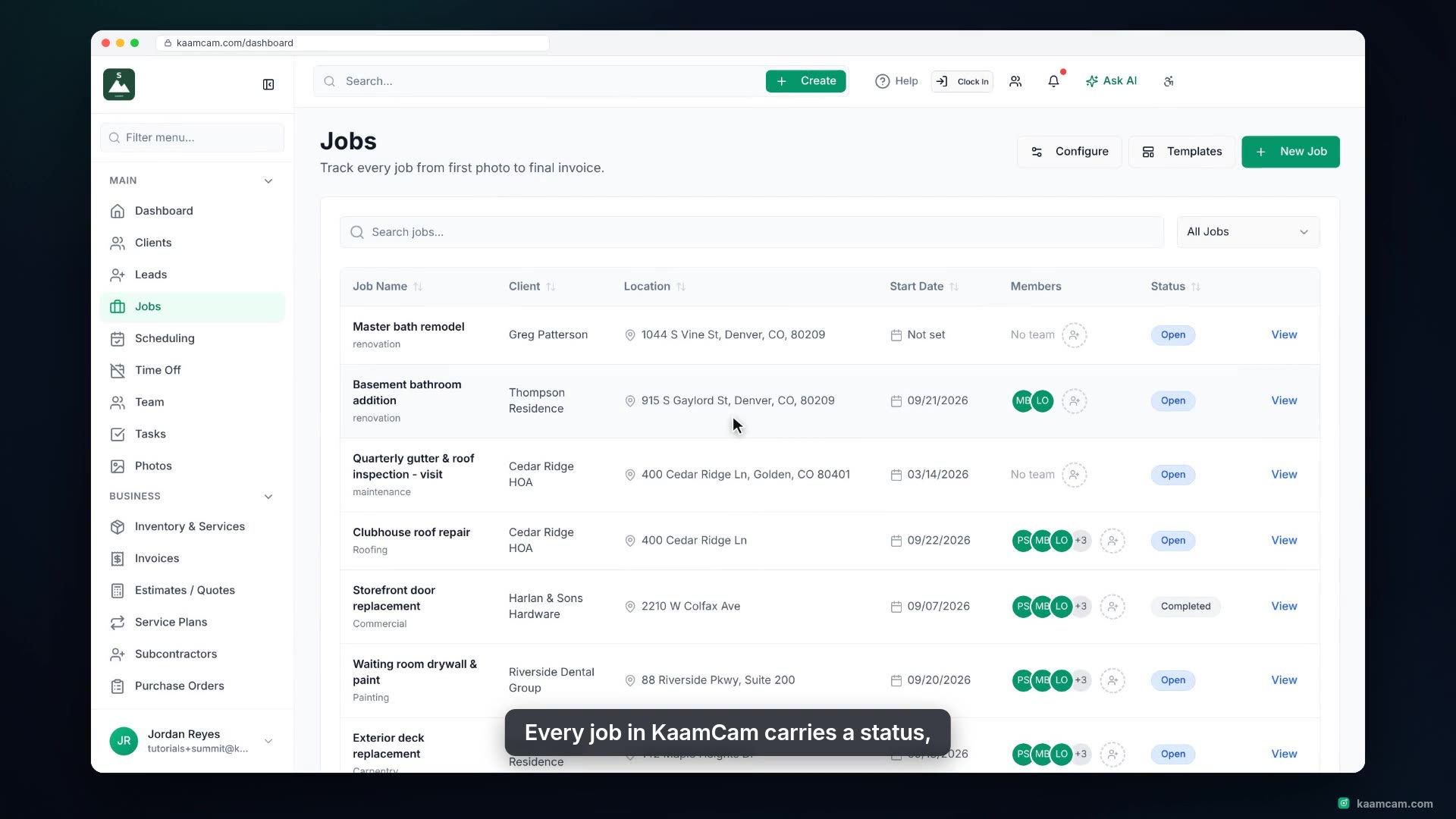
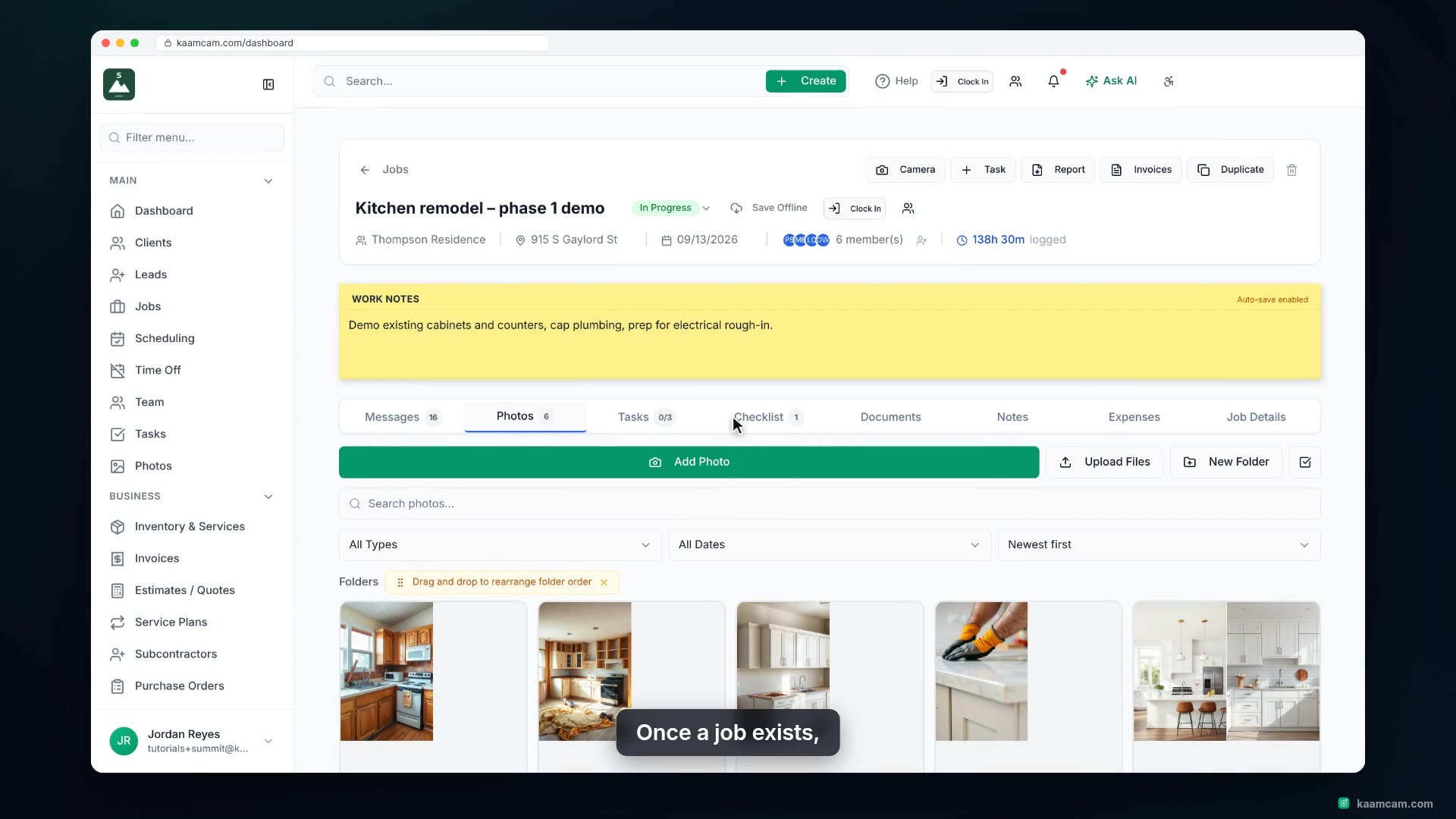
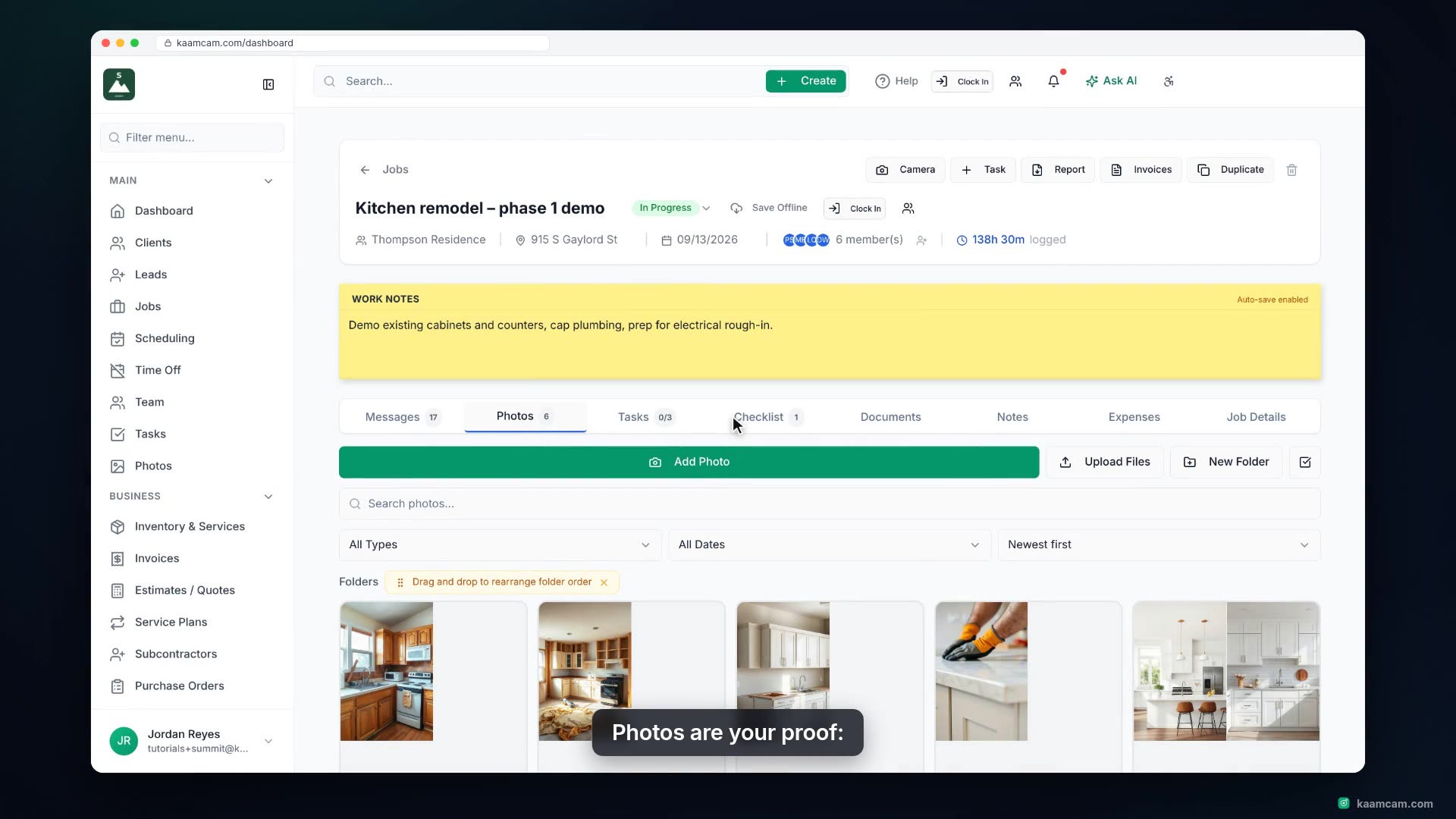
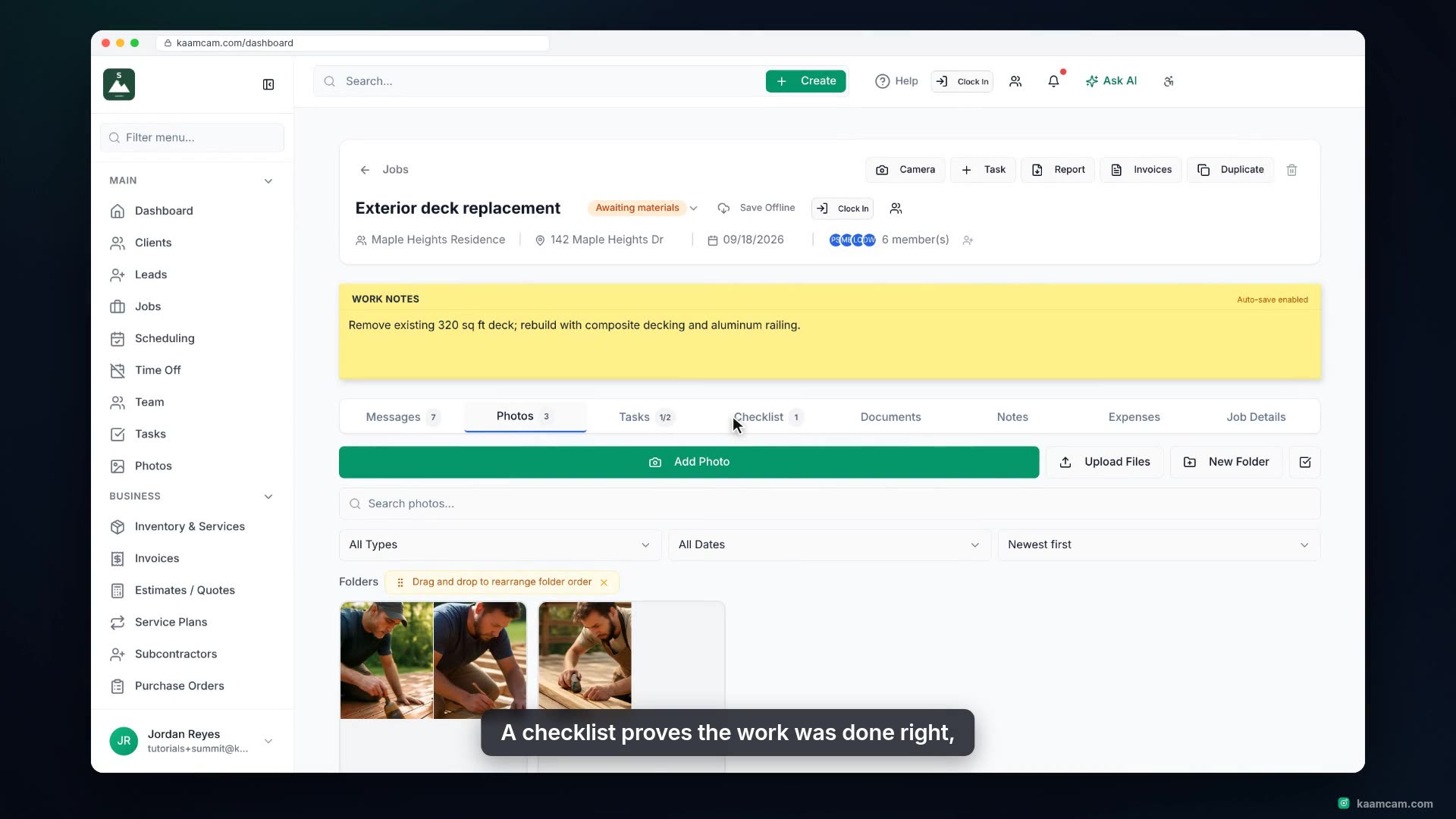
Create a new job in KaamCam: start it from a job template, pick the client, let the site address fill in from their record, set the job type and start date, and give the client portal access if you want. Then open the new job, assign your crew from the Assign Team Members dialog, and see what the job's detail page shows.
 KAAM
KAAM