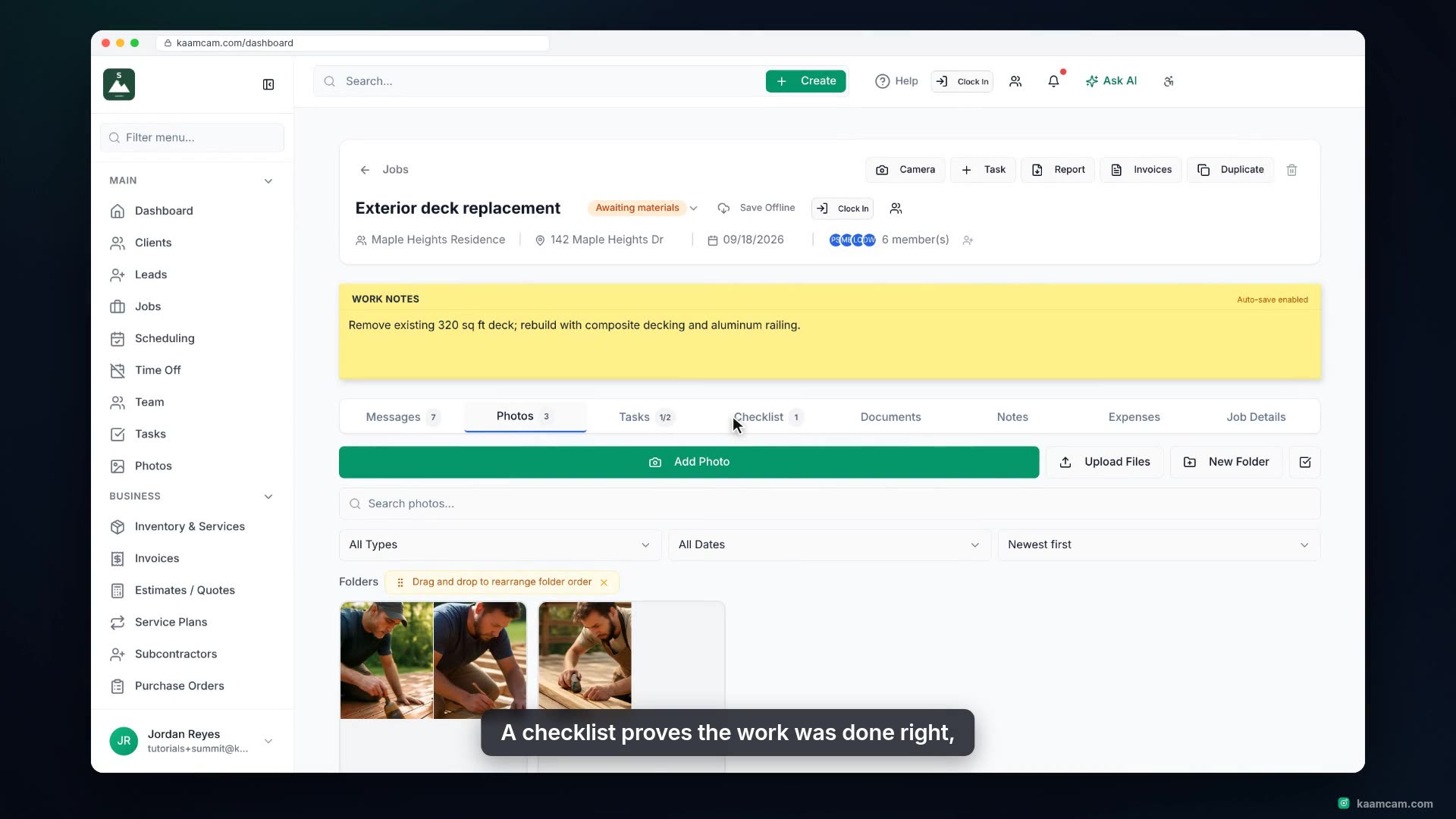
Get around the Jobs page in KaamCam: sort by any column, search by name, client or address, filter by status, and edit location, start date, crew and status right in the list. Then open Configure to rename, recolor and reorder your job statuses, add a custom one like Awaiting materials, and decide whether the whole team sees every job or only the jobs they are assigned to.
 KAAM
KAAM