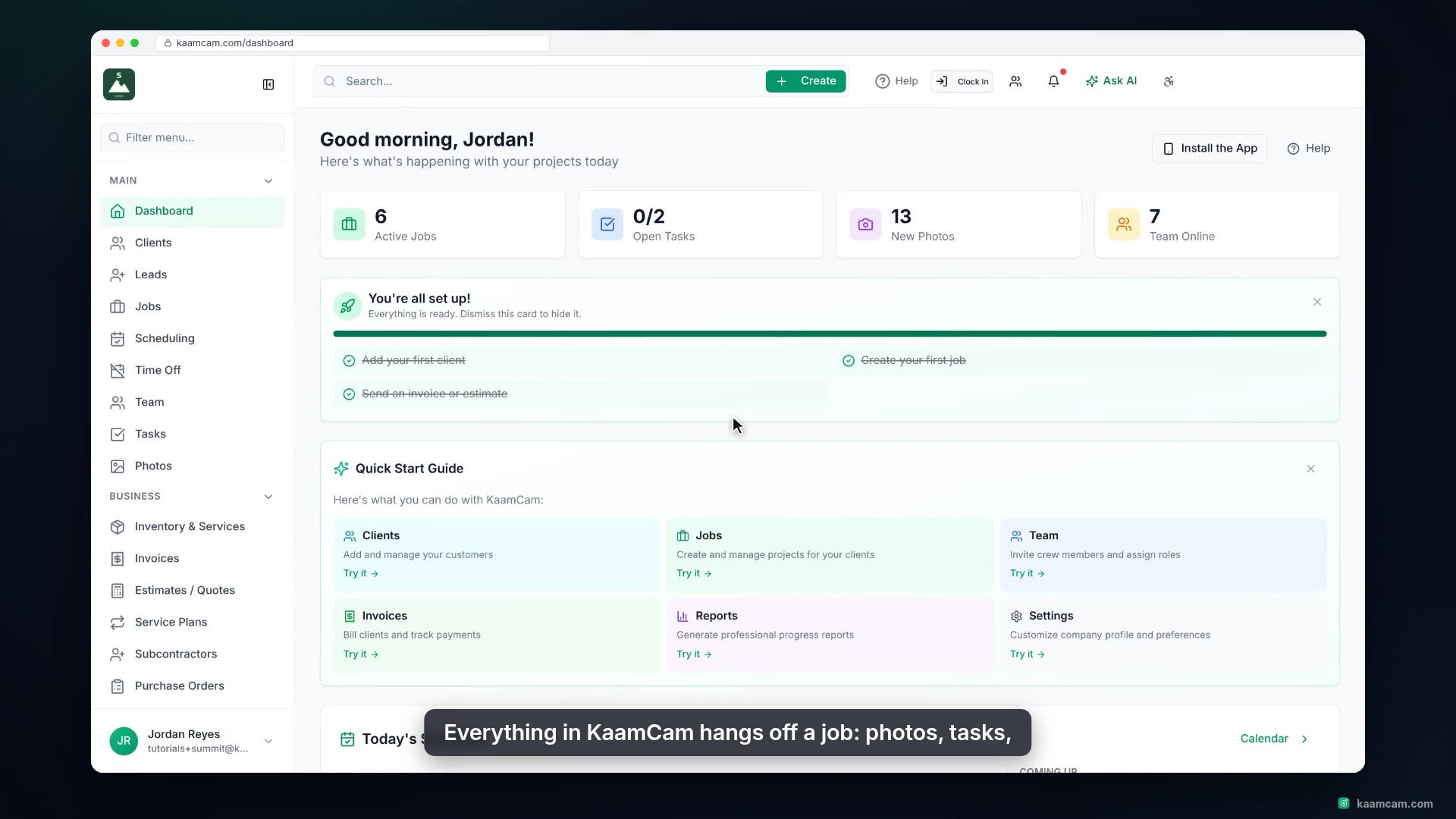
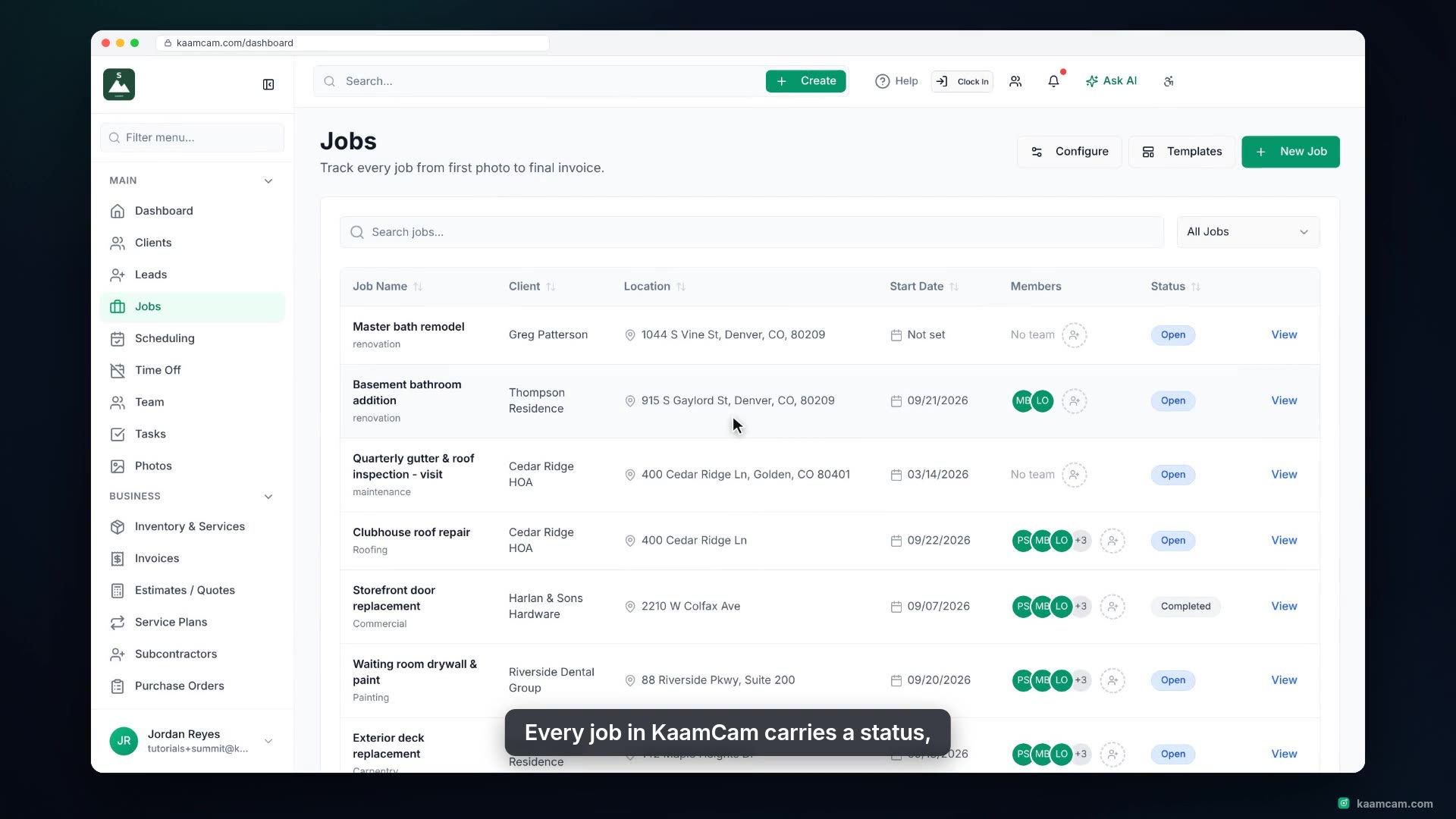
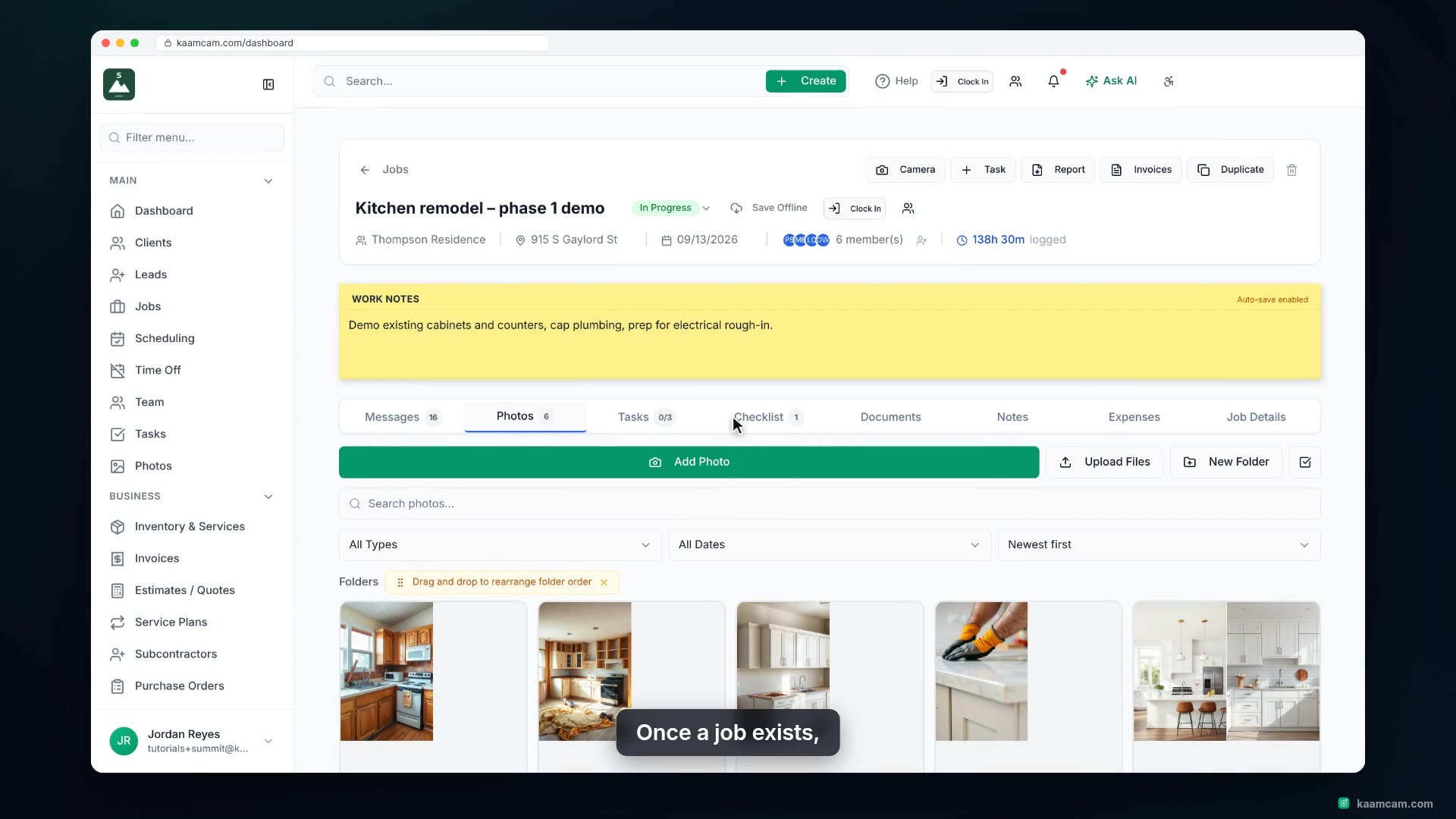
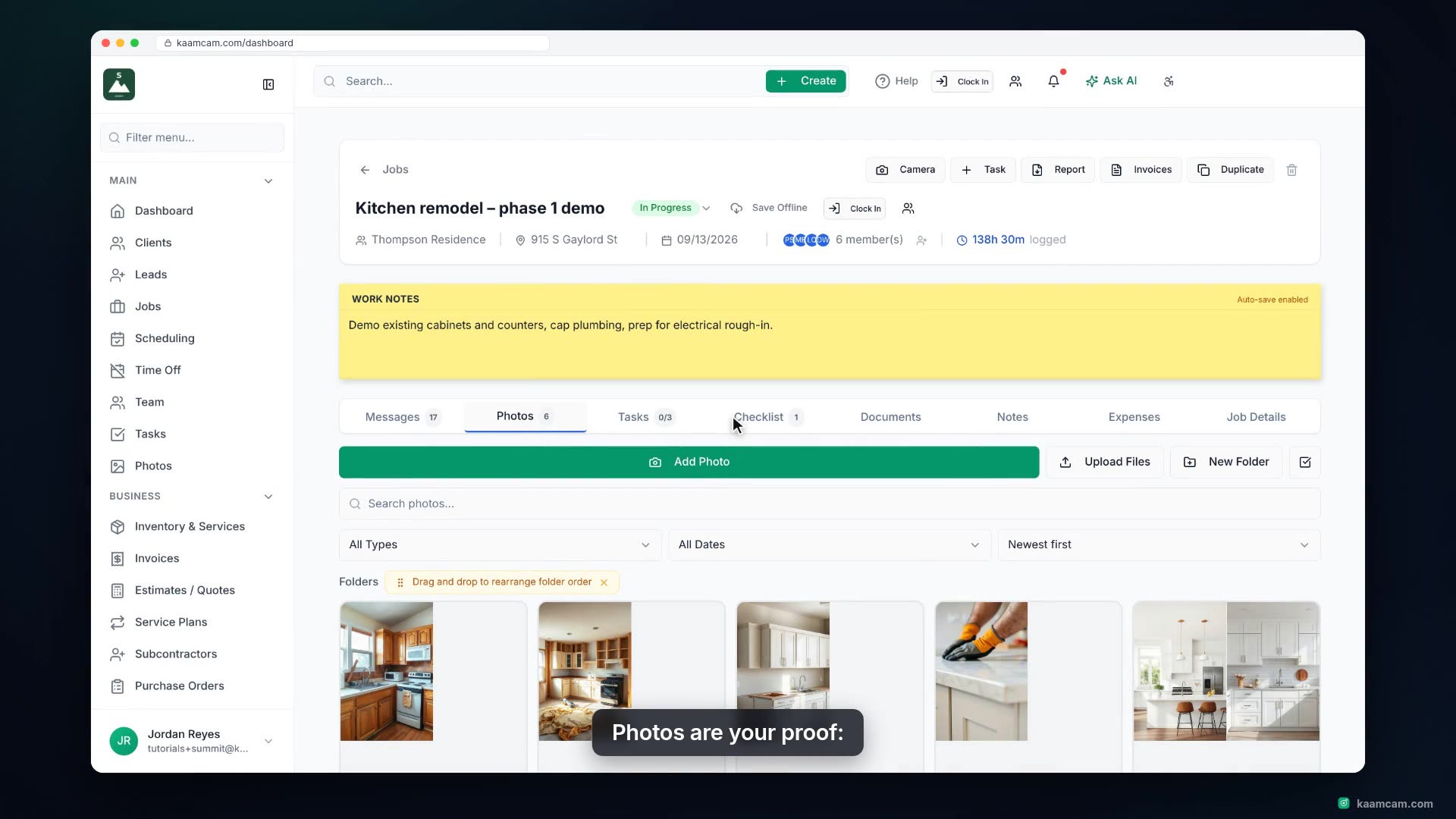
Run a quality or safety checklist on a job in KaamCam: open the Checklist tab, import a saved or starter template, check items off as the crew finishes them, leave a note on an item, add an ad hoc item that requires a photo before it can be closed, attach the proof, and export the finished list as a PDF for the client. Also covers the Checklists templates page and how techs complete the same list on the phone.
 KAAM
KAAM