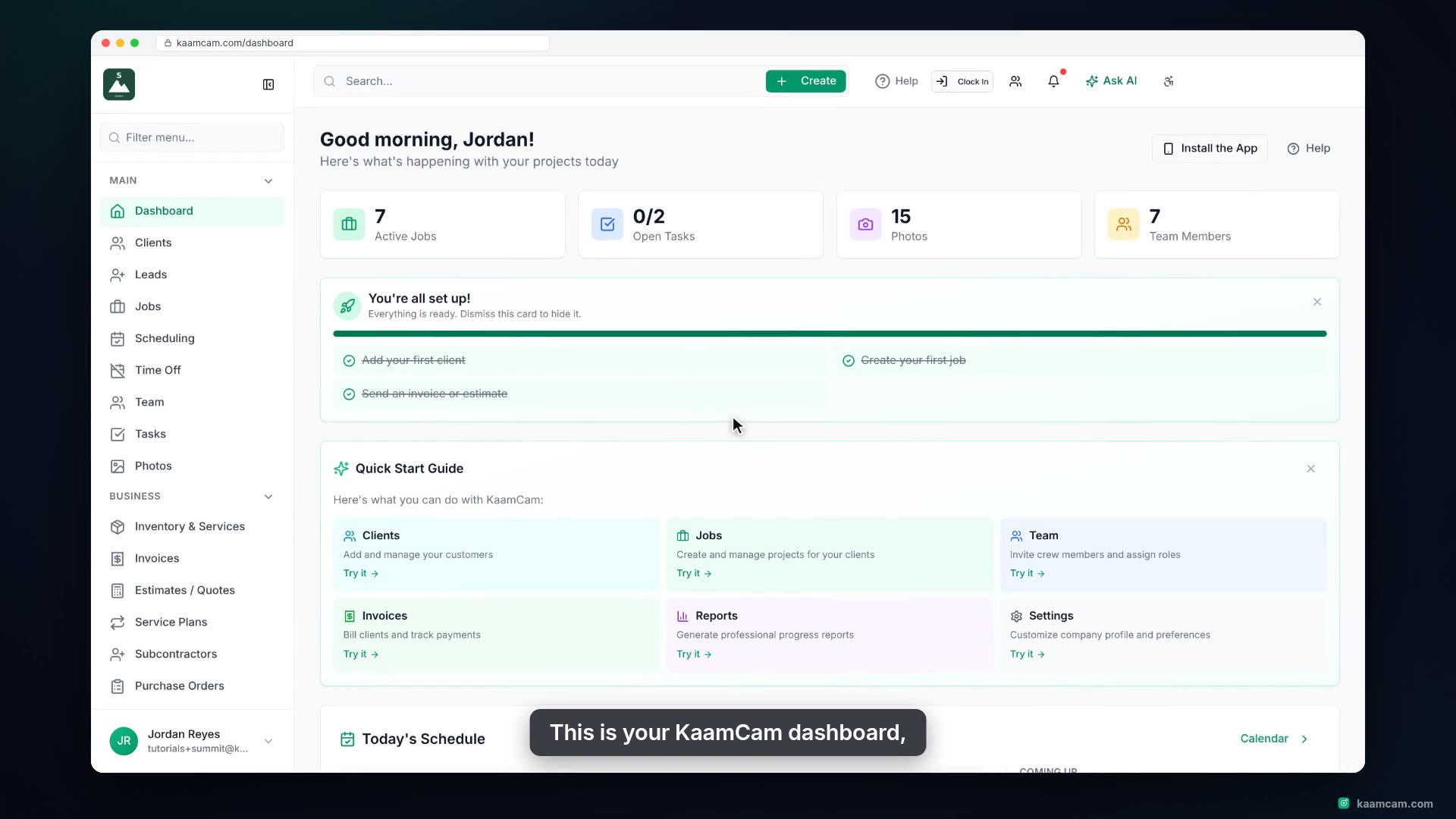
Set up a new KaamCam account the right way: upload and crop your logo, fill in the company details that print on every estimate and invoice, pick your industry, time zone, working hours, language and currency, and learn what the Features, Locations, Time Tracking and Sidebar switches do. Then take the three next steps: invite your team, add your first client and create your first job.
 KAAM
KAAM