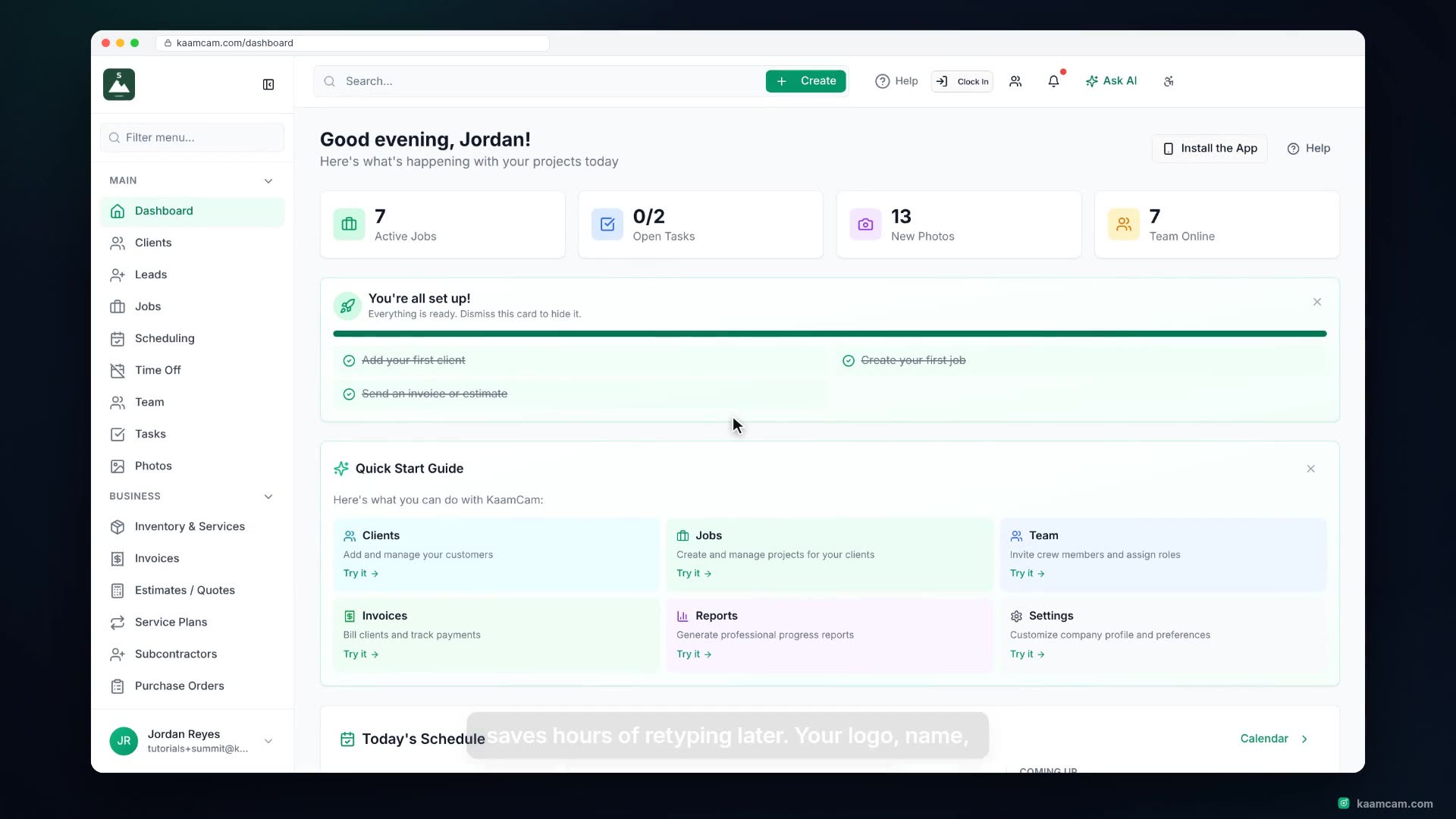
A guided tour of the KaamCam dashboard for new users: the global search and Create menu, Help, Clock In, notifications and Ask AI in the header, the four summary cards, the account setup checklist and Quick Start Guide, Today's Schedule, Recent Activity, your Team, Quick Actions, and the sidebar with its Filter menu, favourites and collapse button.
 KAAM
KAAM