KAAMCAMStart free
Scheduling · Episode 30

The Dispatch Board: Assign and Reassign Crews

Length 3:13Recorded in the real appDownload

About this video

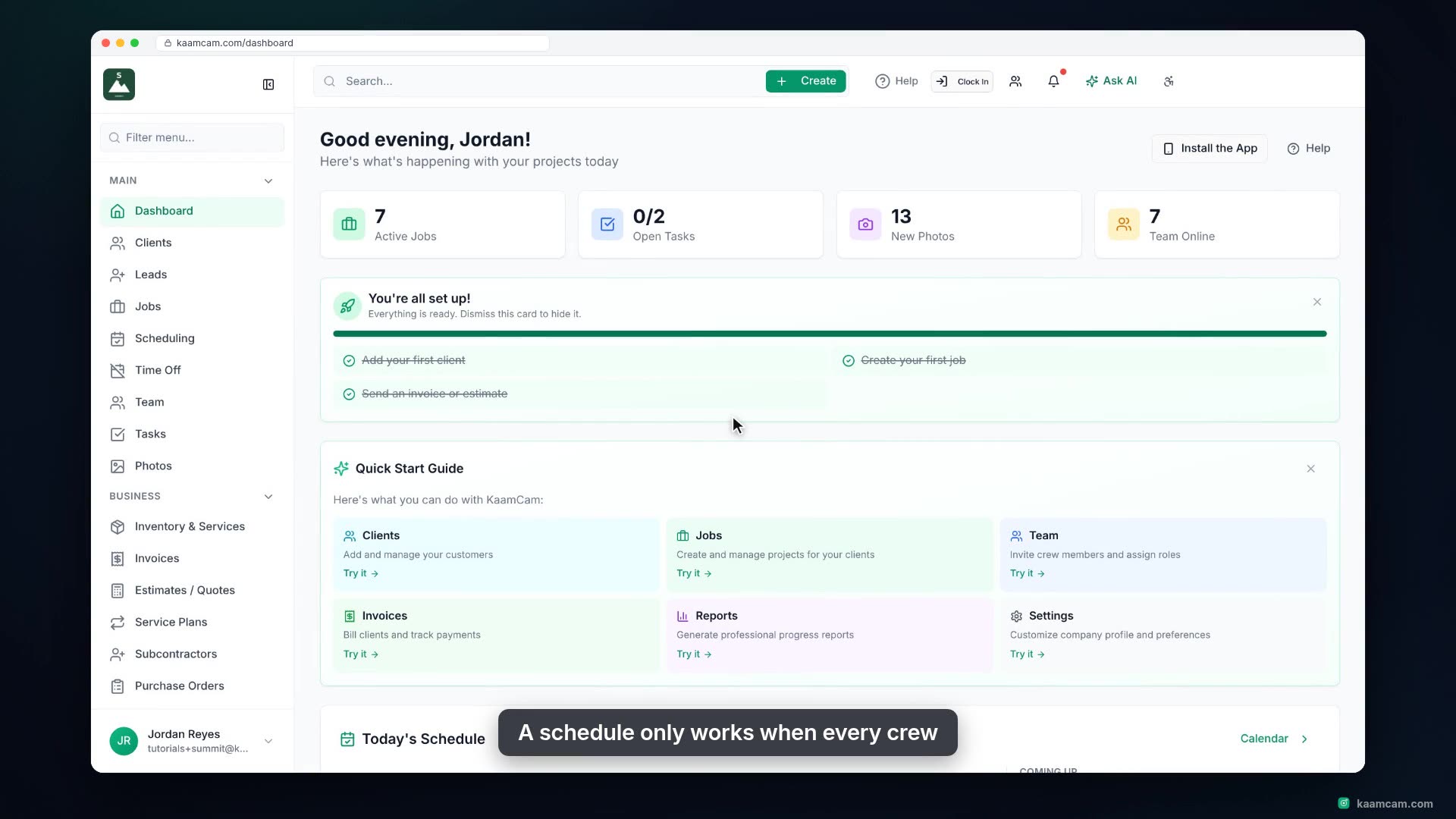
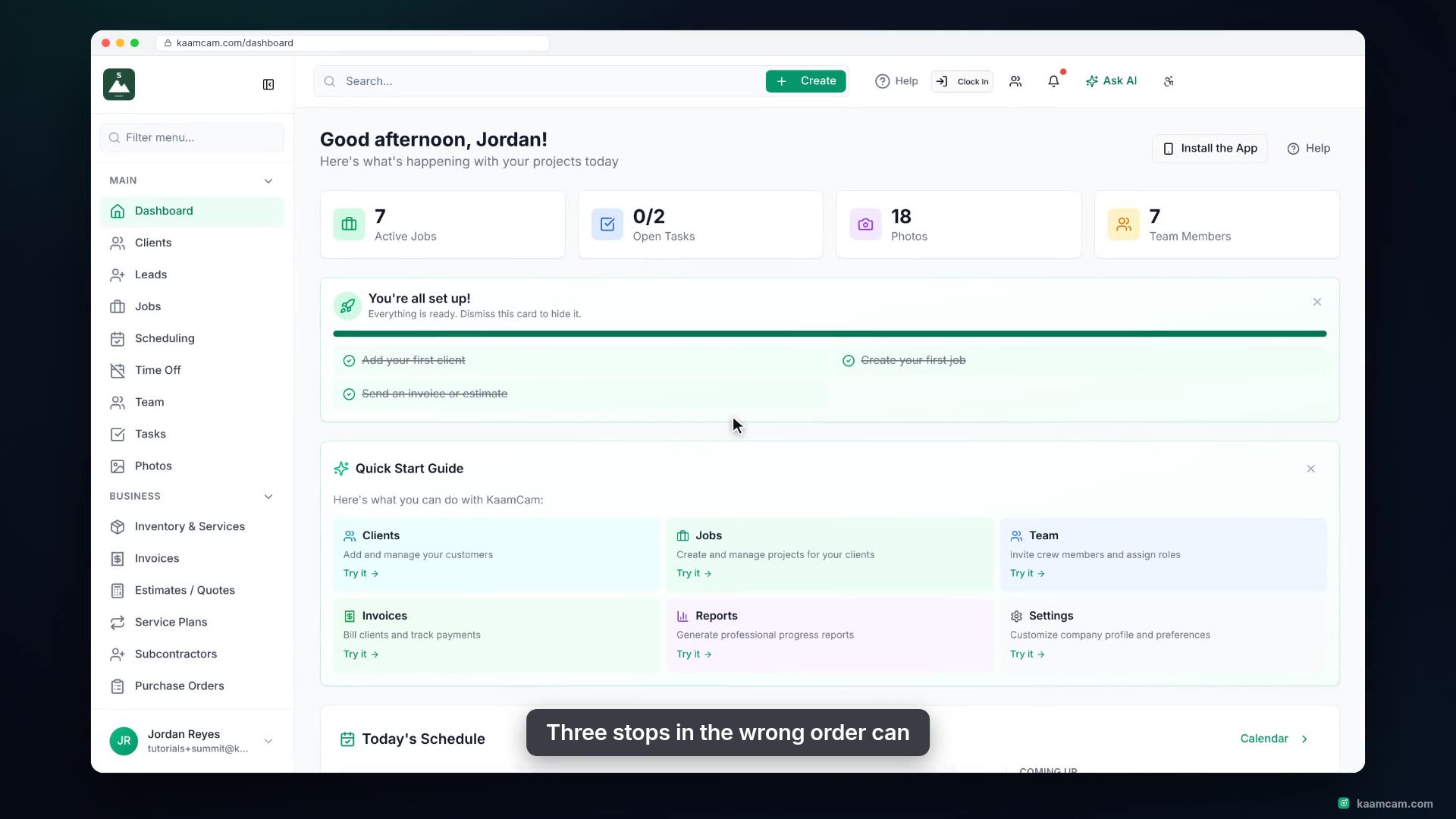
Use KaamCam's dispatch board to hand out the day's unassigned visits: see who has room on the capacity bars, open a visit and pick the crew, let the Scheduling Conflict check catch a double booking, and move work from one person to another when plans change. Plus team groups, time off, location filters, and what the crew sees on their phone.

Chapters

  1. Intro
  2. Open the dispatch board
  3. Read the board
  4. Assign a visit
  5. Catch a double booking
  6. Reassign between crews
  7. Before you assign a day
  8. What the crew sees

Run your next job in KaamCam.

Start free