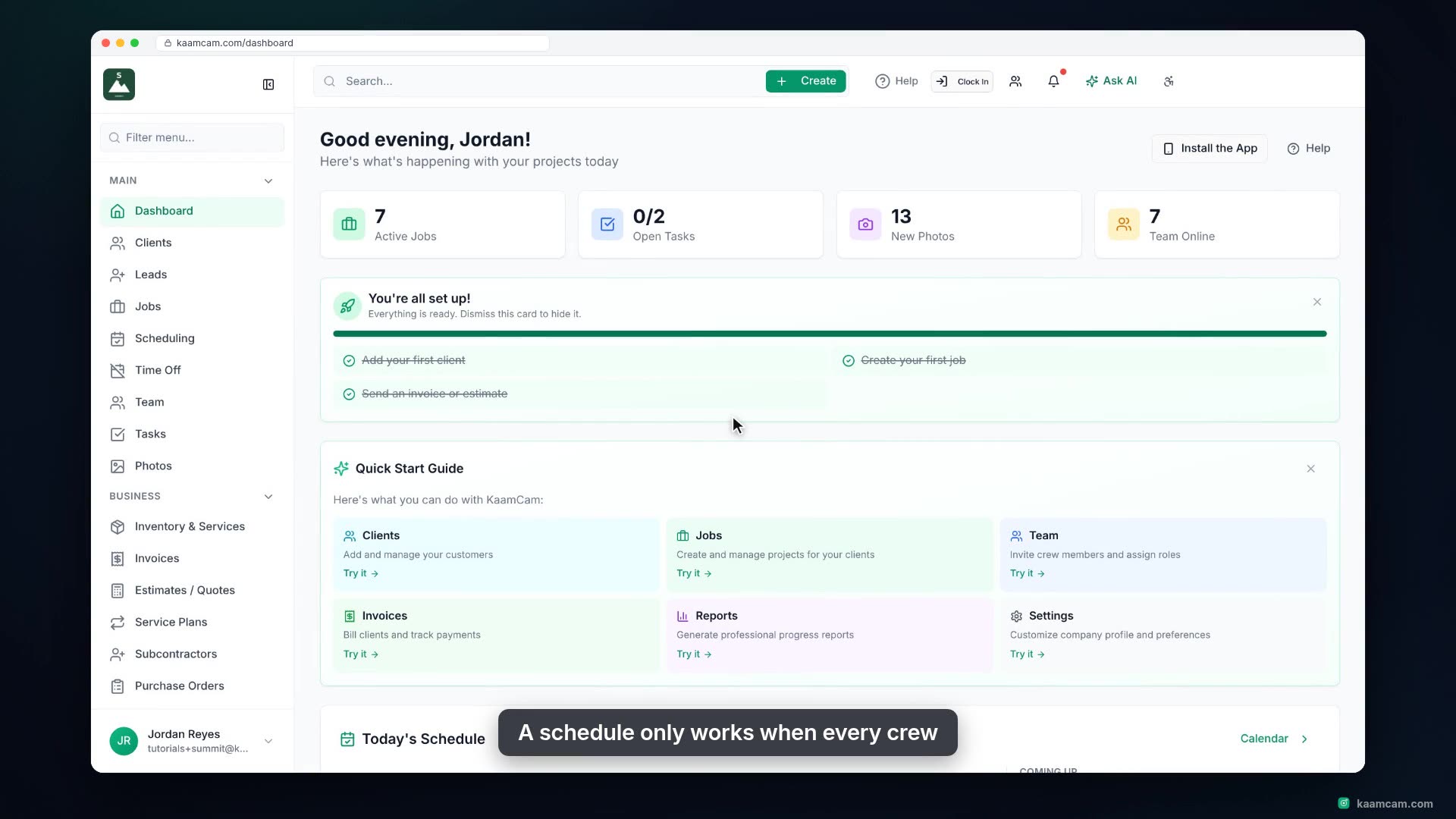
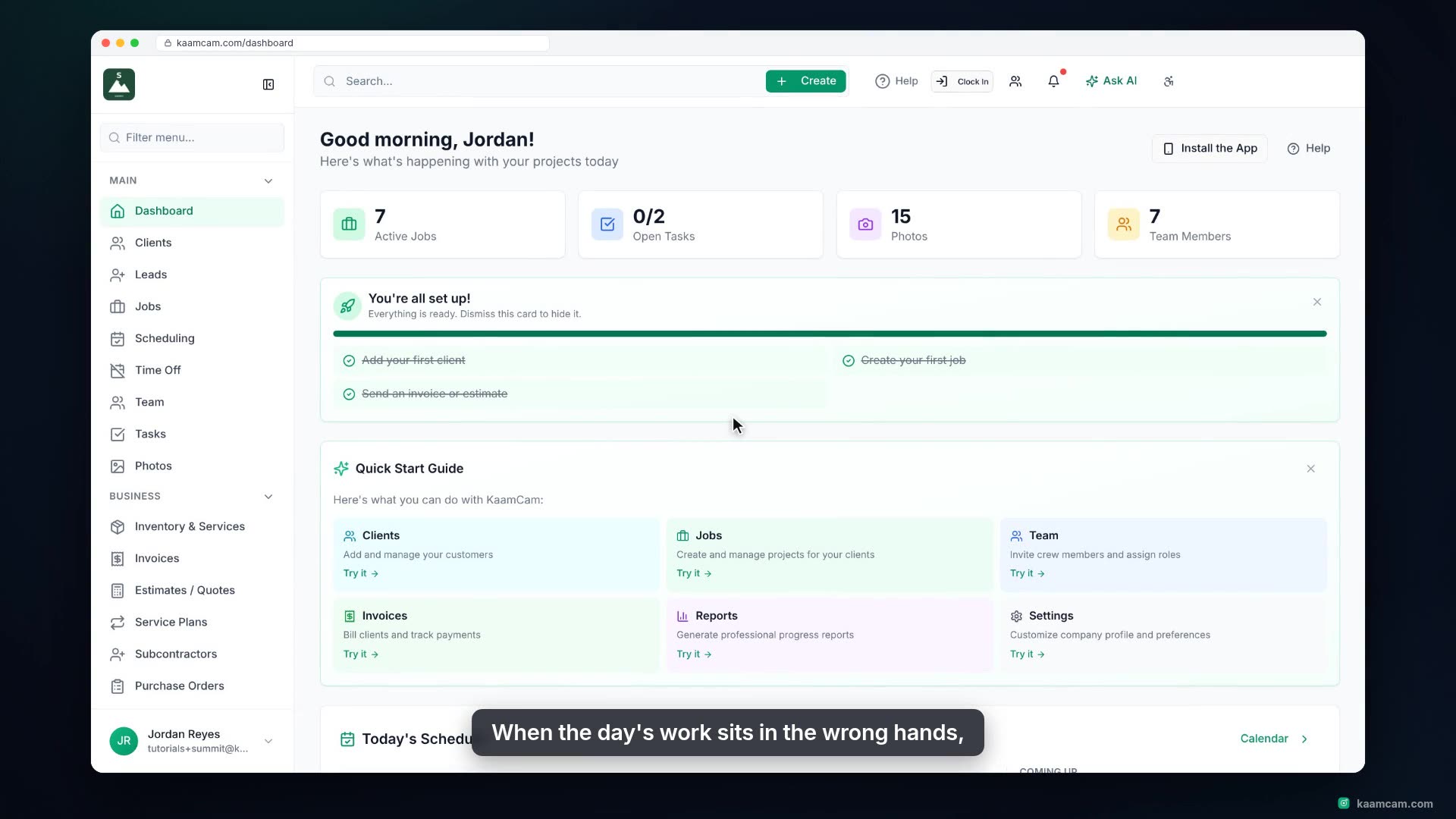
Plan a crew member's day in KaamCam's daily schedule: dashed connectors show the real road driving time and distance between every pair of stops, gaps that are too short are flagged tight, and each crew member's row adds up stops, drive minutes and miles. Click Optimize routes to reorder the day into the shortest route and re-time the stops, see the Start from office and Reschedule day tools, open a stop for Navigate and Start Drive, then see the route drawn on the Map tab and what the crew sees on the phone.
 KAAM
KAAM