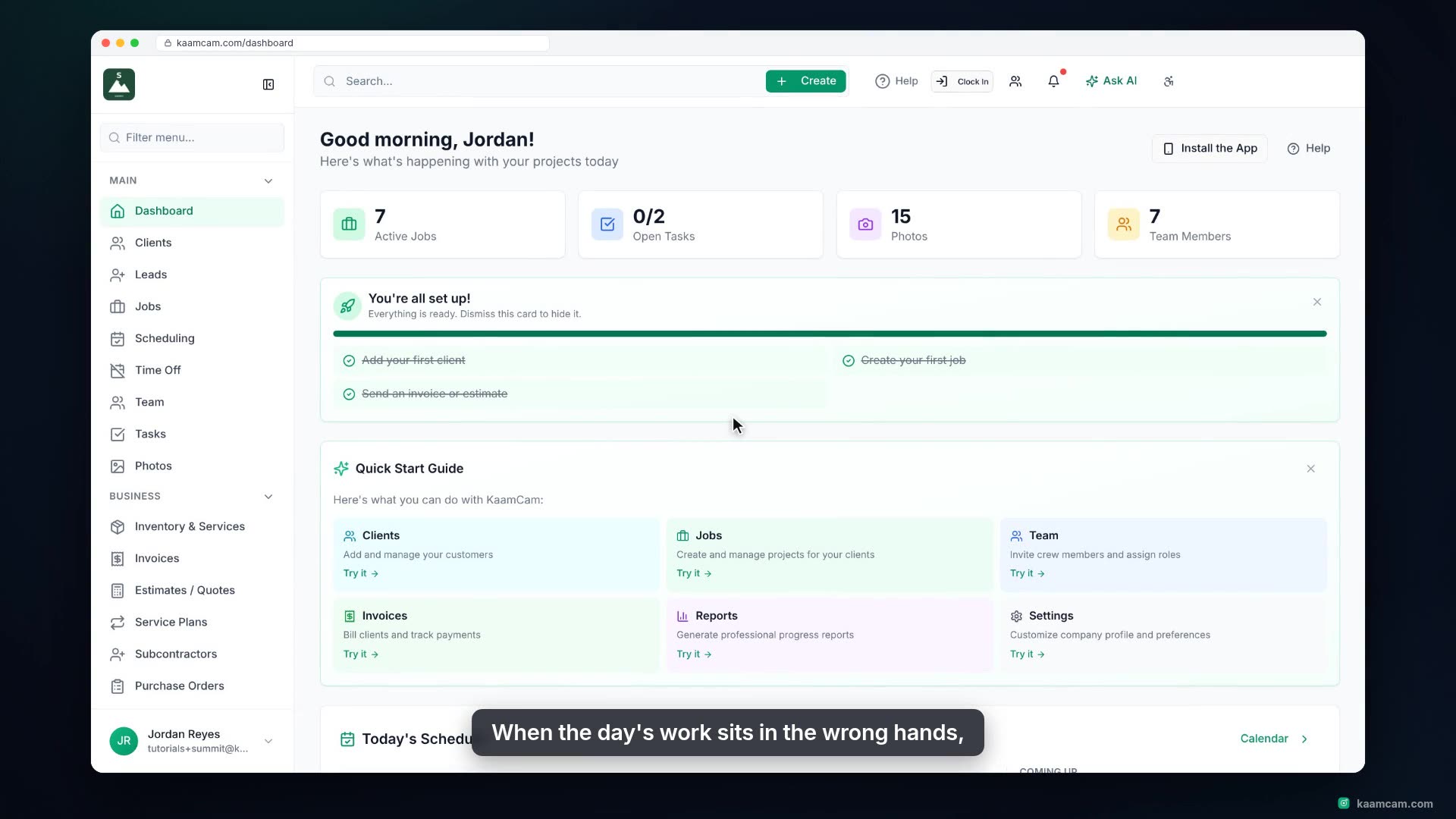
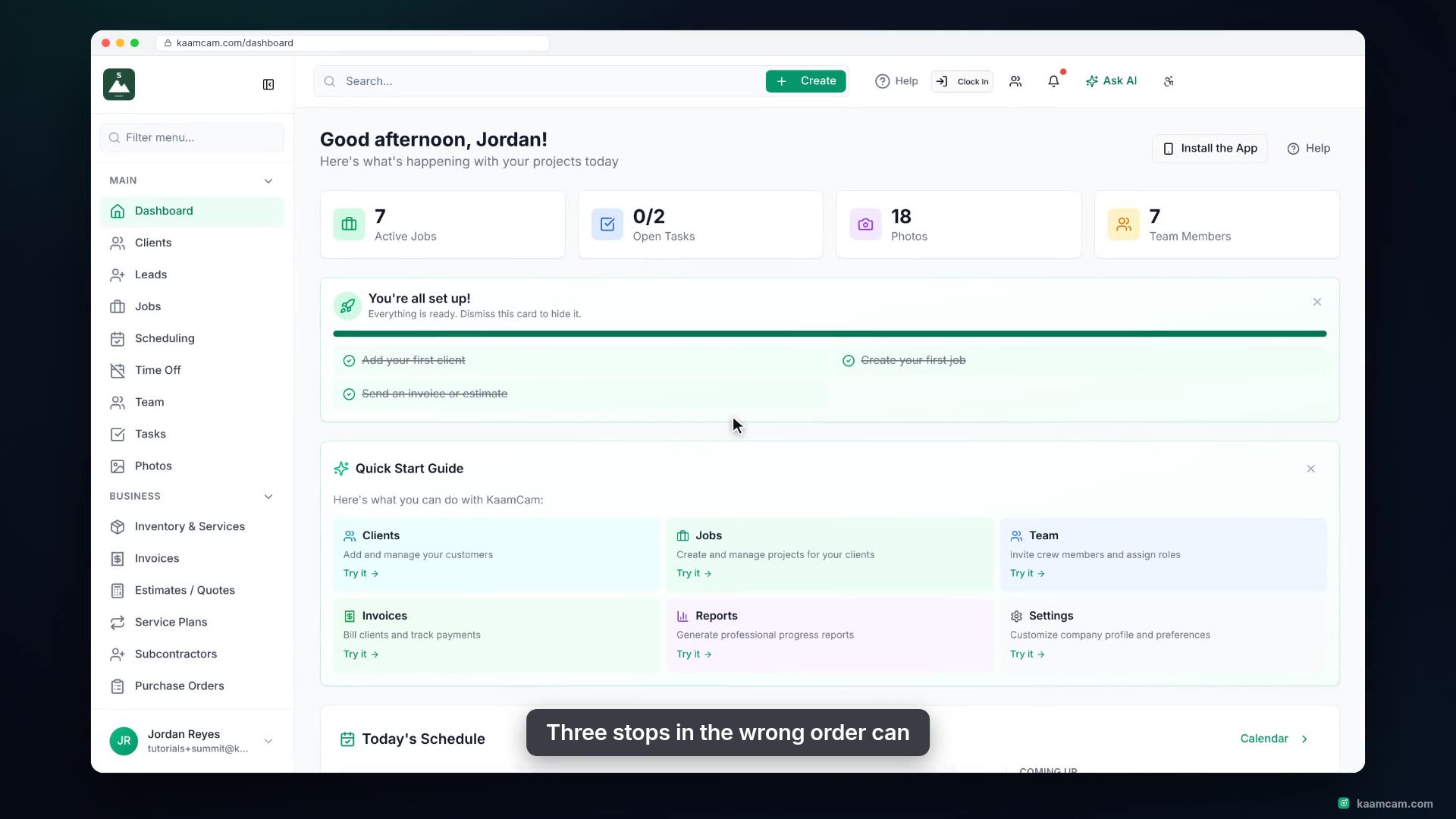
Schedule a visit in KaamCam straight from the daily timeline: click an empty slot on a crew member's row and the Create Visit dialog opens with that person, the day and the start time already set. Link a job so the client and address fill in, attach a site form, and watch the visit land on the board with the drive time to the next stop. Then see the Weekly, Dispatch and Map views, the route tools for planning a whole day, and what the crew sees on their phone.
 KAAM
KAAM