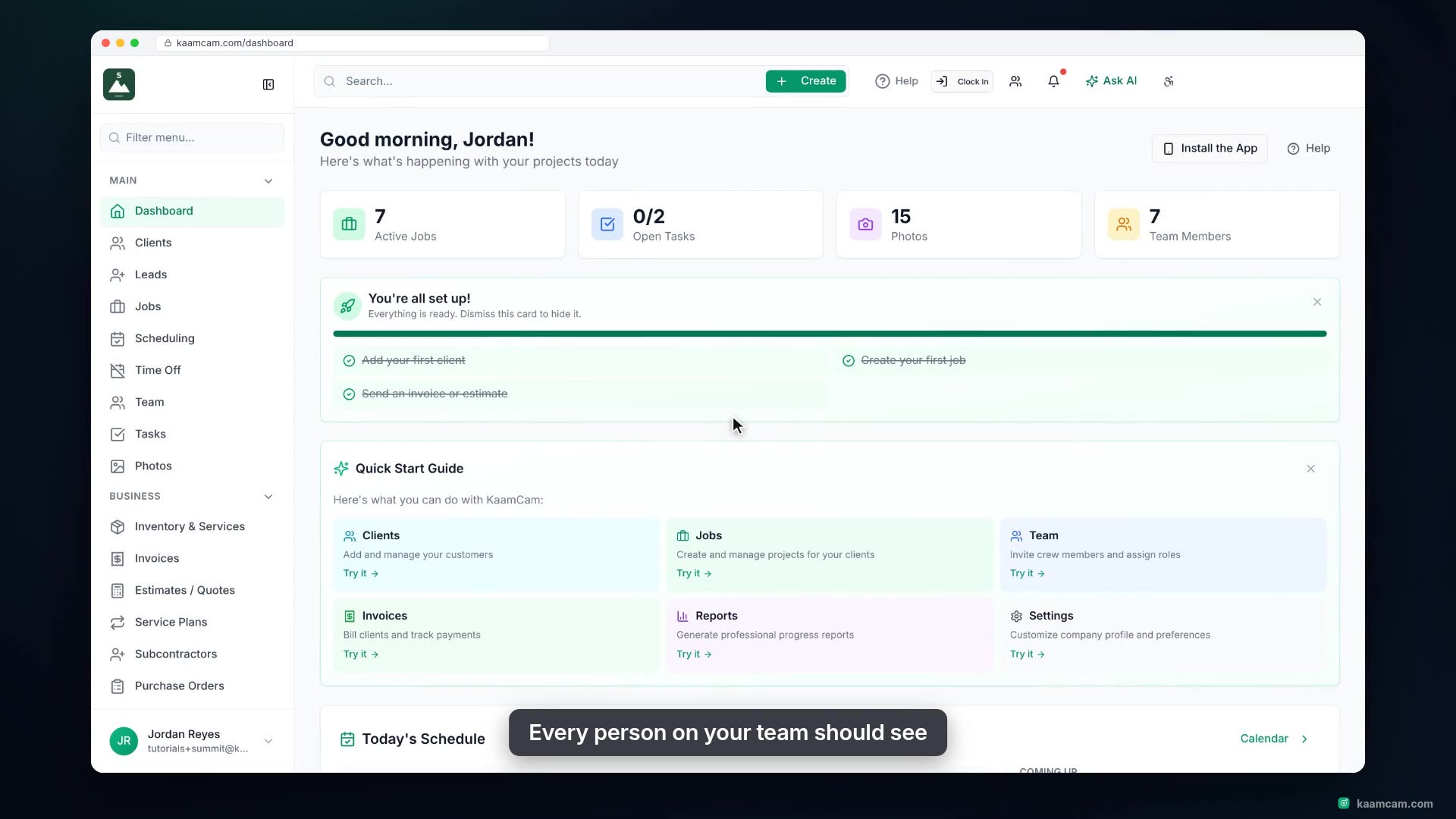
Add your crew to KaamCam: open the Team page, add a new field tech, pick the role that fits, and share their sign-in details by email, text, or a temporary password. Learn what Admin, Office, Foreman, Field Tech and Contractor can each do, where to fine-tune permissions per role, how seats work, and how subcontractors can get notifications without a seat.
 KAAM
KAAM