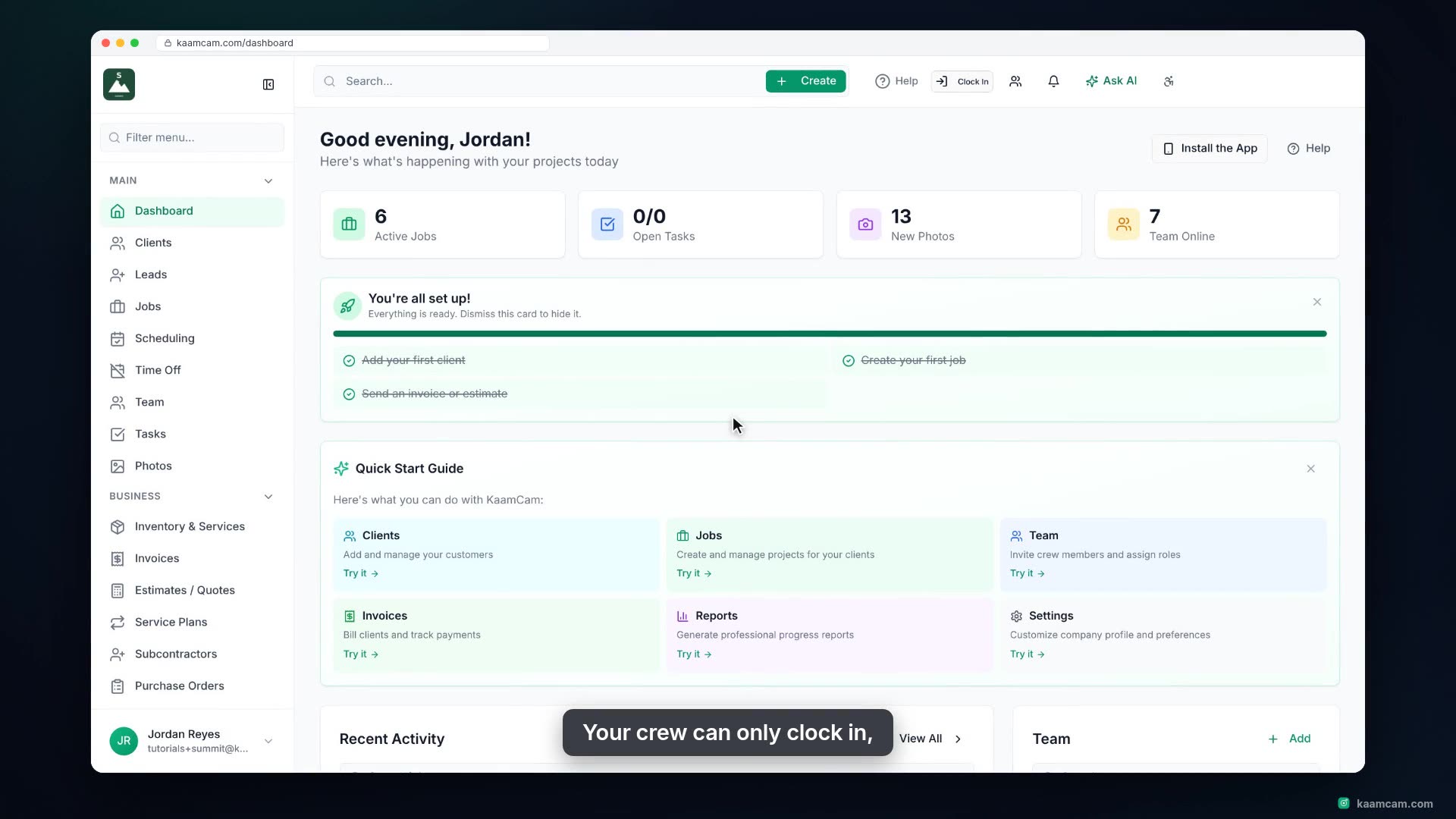
Understand who can do what in KaamCam: the five roles (Admin, Office, Foreman, Field Tech, Contractor), the Role Permissions sheet with its nine switches and per-role defaults, the All Jobs Visible to Team rule that decides which jobs your crew sees, and per-role sidebar hiding in Company Settings. Then sign in as a field tech and see the reduced sidebar, the assigned-jobs-only list, and the Team page without admin controls.
 KAAM
KAAM