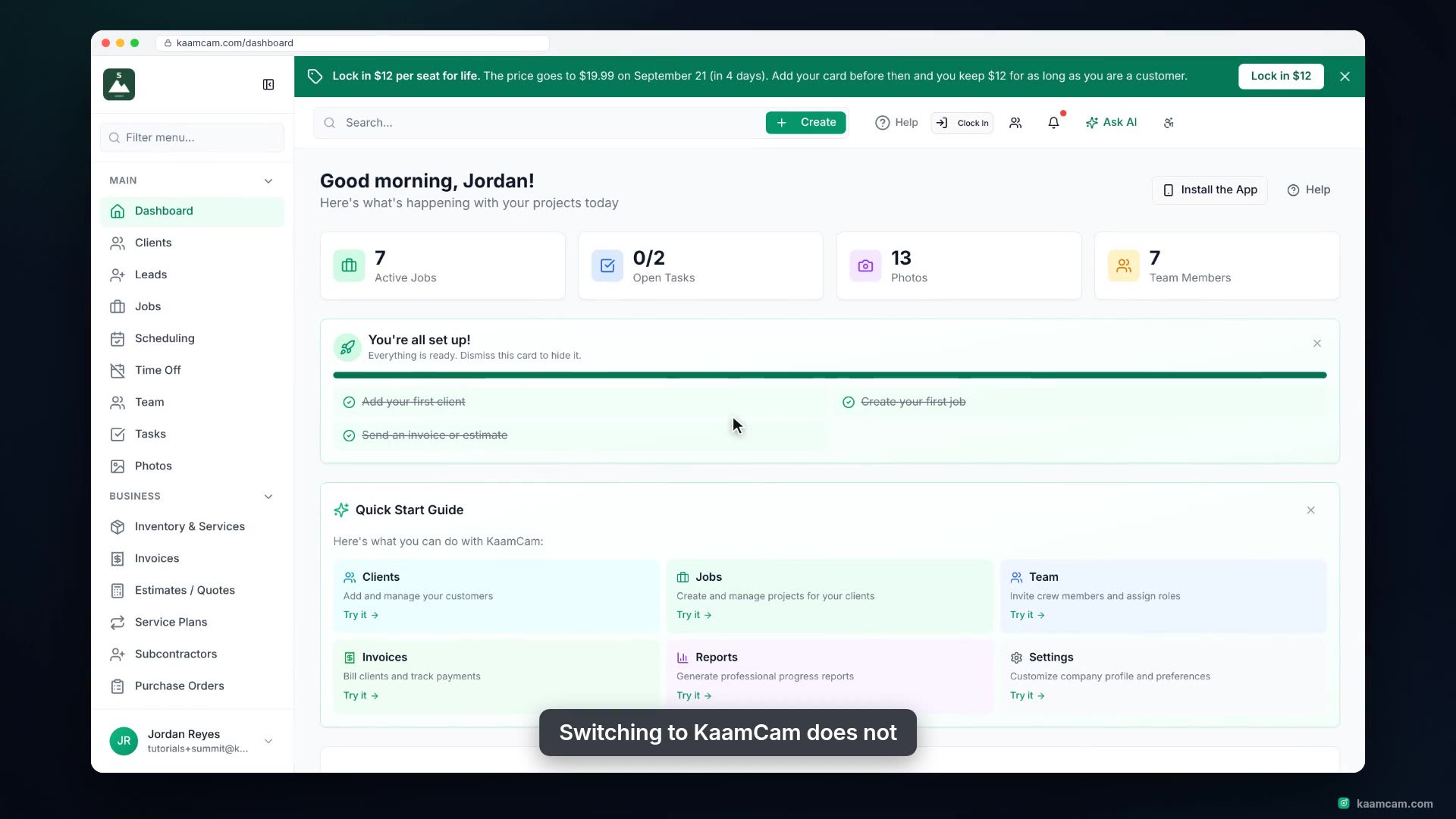
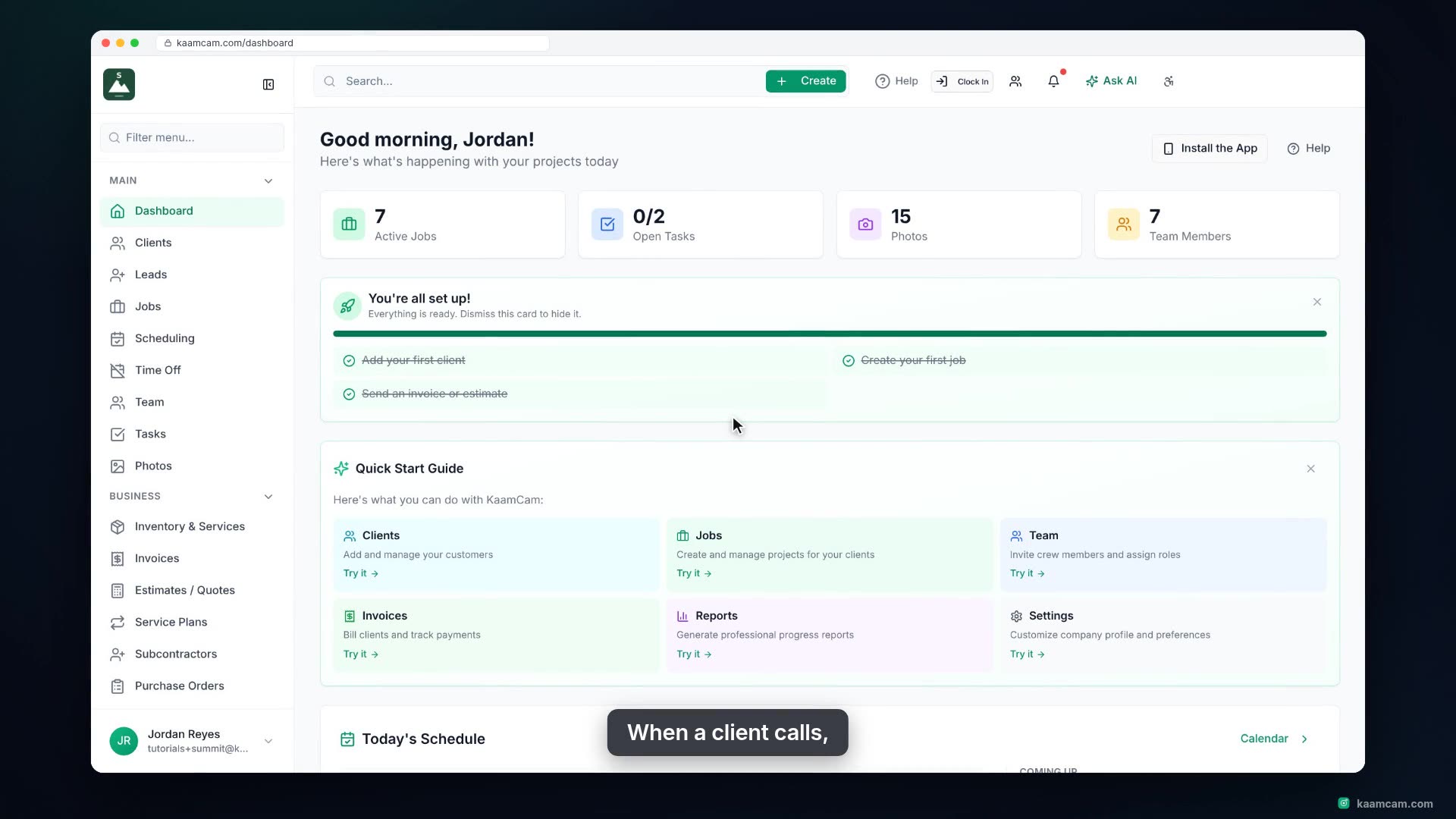
Add a client in KaamCam the right way: company name and contact person, primary and secondary email and phone, an address that autocompletes into city, state and ZIP, plus the custom fields and linked contacts you set up under Configure. Then see what the new client profile gives you: contact card, client portal, and tabs for jobs, visits, invoices, estimates and reports.
 KAAM
KAAM