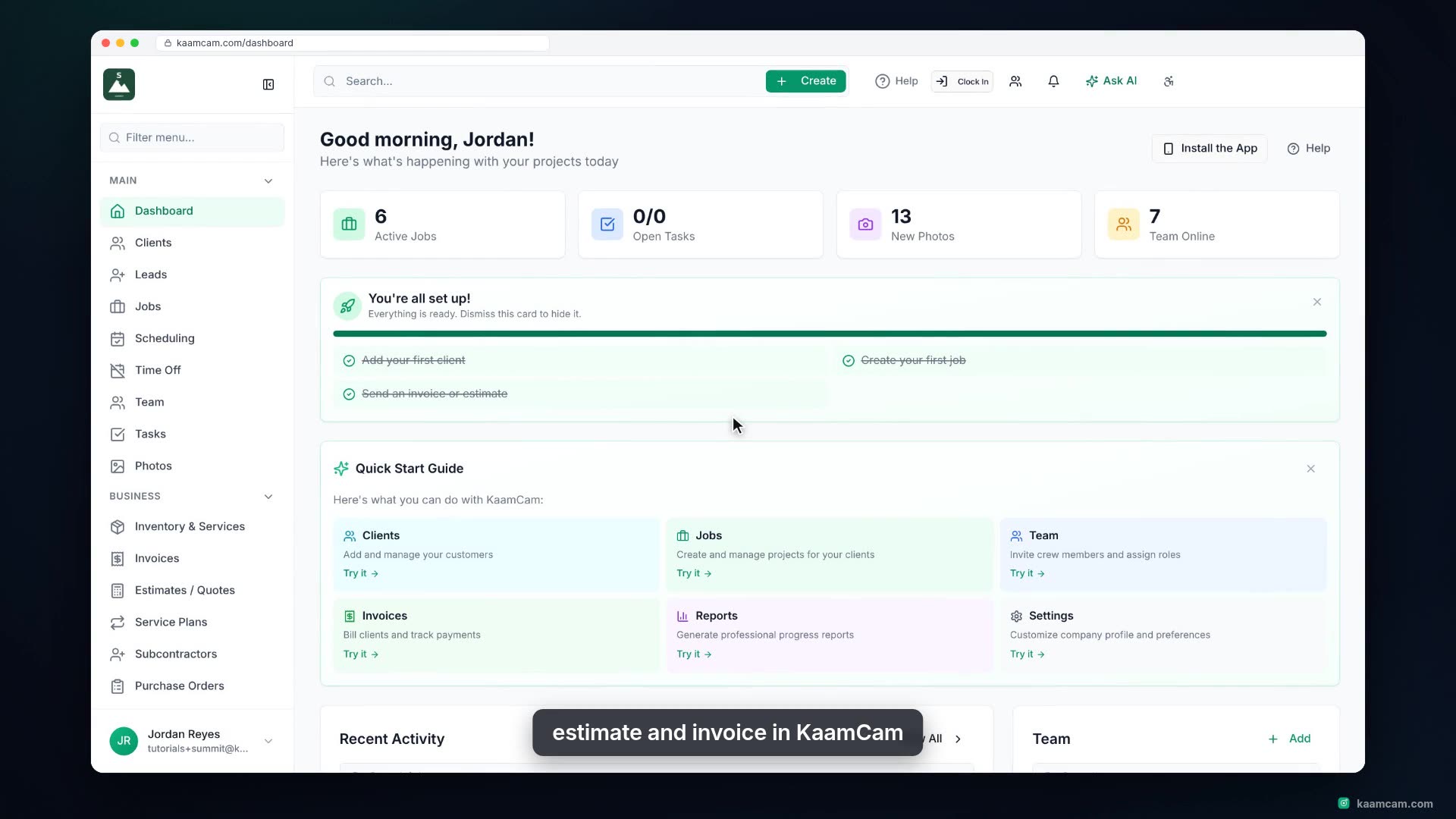
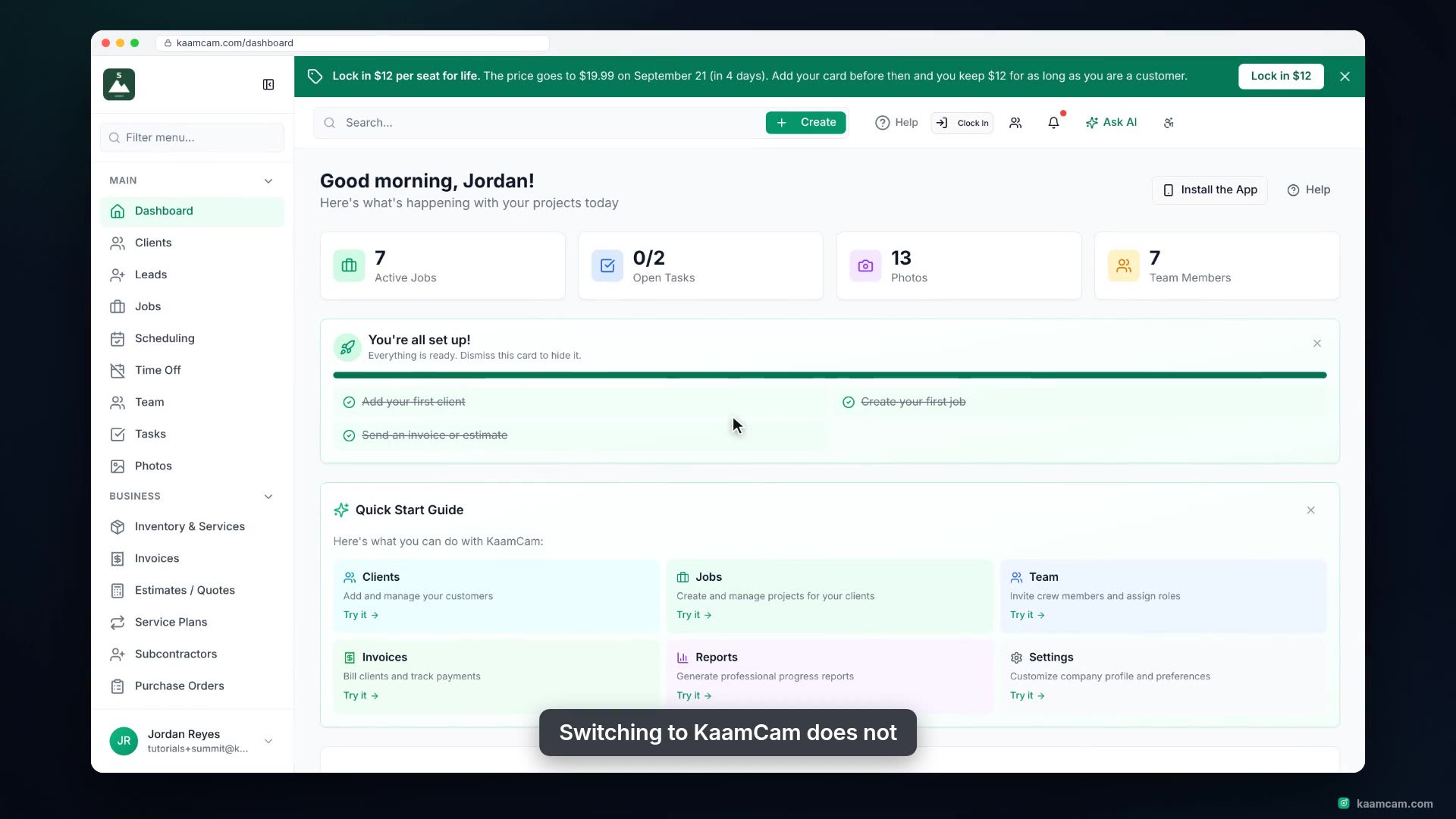
Open a client profile in KaamCam and see everything about that client in one place: contact details, linked contacts, the client portal, per-client billing rules, and tabs for jobs, clock-in visits, invoices, estimates and PDF reports. Open a job and an invoice straight from the profile, link a property manager from your Contact Directory, and generate a branded client report.
 KAAM
KAAM