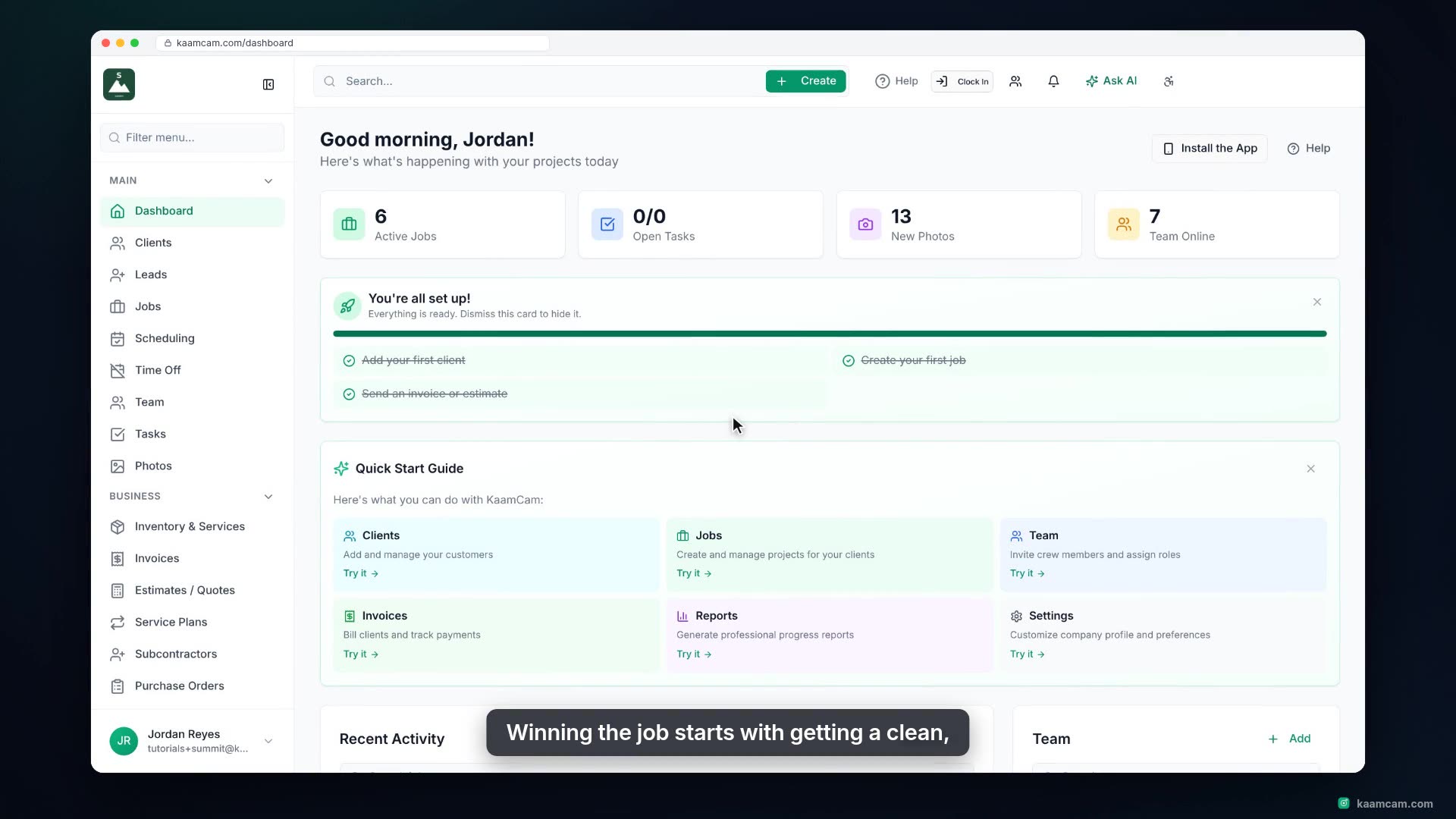
Turn an accepted estimate into a job in KaamCam with one click: the client, contact details, site address and quoted revenue carry over. Rename the job, see the estimate linked from the job, schedule the first crew visit from Scheduling, and see how Create invoice on the same estimate bills a deposit, a percentage or the remaining balance.
 KAAM
KAAM