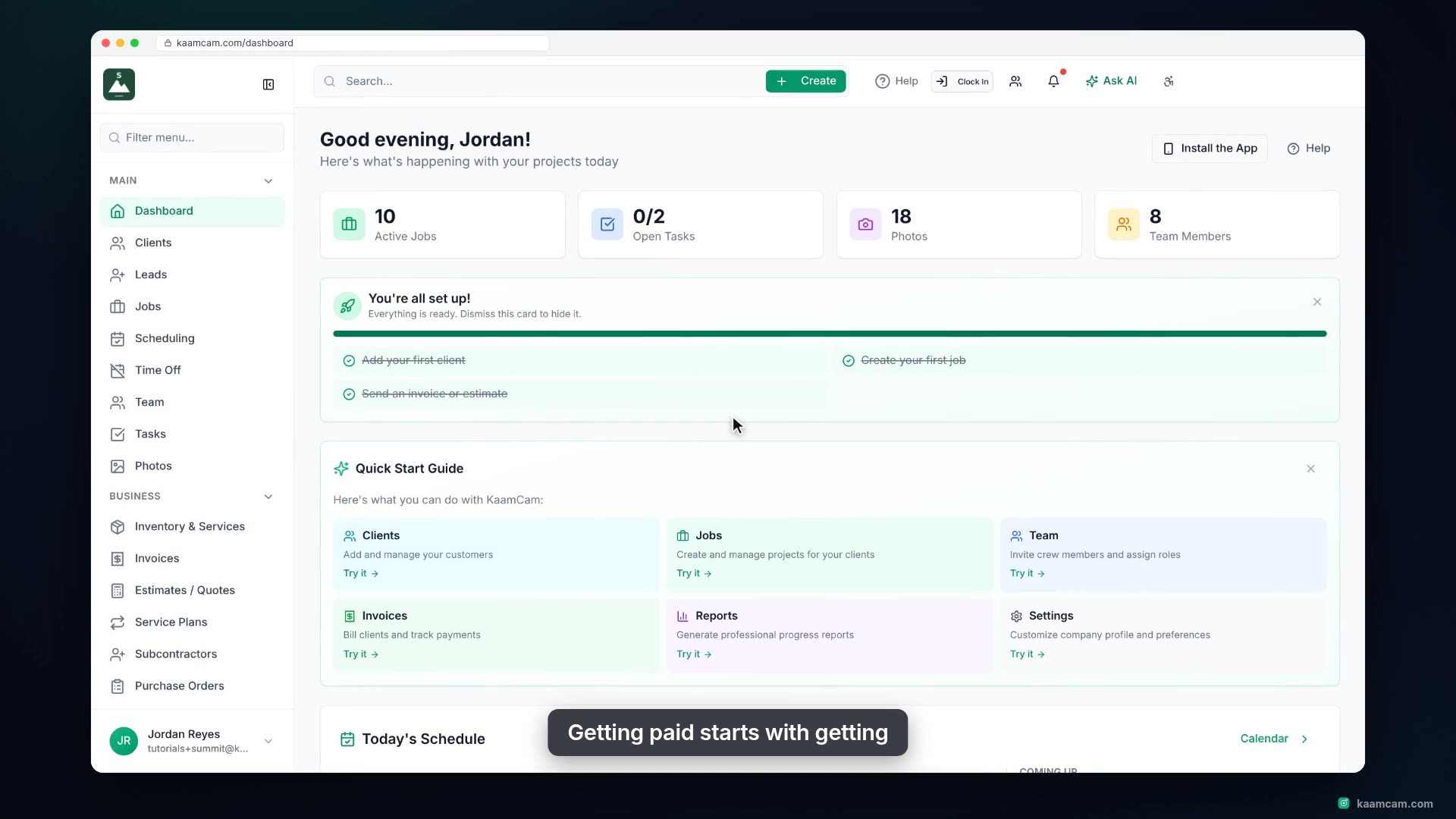
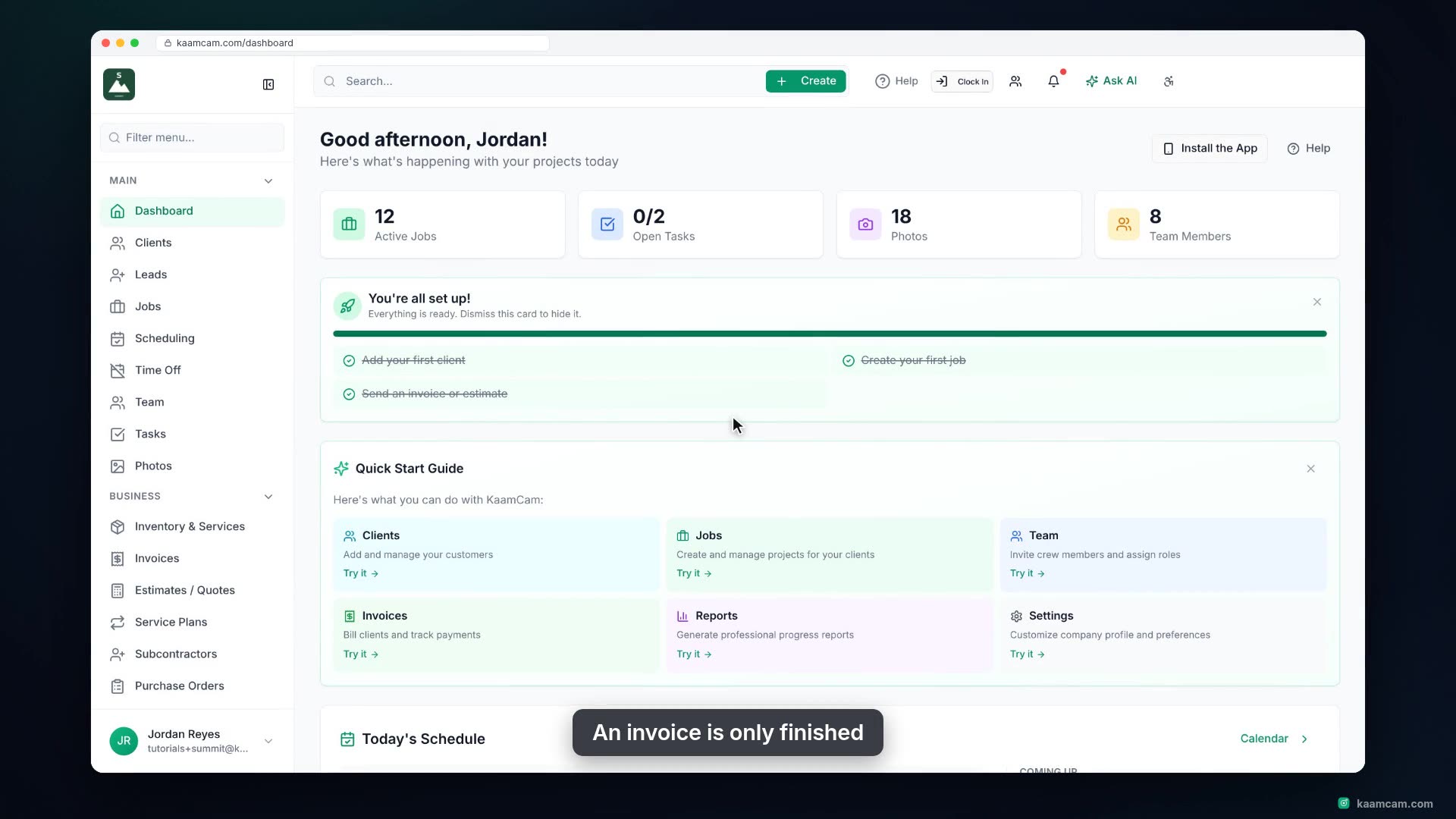
Turn a finished job into a sent invoice in KaamCam: mark the job Completed, open Invoices from the job header, and start an invoice with the client, the job and the logged materials already filled in. Then add labor from your price book, set tax, send it, and see where the invoice shows up on the job and on the client profile.
 KAAM
KAAM