KAAMCAMStart free
Invoices · Episode 54

Create and Send an Invoice

Length 3:50Recorded in the real appDownload

About this video

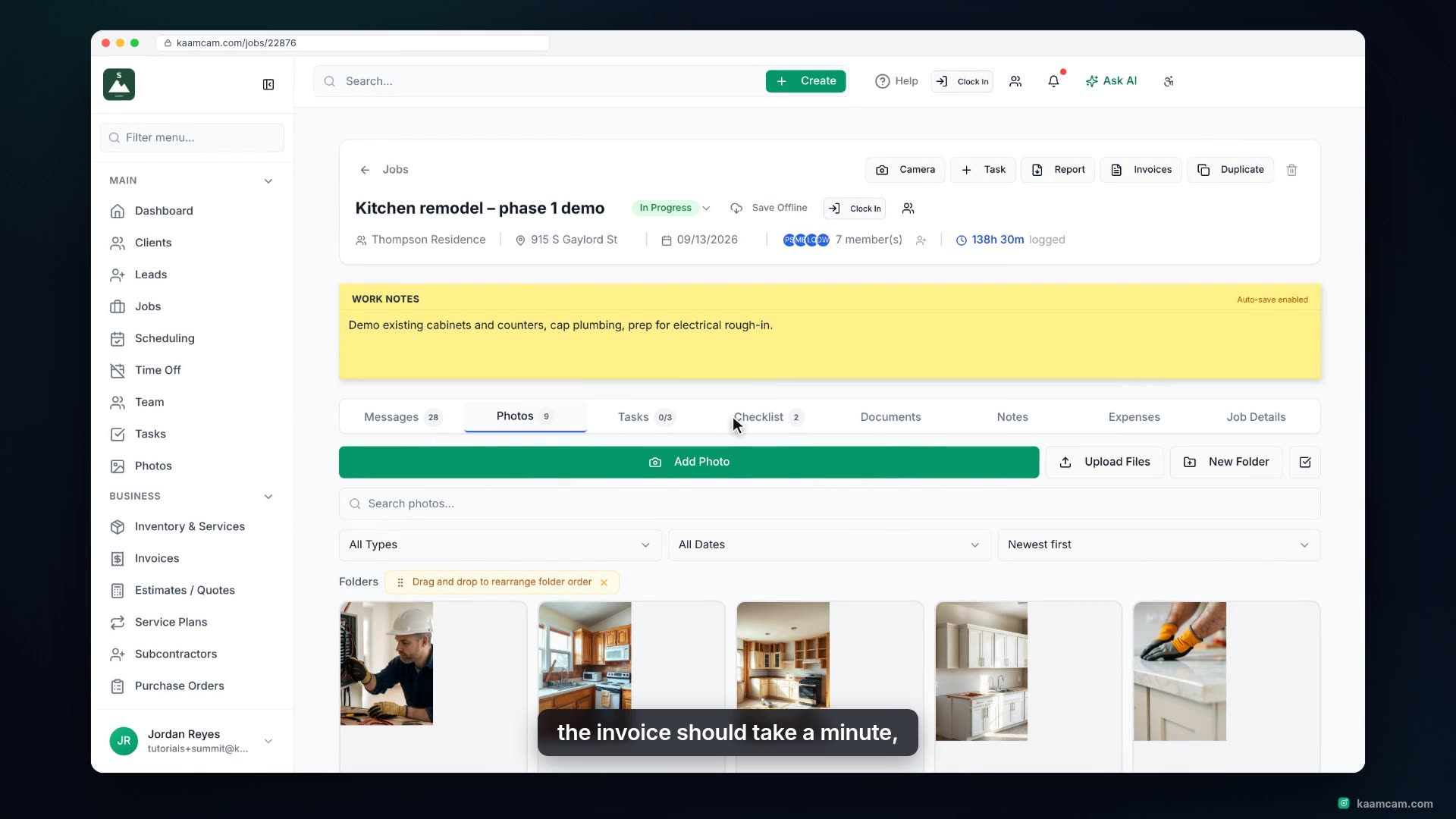
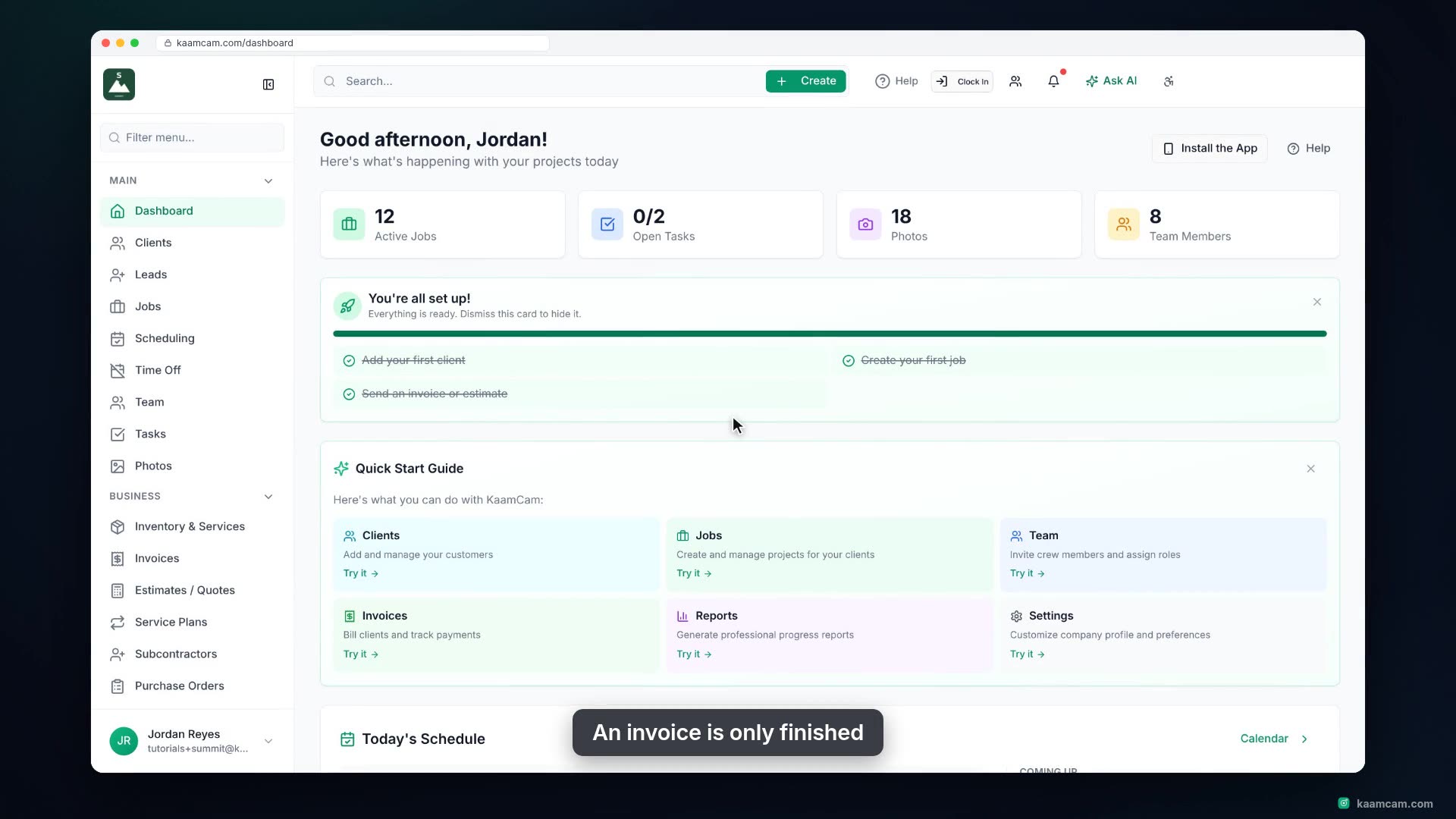
Build a professional invoice in KaamCam: pick the client, link the job, pull priced line items straight from your price book, set tax and terms, and send it with the PDF attached. Then see exactly what your client receives, and record the payment when it lands.

Chapters

  1. Intro
  2. Open Invoices
  3. Create the invoice
  4. Price it from your price book
  5. Payment and signature
  6. Review and send
  7. What the client sees
  8. Record the payment

Run your next job in KaamCam.

Start free